If needed, you can change the status of a leave request from approved to declined and vice versa. You can edit the status of requests either from the leave calendar or the list view.
To approve a declined leave request from the leave calendar, click on the request to open it. Then click the green Approve button. The newly approved leave will now appear on the Leave calendar and in the Approved tab.
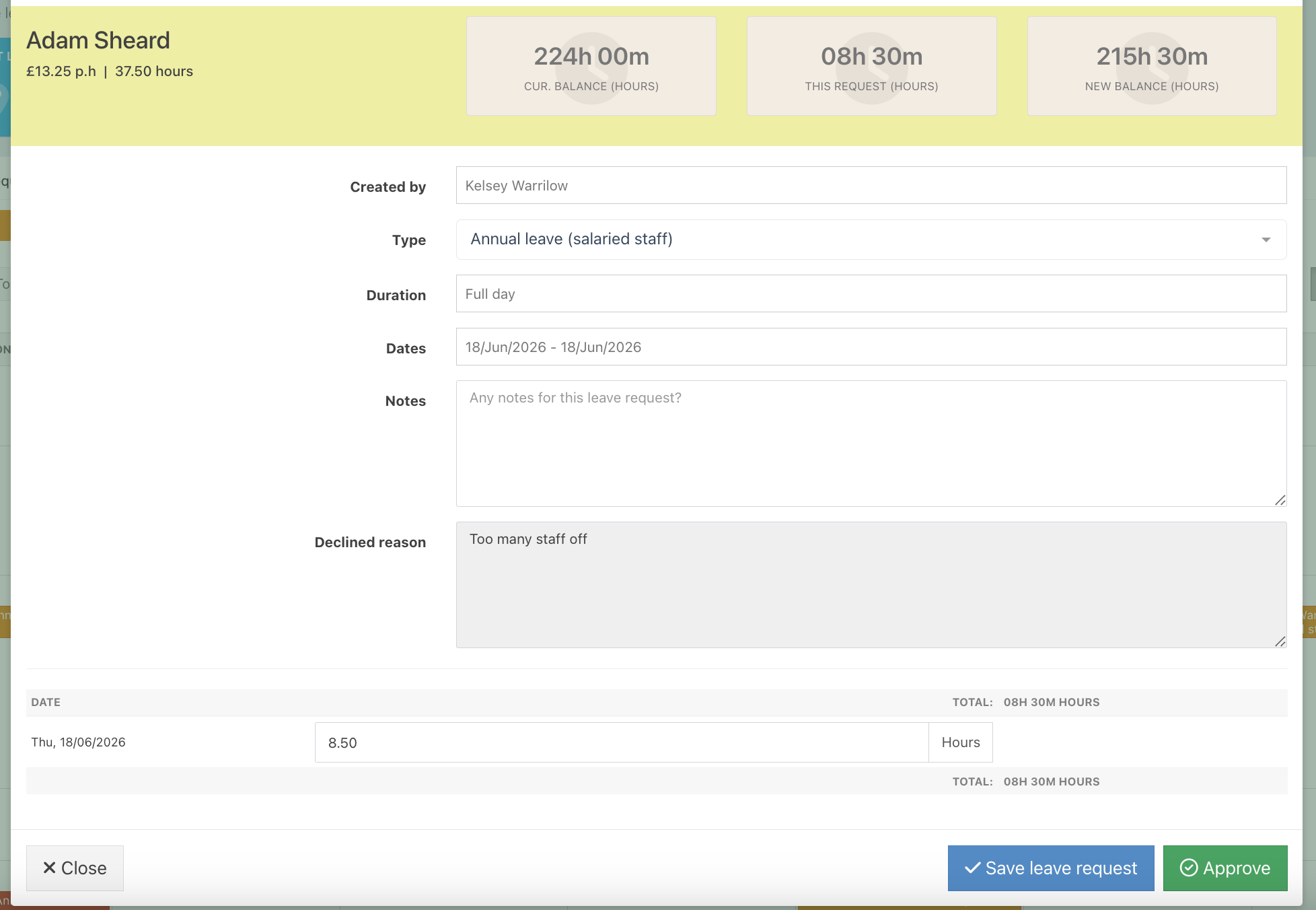
Alternatively, in the List view, click the Declined leave tab, then click the green tick button on the correct row.

To decline an approved request from the leave calendar, locate the request and open it. Then click the red Decline button.
The newly declined request will be removed from the Calendar and will now appear in the Declined tab.
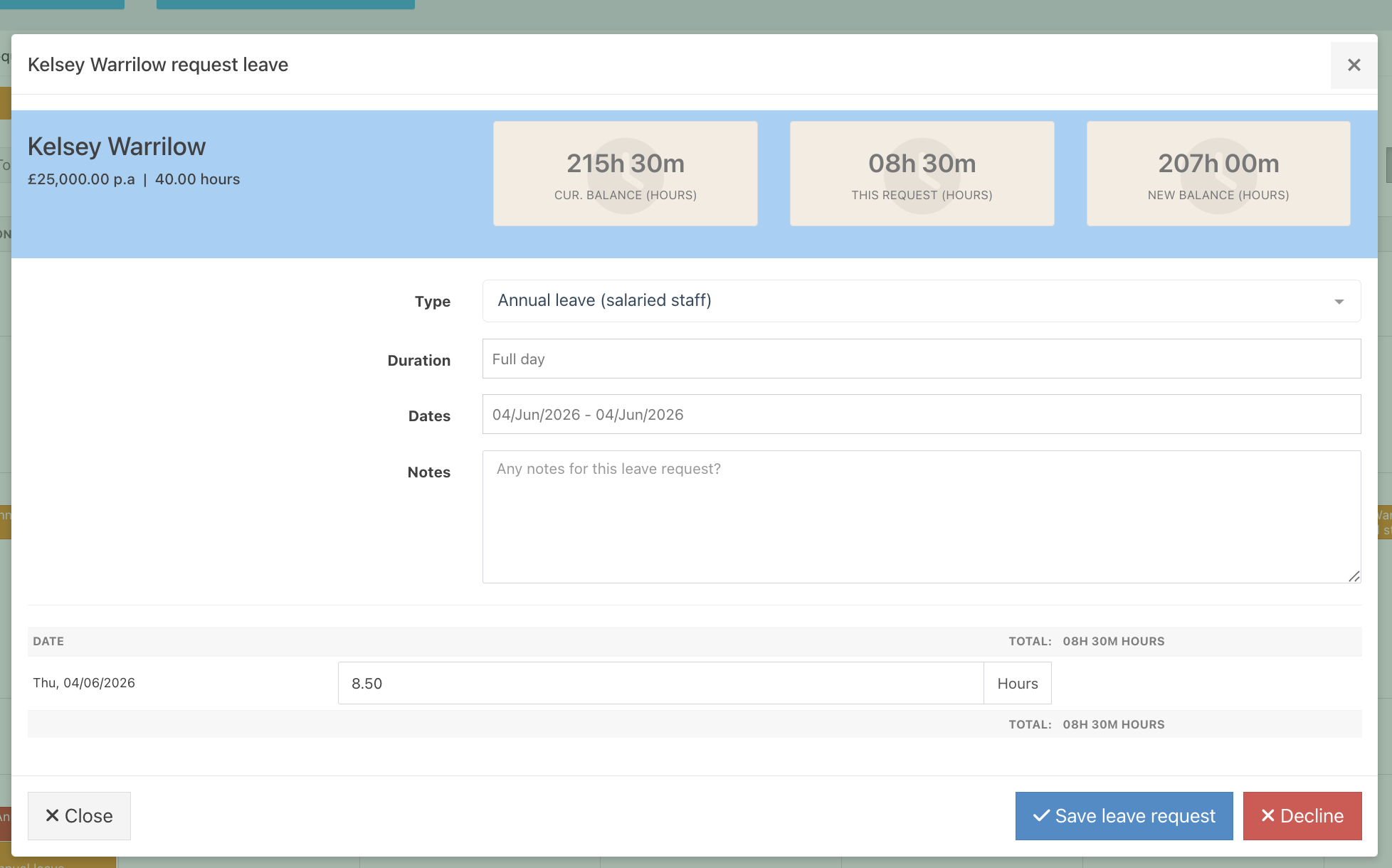
Alternatively, in the List view, click the Approved leave tab and click the red X button. The newly declined leave will appear in the Declined tab and will be removed from the Leave calendar.

Was this article helpful?
That’s Great!
Thank you for your feedback
Sorry! We couldn't be helpful
Thank you for your feedback
Feedback sent
We appreciate your effort and will try to fix the article