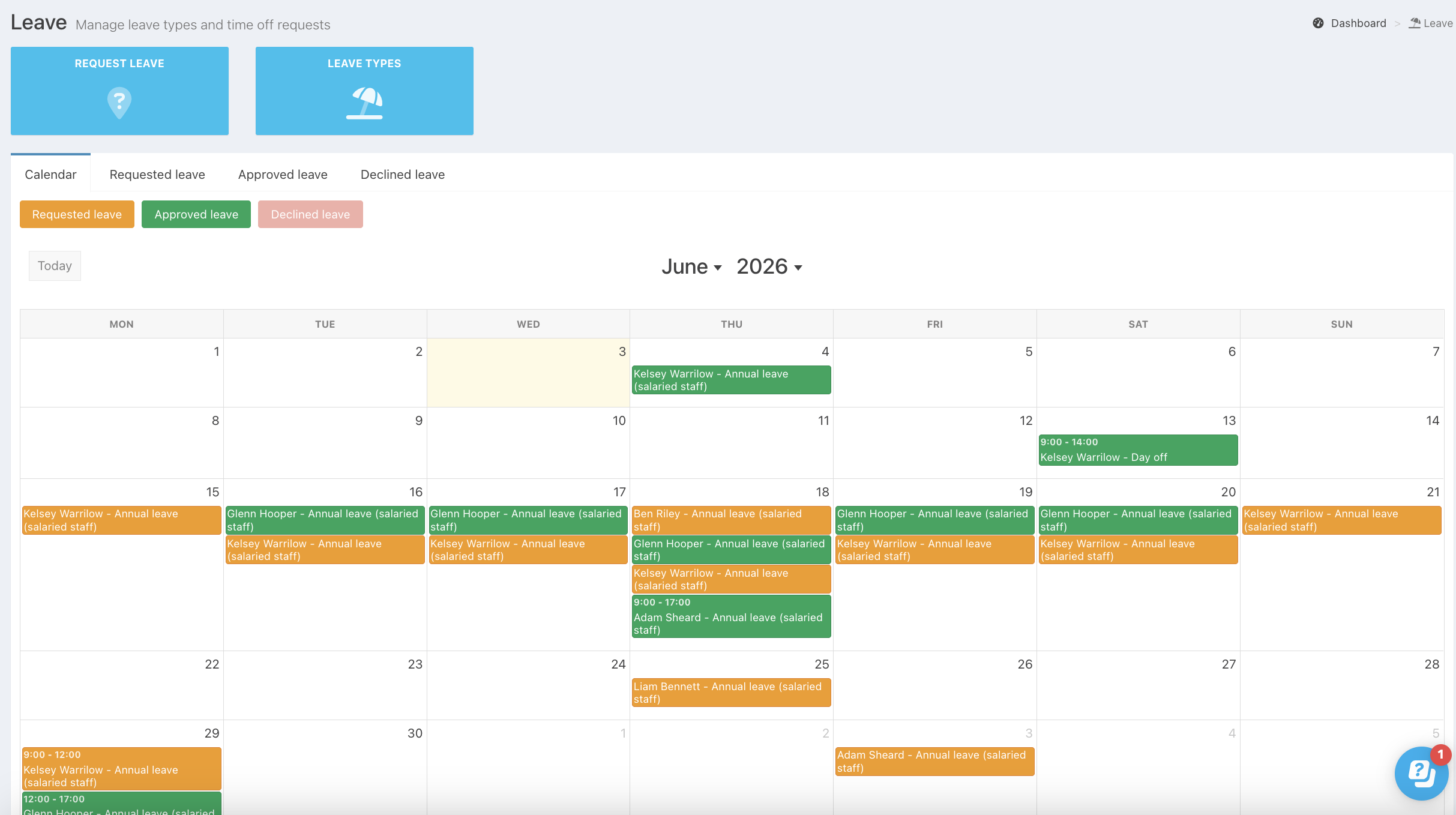
The Leave calendar gives you a clear, at-a-glance view of all requested and approved leave across your team. You can use the leave calendar to quickly see which team members are off when deciding whether to approve new requests.
By default, staff can see when a team member is on approved leave, but not the reason. You can choose to hide approved leave from staff if you only want people to be able to see their own leave.
You can add leave requests and edit or approve requests directly from the leave calendar.
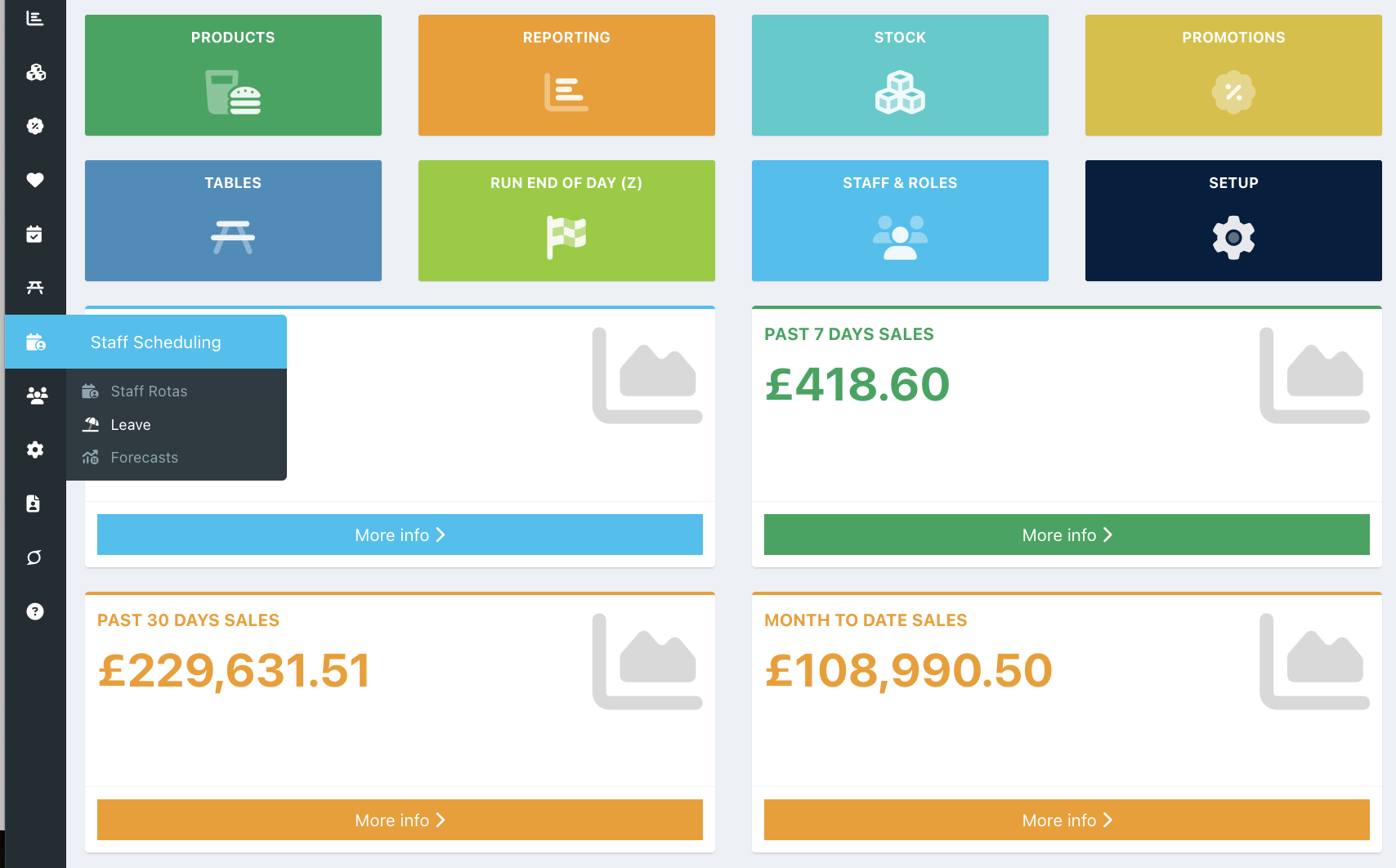
To view the Leave calendar, go into the back office and click Staff Scheduling > Leave.
By default, the calendar will display for the Current month and show Requested and Approved leave.
You can add a leave request by clicking the desired day, and edit or approve a request by clicking on the request.
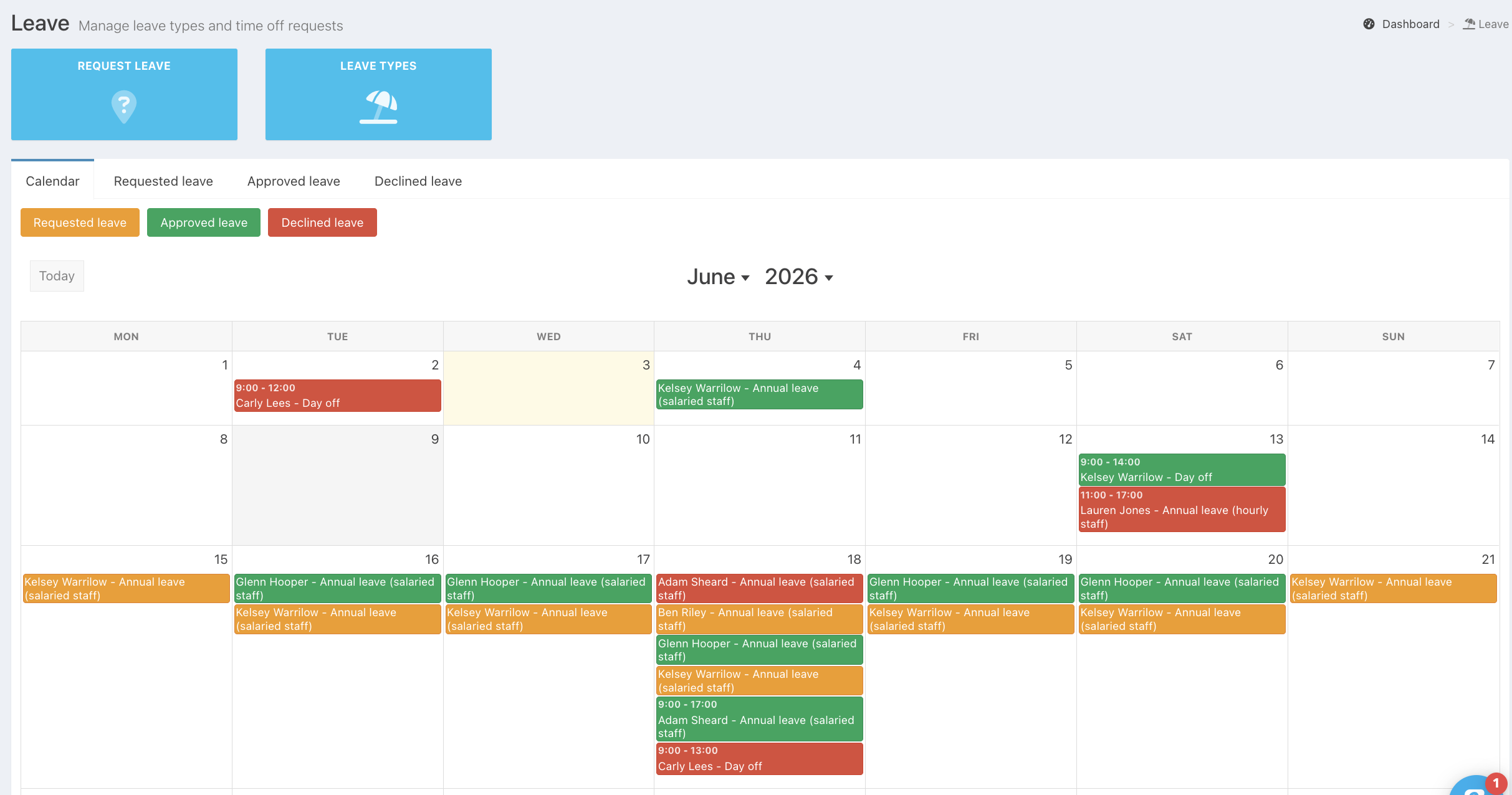
To see Declined leave, click the greyed-out Declined button.
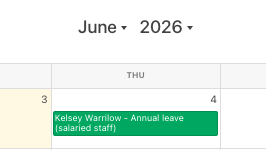
Use the Dropdown arrows next to the Month and Year to navigate between the previous/next months and years.
Was this article helpful?
That’s Great!
Thank you for your feedback
Sorry! We couldn't be helpful
Thank you for your feedback
Feedback sent
We appreciate your effort and will try to fix the article