Adding a direct link to a specific booking type on your website or social media pages lets guests easily book that type without having to select from a list of options. This can make it a smoother experience for guests booking specific activities, like gaming or afternoon tea.
To add a specific booking type link to your website or social media accounts, locate the required booking type from the list, then click the blue Edit button.
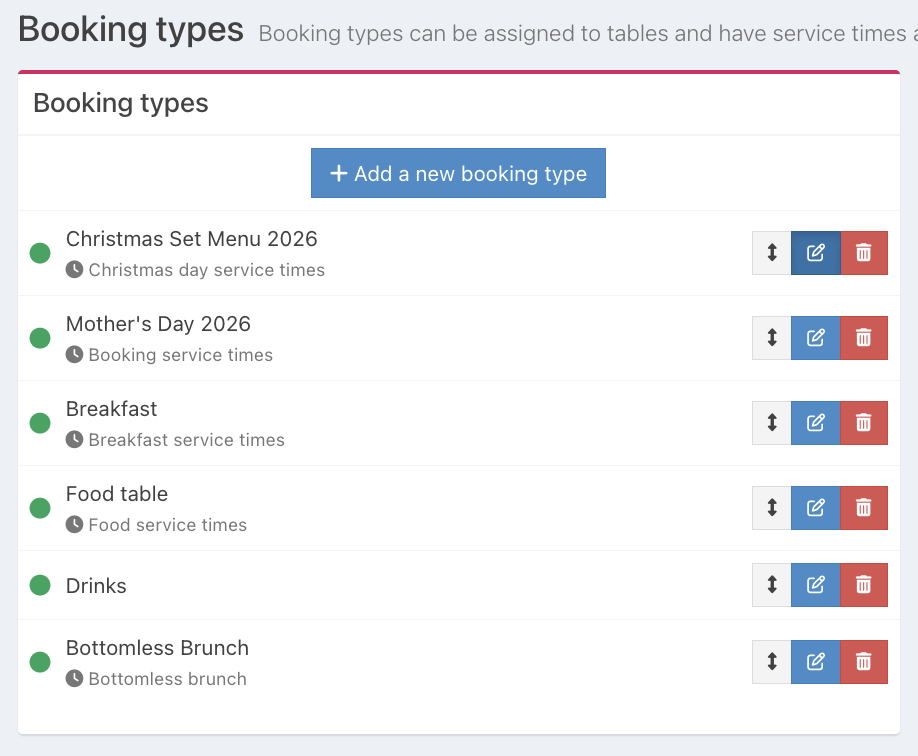
From the Details tab, locate the option for Direct link. Then click the Copy to clipboard button.

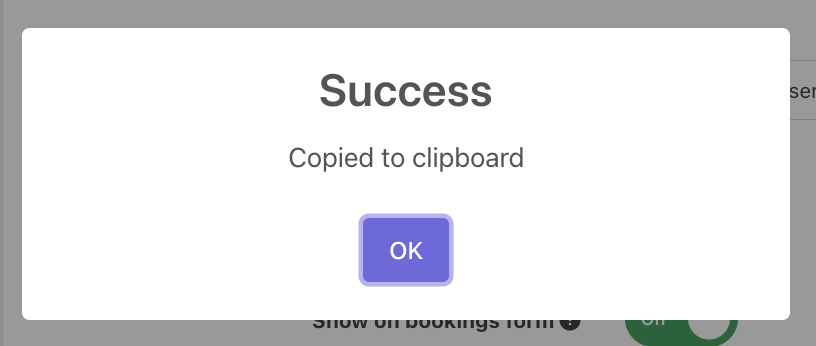
The success modal will display. Click Ok.
You can now paste your booking type link into your website.
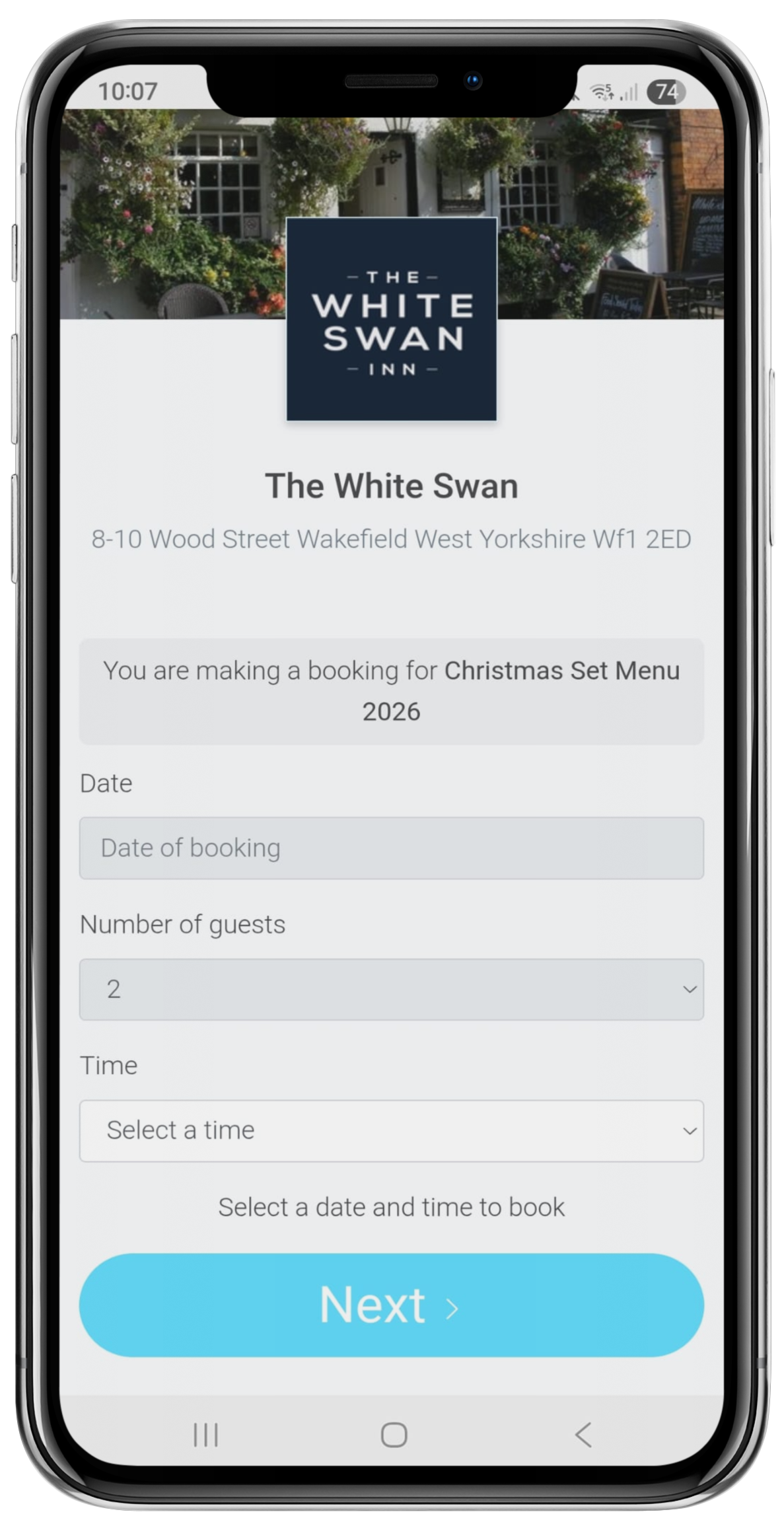
When the customer clicks the link to your booking type, they will be directed to that specific booking type.
Was this article helpful?
That’s Great!
Thank you for your feedback
Sorry! We couldn't be helpful
Thank you for your feedback
Feedback sent
We appreciate your effort and will try to fix the article