Some venues prefer to hide the currency symbol on menus for a cleaner, more minimal price display. There is also research suggesting that removing currency symbols can reduce focus on cost, which may help increase average spend per head.
To hide currency symbols from your mobile ordering menus, go to Setup > Mobile ordering > Other settings
Scroll down to Hide currency symbol on prices and switch the toggle to On.
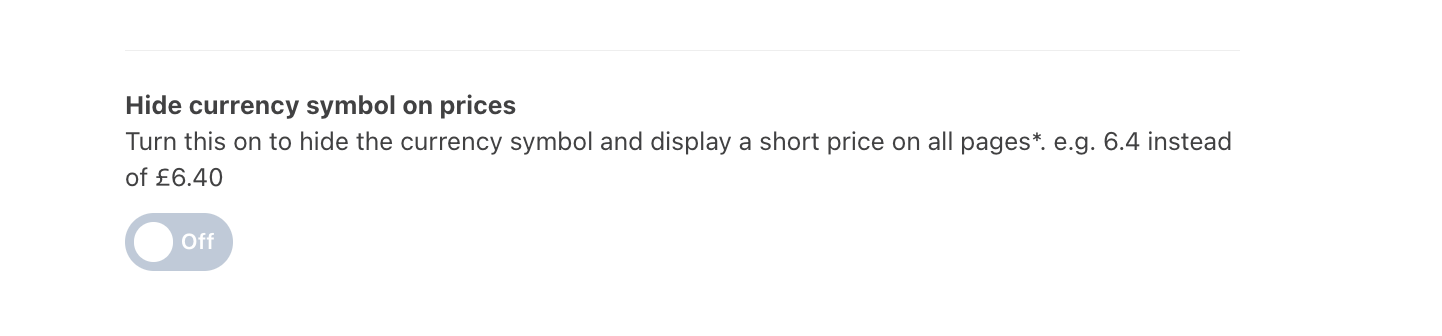
Then press Save.
Prices will now be displayed without a currency symbol (for example, 6.40 instead of £6.40).
Was this article helpful?
That’s Great!
Thank you for your feedback
Sorry! We couldn't be helpful
Thank you for your feedback
Feedback sent
We appreciate your effort and will try to fix the article