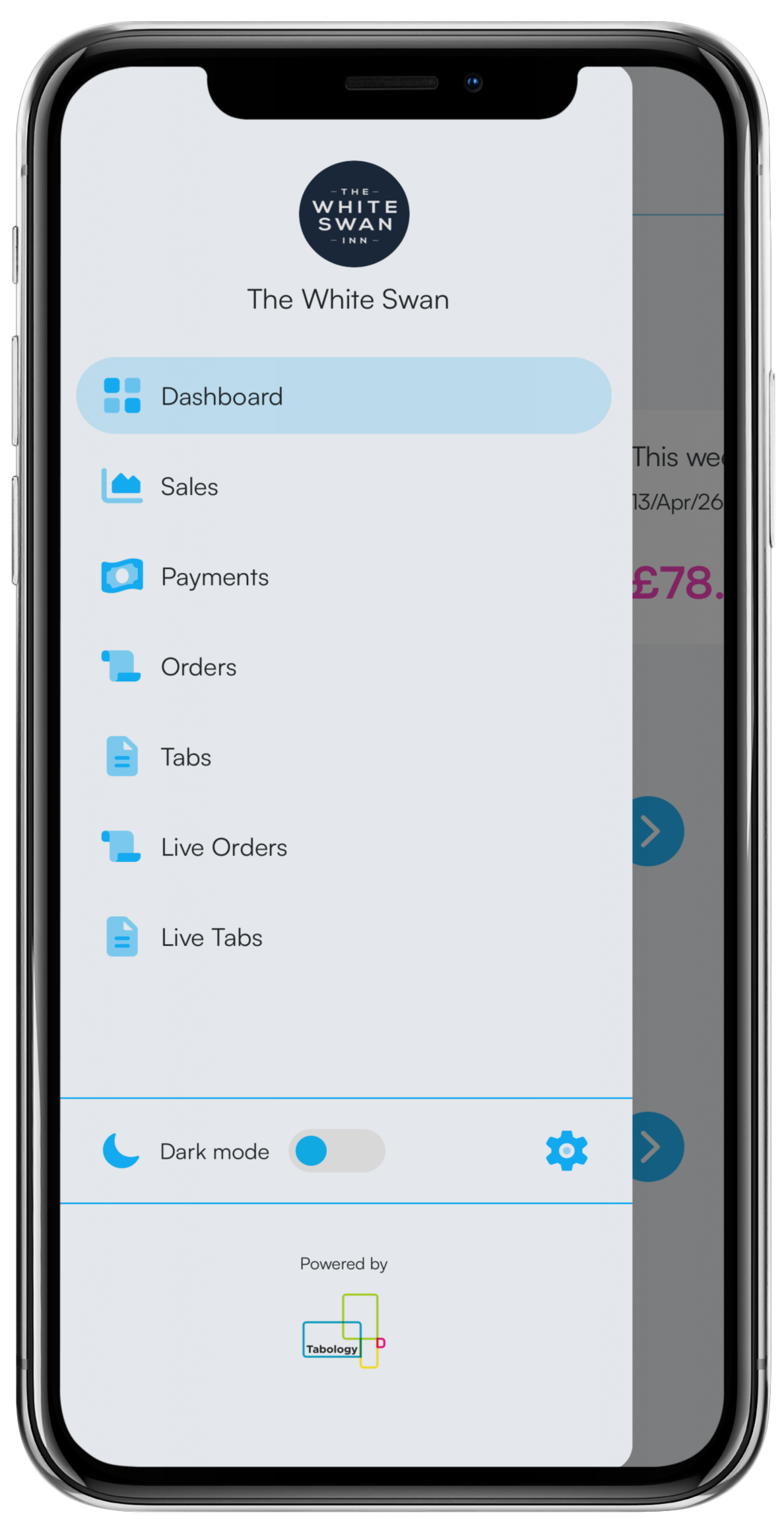
To remove your user account from Tabology Live, go into the Menu and click the Settings cog at the bottom of the Menu list.
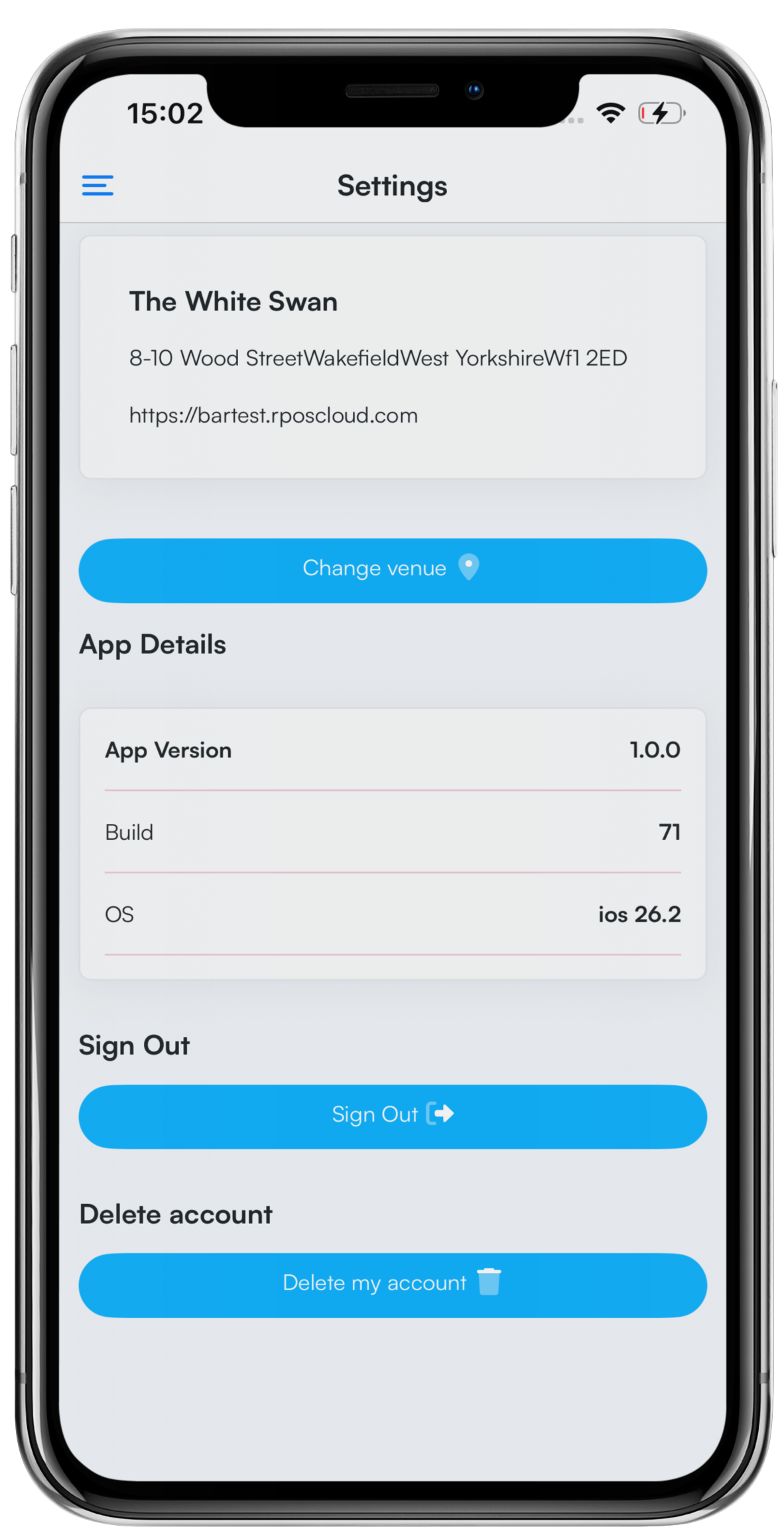
In Settings, scroll down and locate the Delete my account button.
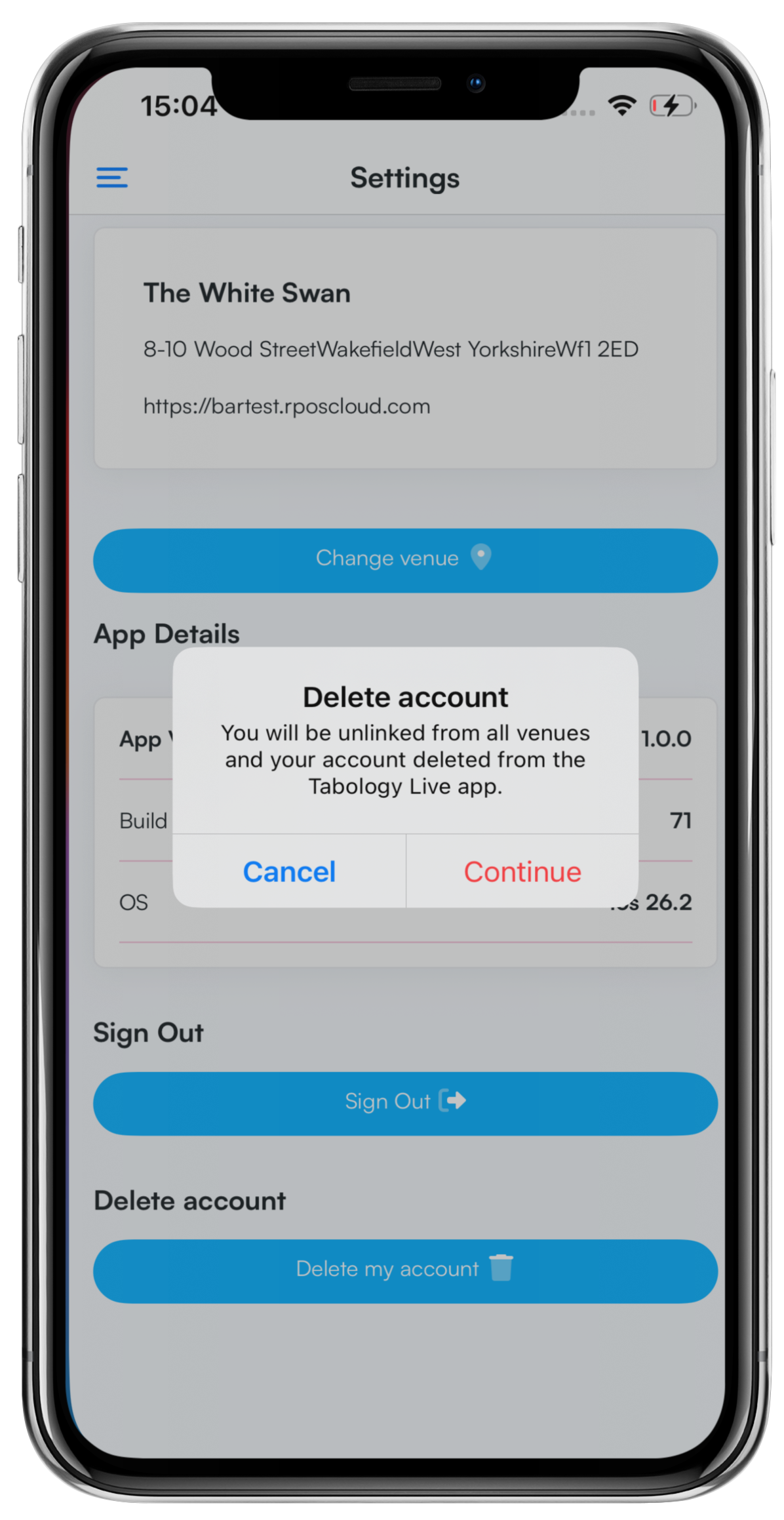
At the Delete account pop-up, click Continue.
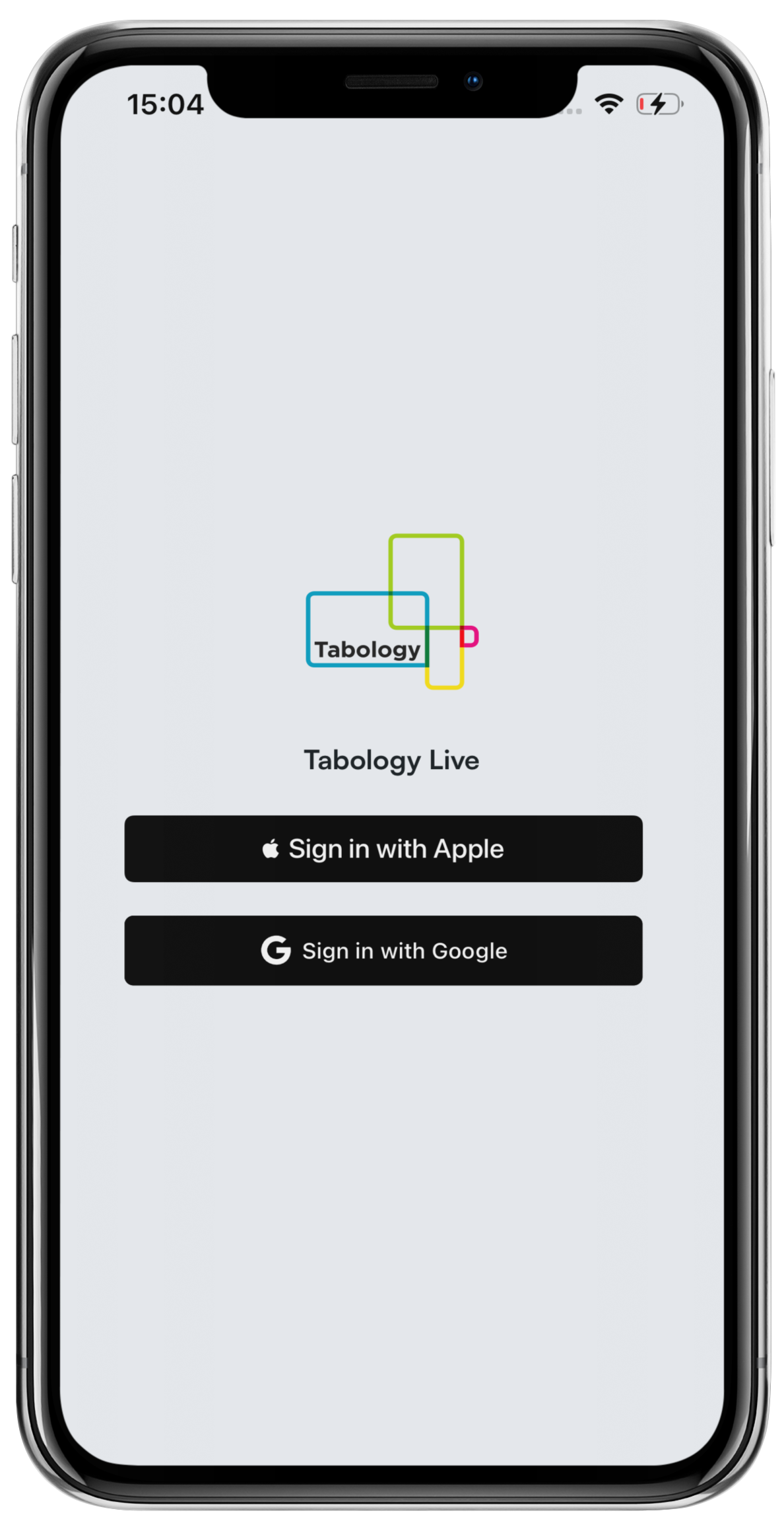
Your account will be deleted, and you will return to the Tabology Live login screen.
Was this article helpful?
That’s Great!
Thank you for your feedback
Sorry! We couldn't be helpful
Thank you for your feedback
Feedback sent
We appreciate your effort and will try to fix the article