The order status wheel shows the status of a full order, which in most instances is useful information for the customer. However, if you split your orders by sections or courses, you may want to disable the status wheel to avoid any potential confusion.
To hide the order status wheel, go to Setup > Mobile ordering > Other settings
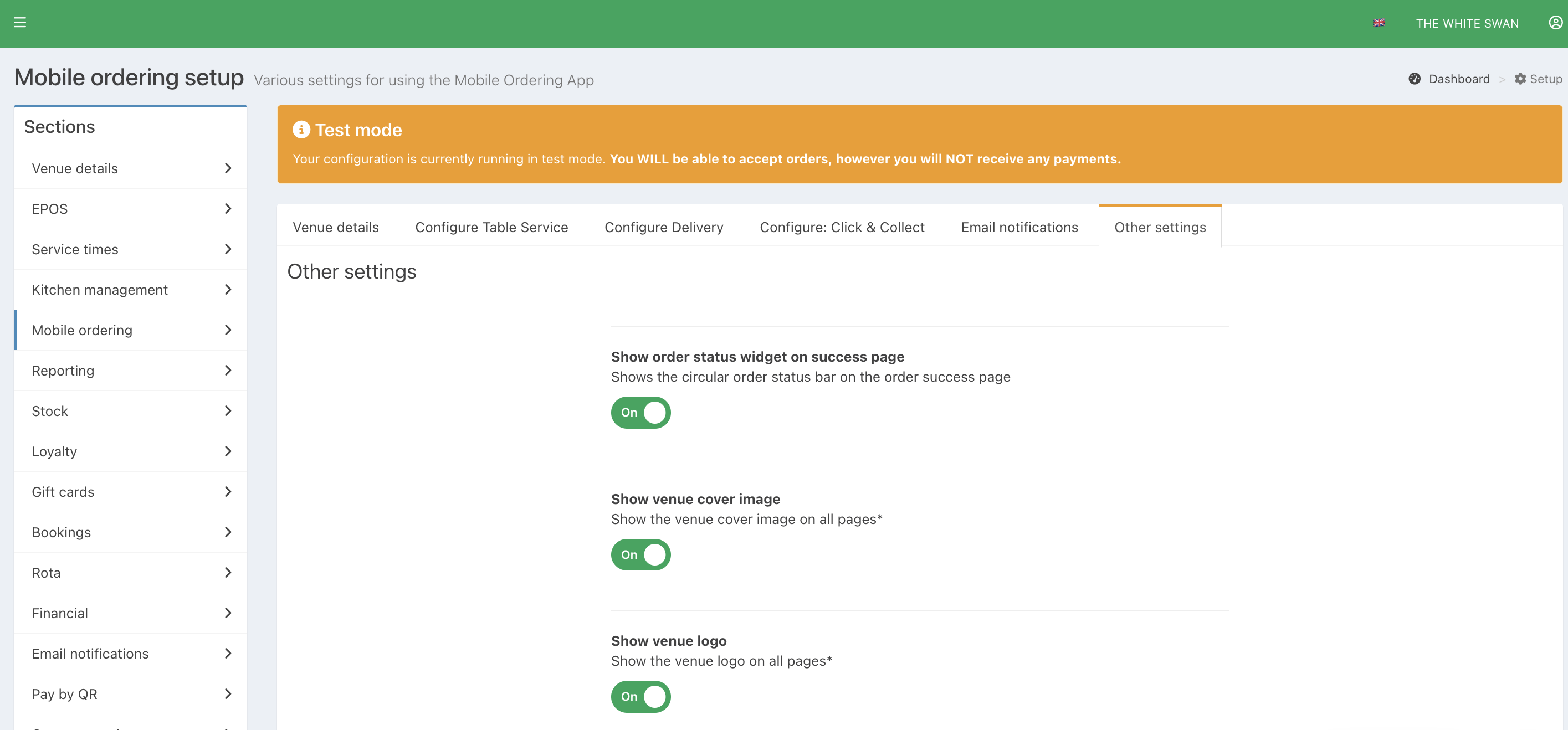
Toggle Show order status widget on success page to Off.
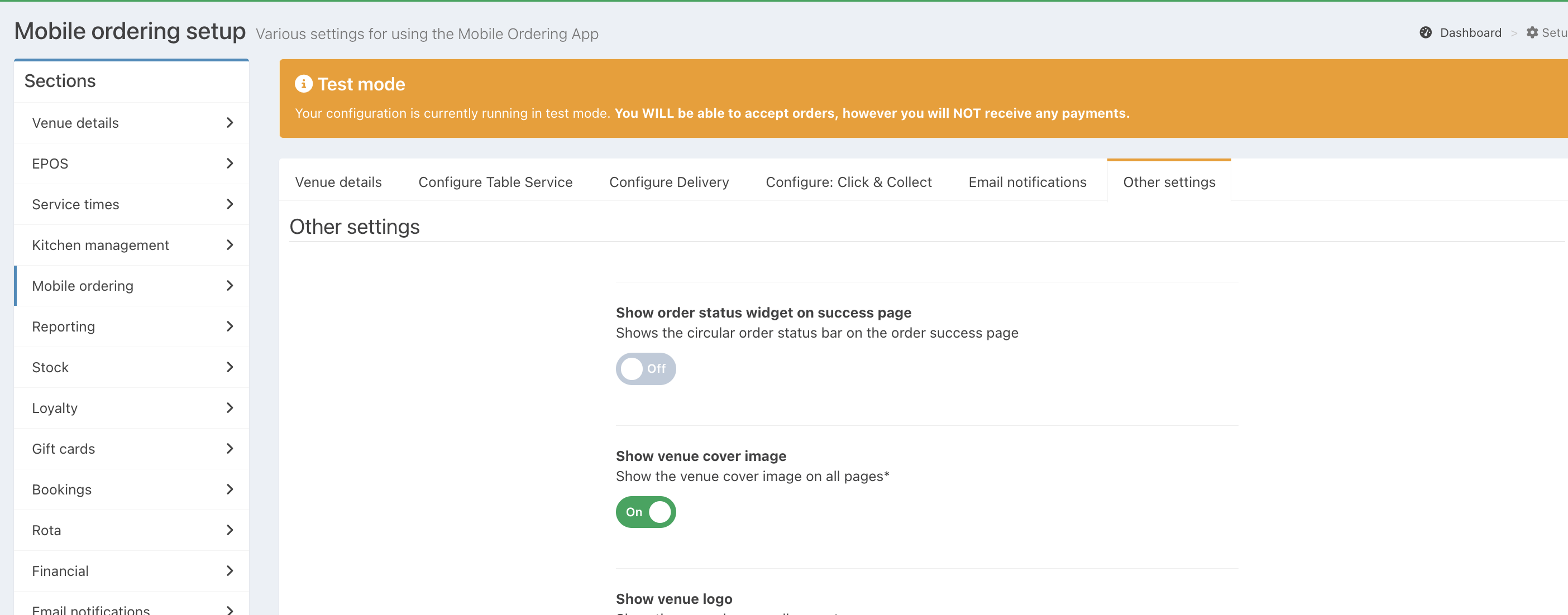
The confirmation page will now not display the order status tracker.
Was this article helpful?
That’s Great!
Thank you for your feedback
Sorry! We couldn't be helpful
Thank you for your feedback
Feedback sent
We appreciate your effort and will try to fix the article