If you would like to collect member subscription payments automatically via Direct Debit, you need to connect to GoCardless.
When you have connected to GoCardless, new members will be prompted to sign a Direct Debit form so that you can collect their membership payments. GoCardless will then collect payments automatically when they are due.
All new members will receive an email with a link to the Direct Debit form. In addition:
- Members signing up on your website will be routed to the Direct Debit form as part of the sign-up process.
- Members signed up on the EPOS can be shown a QR code link to the Direct Debit form, or sent the form via SMS if you have Twilio connected.
Note: If you have multiple venues that share a central members database, you only need to connect one venue to GoCardless and all venues will be connected.
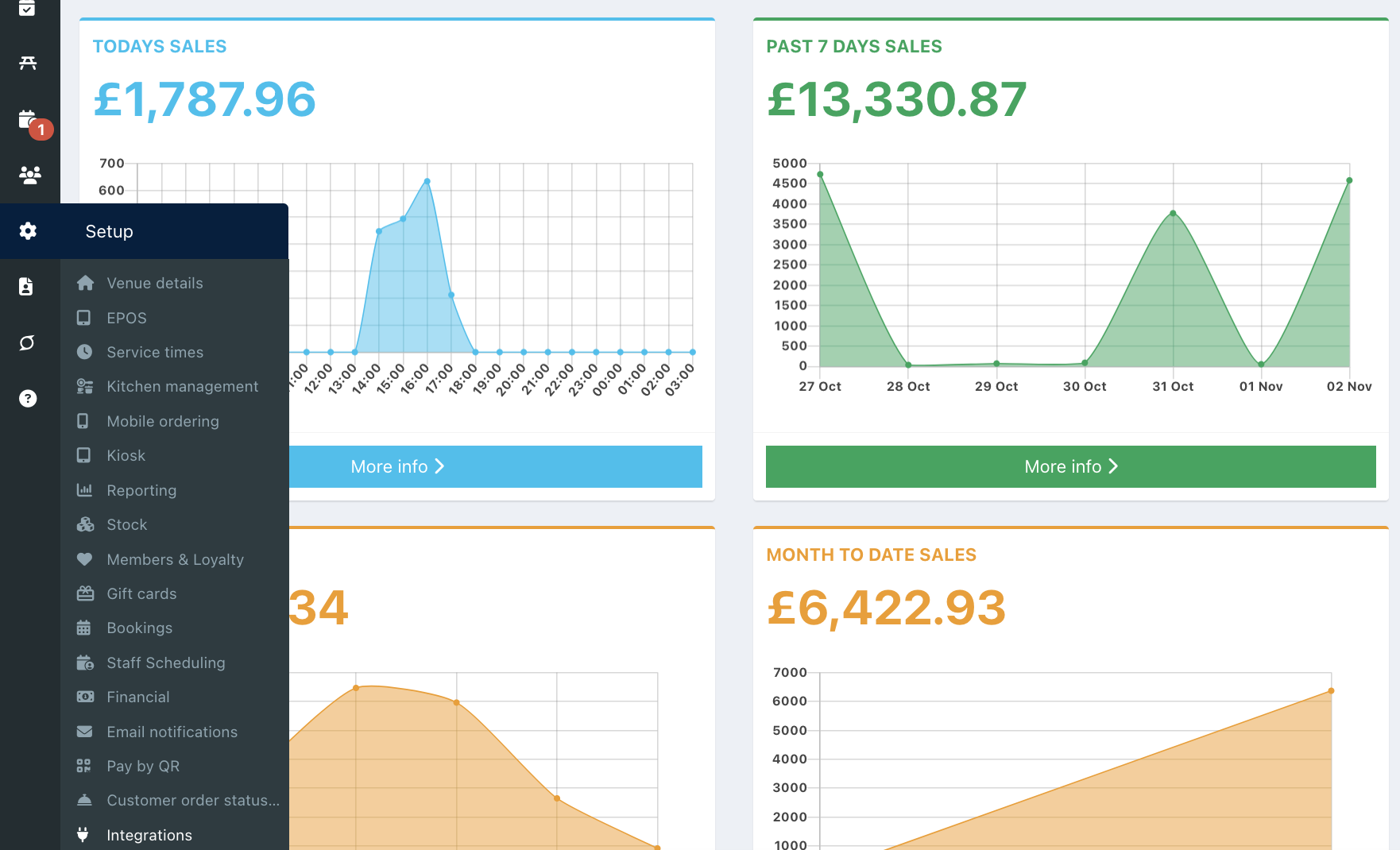
To integrate with GoCardless go into your back office and select Setup > Integration from the left hand navigation.
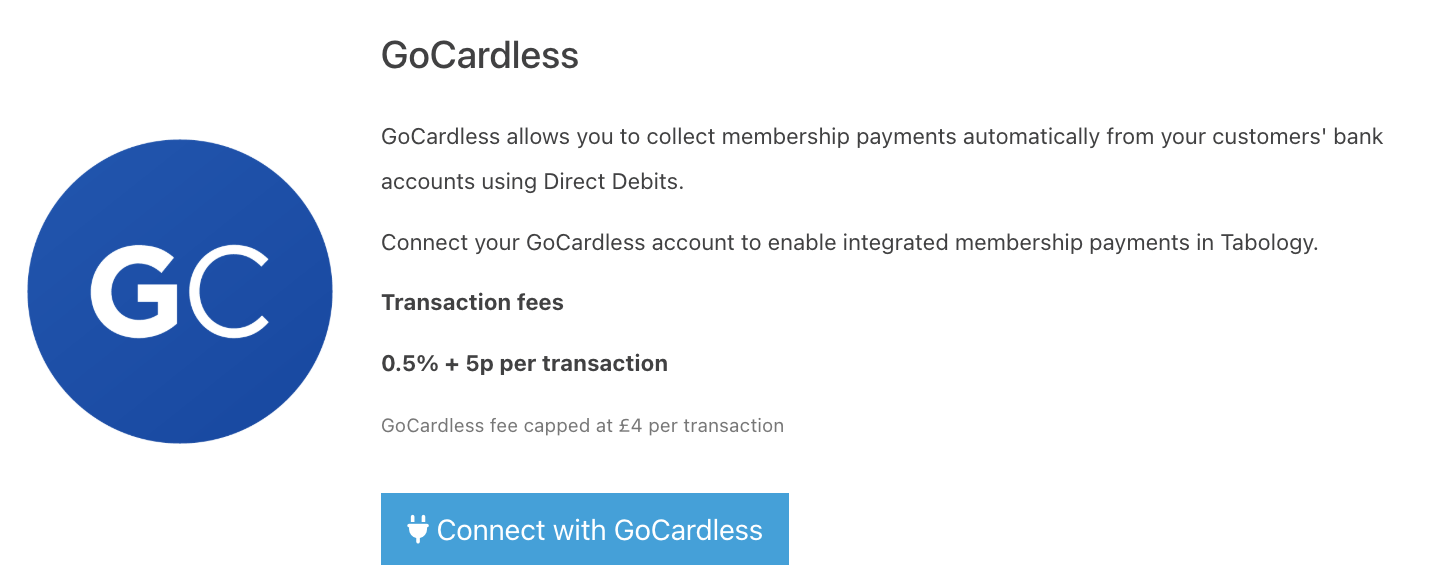
Locate the GoCardless integration and click the blue Connect with GoCardless button.
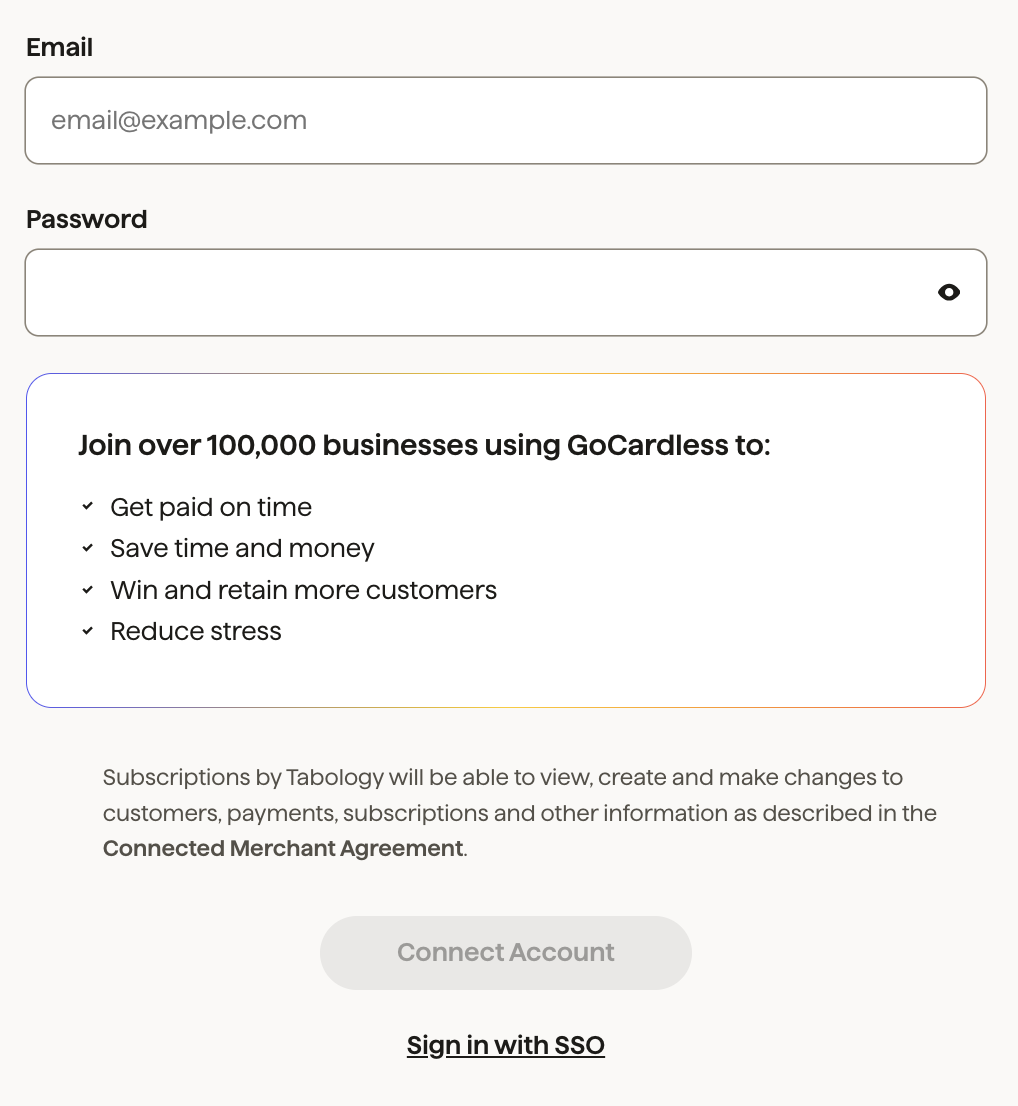
At the prompt, enter your user credentials. Then click the Connect account button, which will display in black.
Upon successful connection, you will be redirected back to the Tabology back office. A green Success banner will display at the top of the screen to indicate this.

You can now send your Direct Debit forms and collect automatic payments.
Was this article helpful?
That’s Great!
Thank you for your feedback
Sorry! We couldn't be helpful
Thank you for your feedback
Feedback sent
We appreciate your effort and will try to fix the article