If you need to resend a gift card because your customer may have lost their original gift card receipt, can no longer find their original email, or there was a typo in the email address, you can do so from the back office.
You can also resend or print gift cards from the EPOS if needed.
To resend a gift card, go into the back office and select Loyalty > Gift cards from the left-hand navigation.
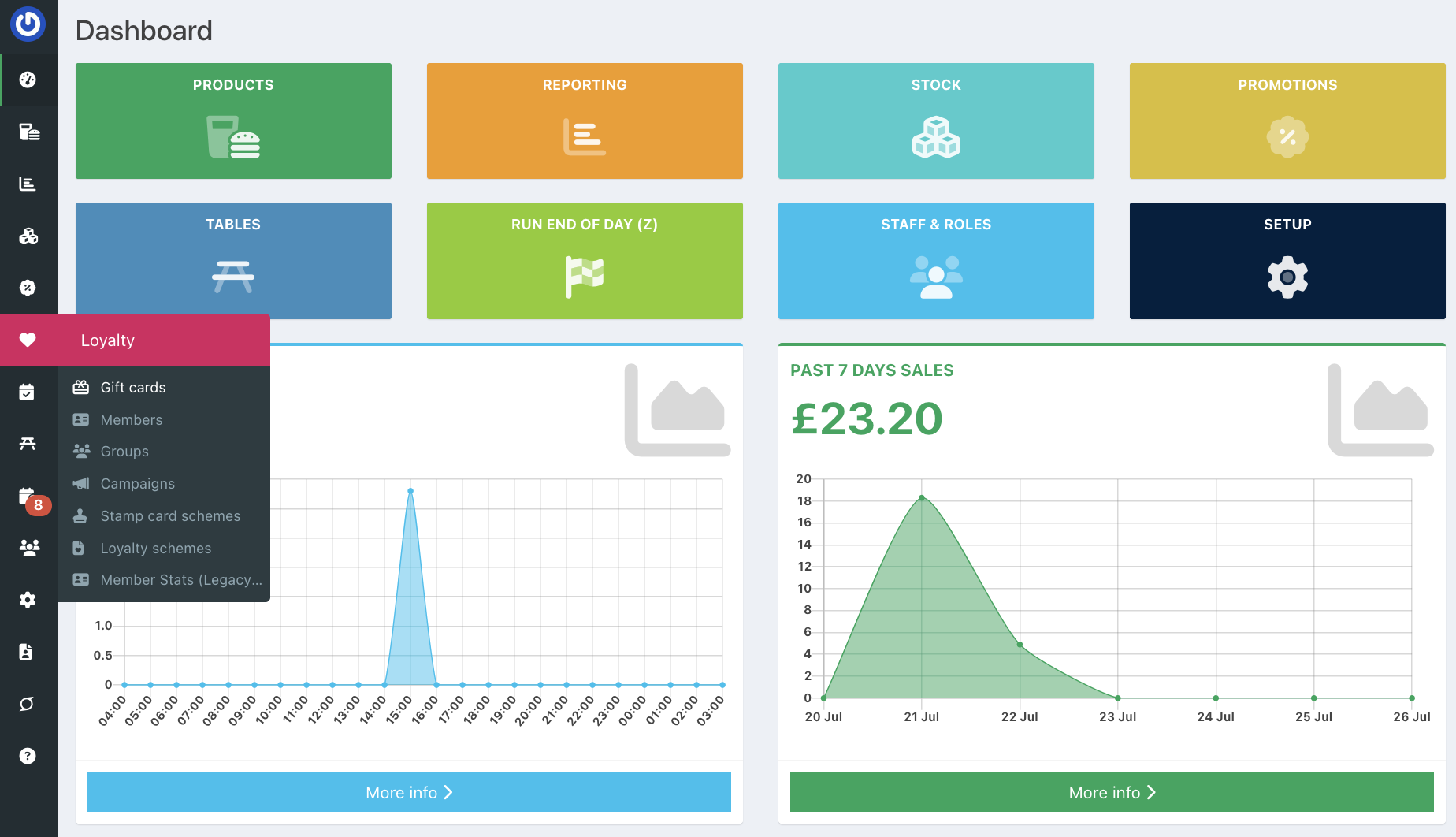
Locate the gift card by scrolling down the list or entering the name, then click the blue Email icon at the end of the gift card row.

The gift card email will pre-populate with the email address the gift card was previously sent to. If you need to change this, you can do so by clicking in the email field.
Then click the blue Send button.
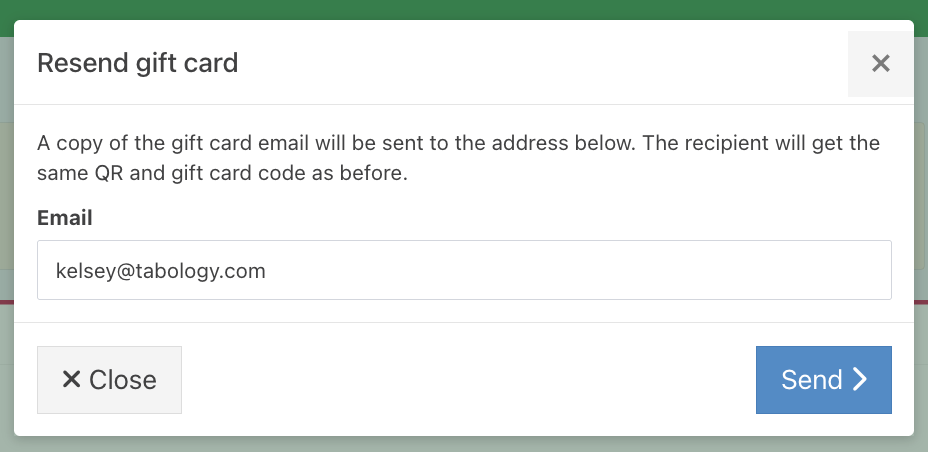
The recipient will receive a copy of their gift card to their inbox. The gift card will have the same QR code and gift card code as the previously generated gift card.
Was this article helpful?
That’s Great!
Thank you for your feedback
Sorry! We couldn't be helpful
Thank you for your feedback
Feedback sent
We appreciate your effort and will try to fix the article