You can configure Membership expiry email notifications for each Member type to alert members when their membership is approaching expiry or has expired.
Note: If you want to receive Venue notifications yourself when memberships are due to expire, you can set these in the Venue notifications section of the Members & Loyalty tab in the Setup module.
To configure expiry email notifications for a Member type, locate the Member type from the list and click the blue Edit button.
Select the Email notifications tab.
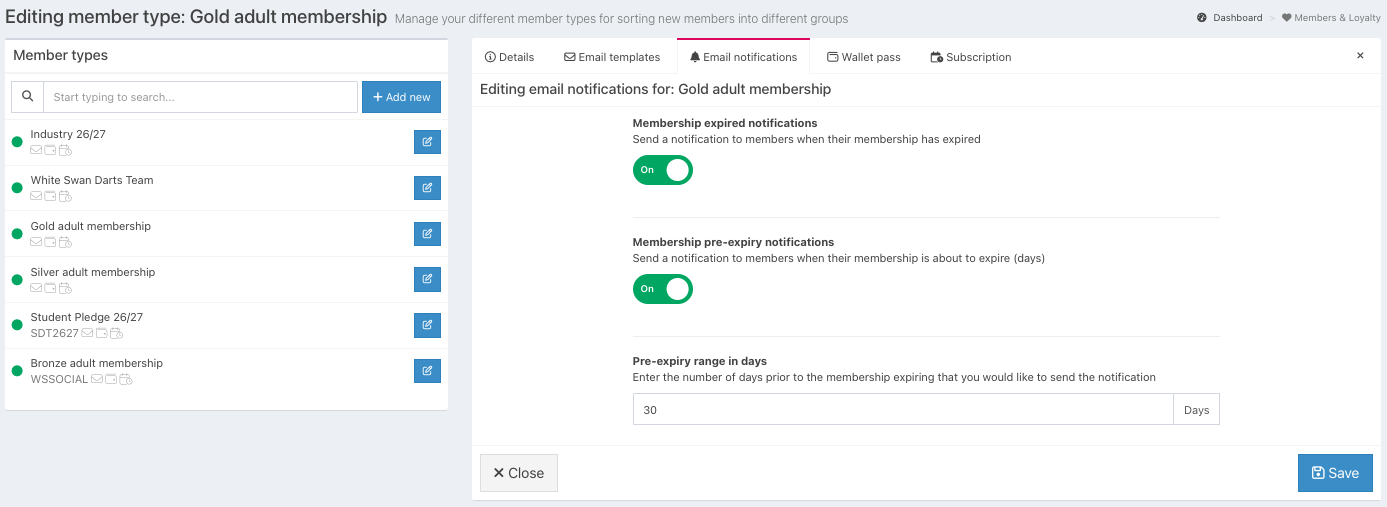
Enable each email type you would like to be sent:
Expired – Sends an email notification when a member's membership expires.
Pre-expiry notifications – Sends an email notification before a member's membership expires.
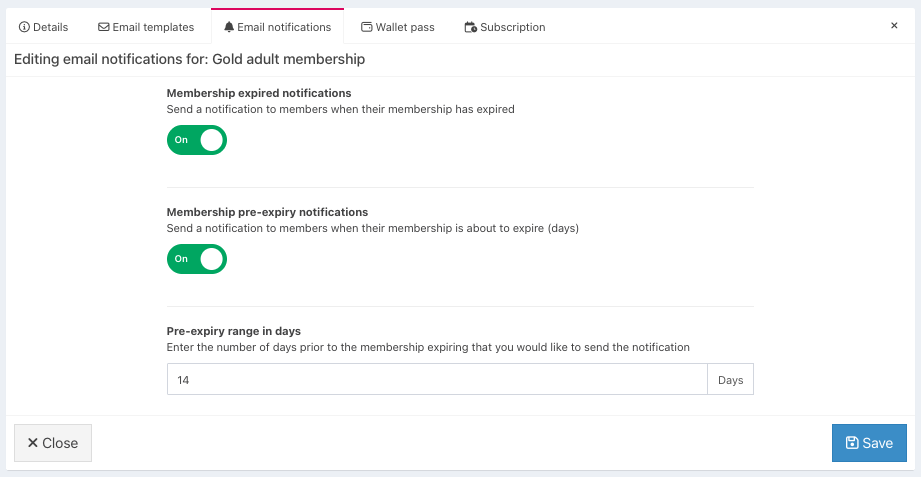
The Pre-expiry range in days is set to 30 days by default. You can change this to control how many days before expiry members receive their notification.
You can also customise the content of your expiry notifications by configuring your email templates.
Was this article helpful?
That’s Great!
Thank you for your feedback
Sorry! We couldn't be helpful
Thank you for your feedback
Feedback sent
We appreciate your effort and will try to fix the article