When you have enabled multiple loyalty schemes, you can start to create your different schemes.
For each loyalty scheme, you will be to:
- Provide details on your loyalty scheme (see below)
- Add an email template
- Create a specific wallet pass
- Add a subscription
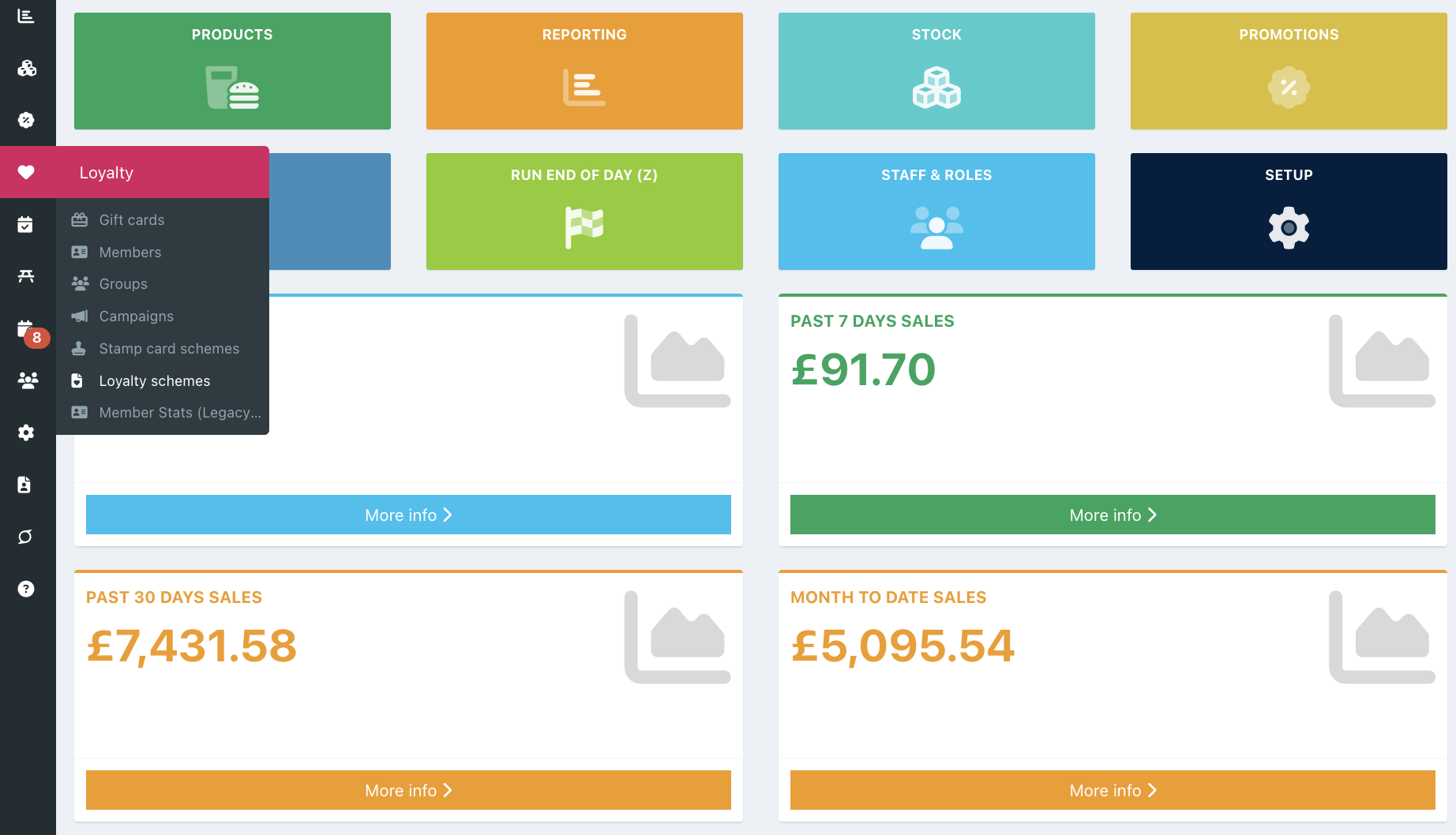
To add a new loyalty scheme, go into your back office and click Loyalty > Loyalty schemes, from the left hand navigation.
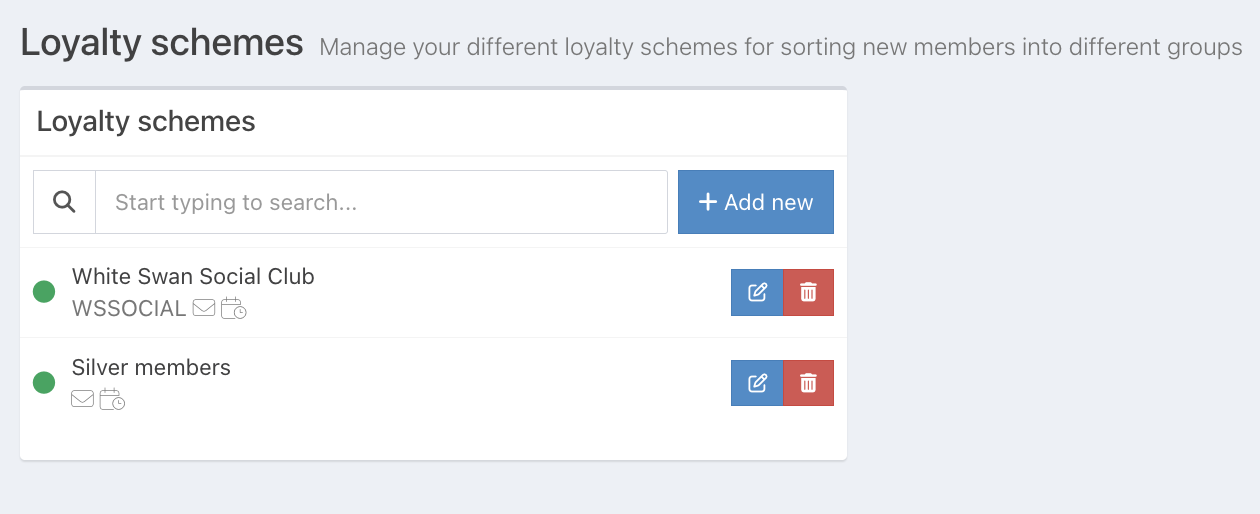
Click the blue Add new button.
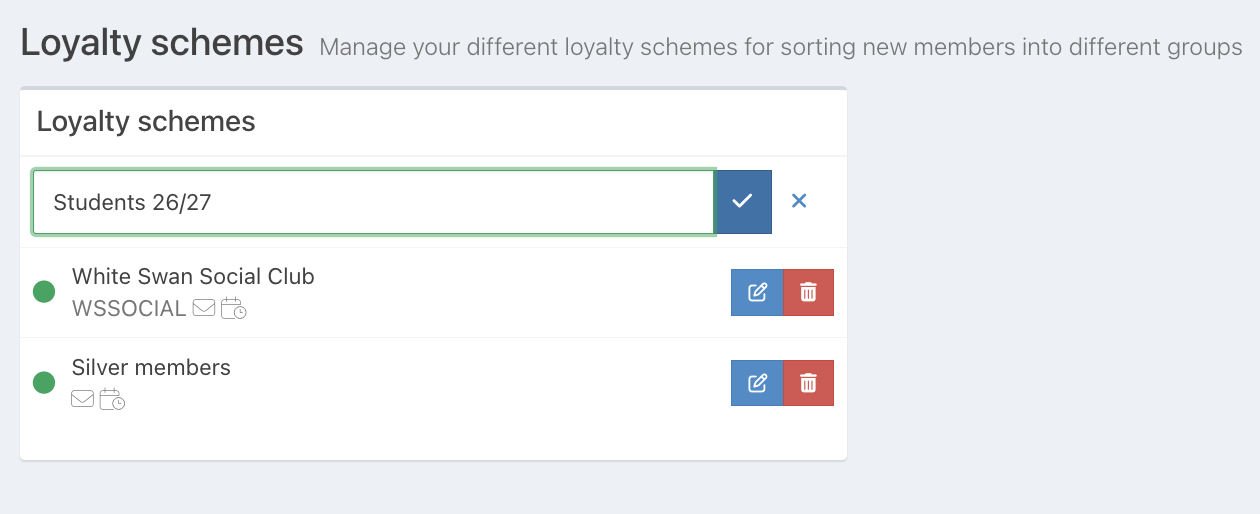
A grey outlined box will appear for you to enter the name of your loyalty group.
Click the blue tick button at the end of the loyalty scheme name to add your new loyalty scheme.
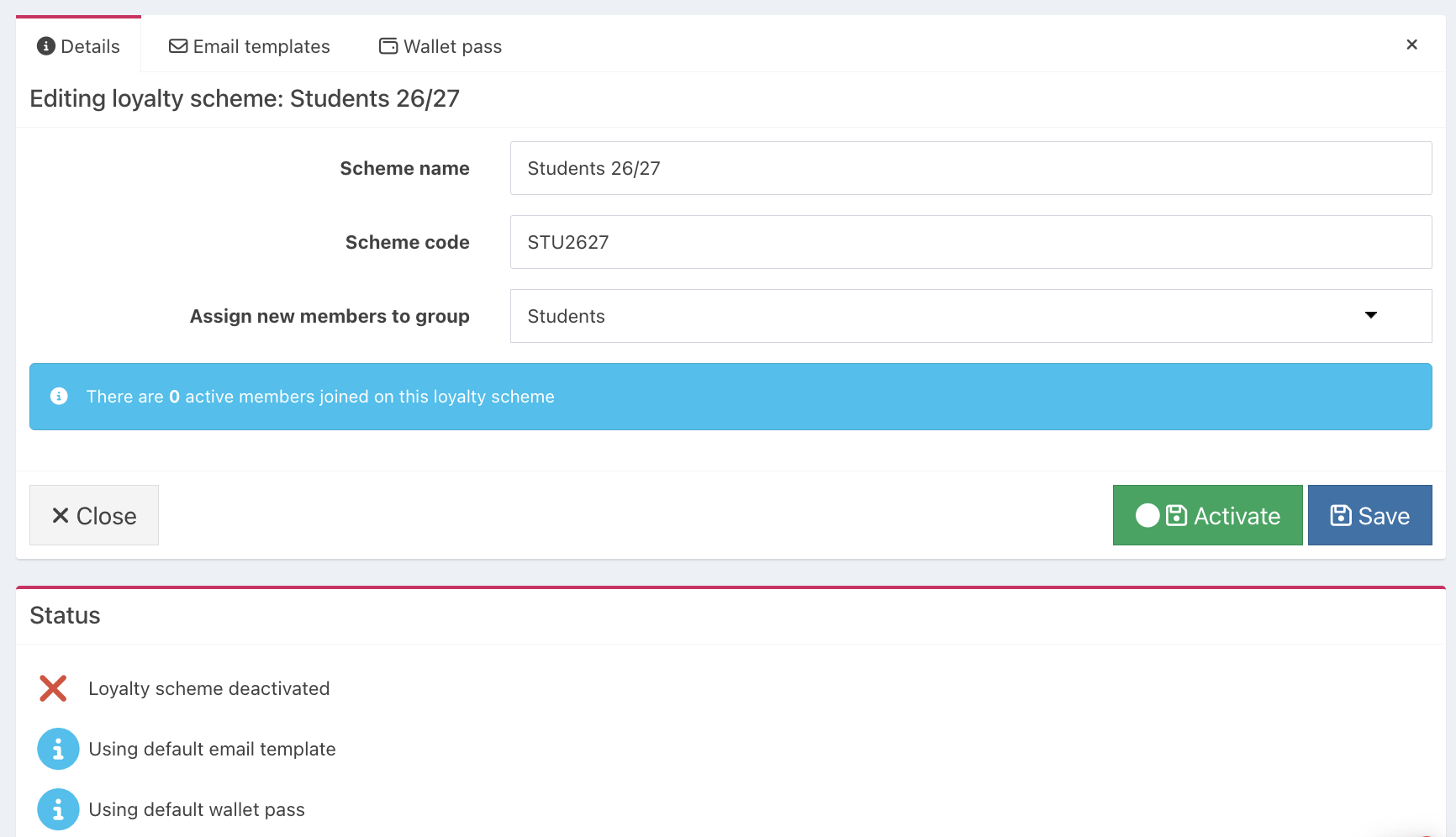
To the right of the screen, you will be able to add and edit additional areas of your loyalty scheme.
In the Details tab, you will be able to:
- Edit the name of your loyalty scheme
- Provide a scheme code for your loyalty scheme, which your customers can enter on the member sign up form to sign up to your loyalty scheme
- Assign new members to a group - selecting a group will apply any new members to the group
- Activate and deactivate the loyalty scheme by clicking the tickbox
- Copy a specific URL for a member sign up form that will sign new members up to this loyalty scheme
Note: New members will still also be assigned to any group you have set as the default group for your core loyalty scheme. If you only want members to be assigned to the group set on the specific loyalty scheme, you should unset any default group on your core loyalty scheme.
As you create your Loyalty scheme, you can see the loyalty scheme status, which shows the steps you've completed. It will also show whether you have activated your Loyalty scheme.
Click the blue Save button, to save your loyalty scheme.
If you don't need to add a default email template or wallet pass, you can now activate your loyalty scheme.
Note: If you add a scheme code to your loyalty scheme, it will display under the scheme name in the list of schemes.
Was this article helpful?
That’s Great!
Thank you for your feedback
Sorry! We couldn't be helpful
Thank you for your feedback
Feedback sent
We appreciate your effort and will try to fix the article