If you need to delete a rota department, click the red bin icon at the end of the department row.
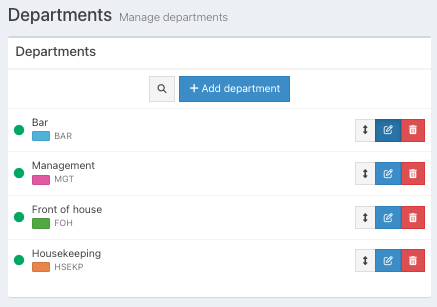
Then click the red Yes button at the confirmation prompt.
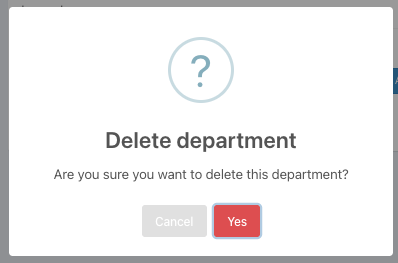
Your department will be deleted from the departments list.
Note: If there are shifts on future rotas for a department, the department cannot be deleted un shifts are deleted.
Was this article helpful?
That’s Great!
Thank you for your feedback
Sorry! We couldn't be helpful
Thank you for your feedback
Feedback sent
We appreciate your effort and will try to fix the article