If you use SumUp as your payment processor, you can take contactless payments directly on your Mini EPOS.
Before taking your first Tap to Pay payment, you'll need to activate Tap to Pay on your Mini EPOS.
To take a Tap to Pay payment, add products to your order or tab as usual & click the blue Tap to Pay button at the bottom of the screen.
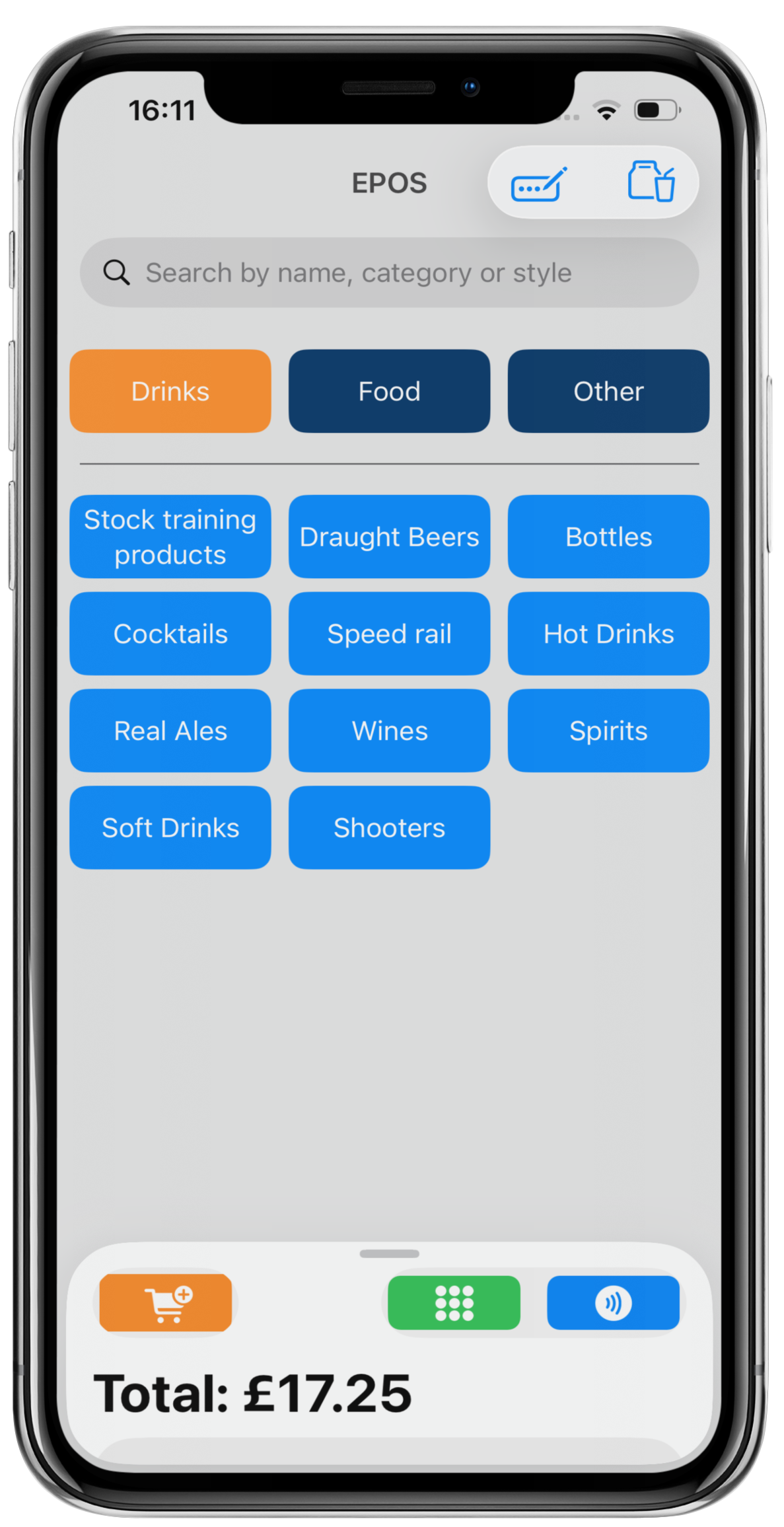
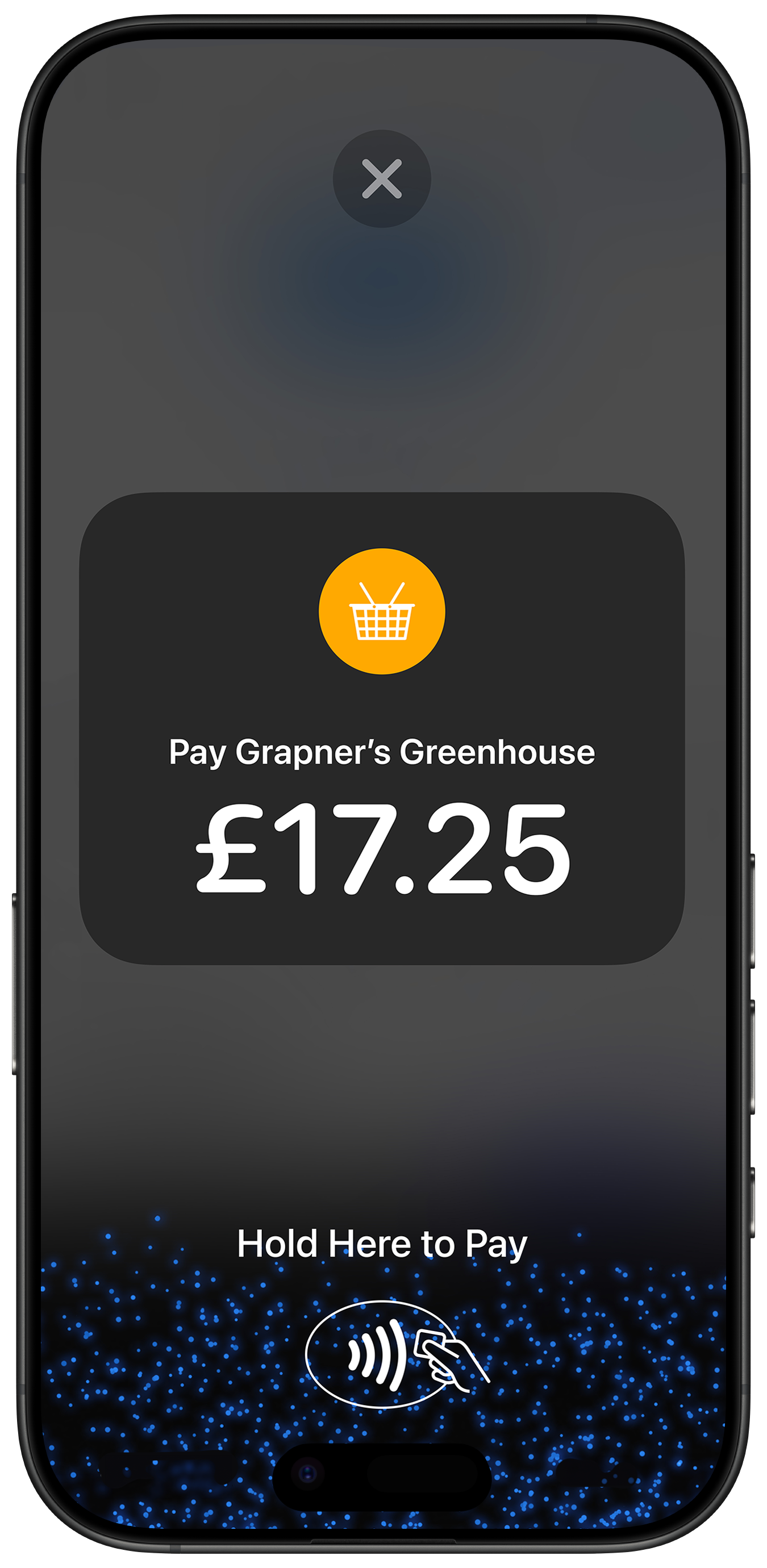
The required amount to be paid will show on the Tap to Pay screen.
The customer will hold their card or their smartphone digital wallet at the top of the iPhone, over the contactless icon.
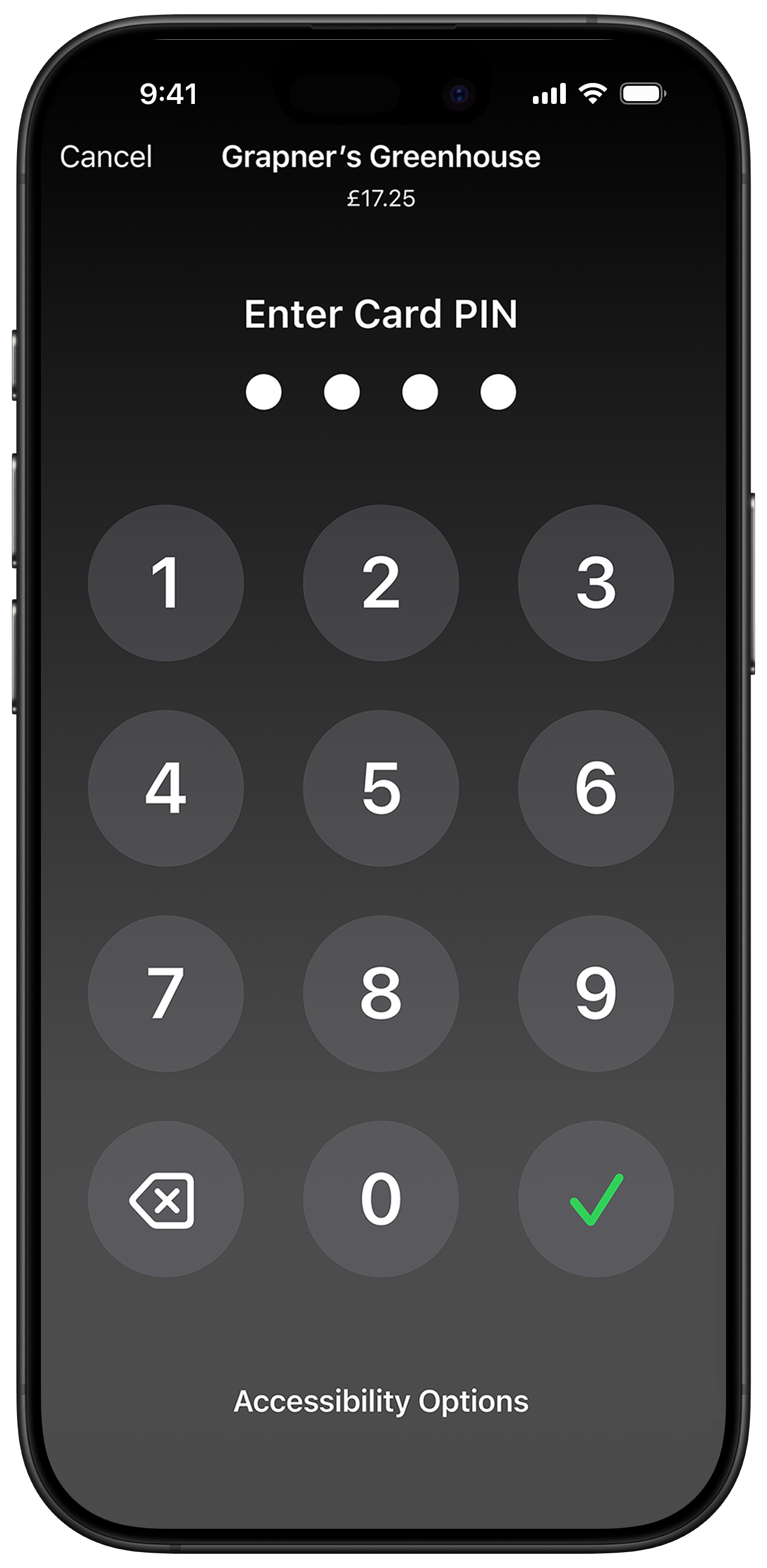
If a PIN entry is required, the customer will be prompted to enter their PIN.
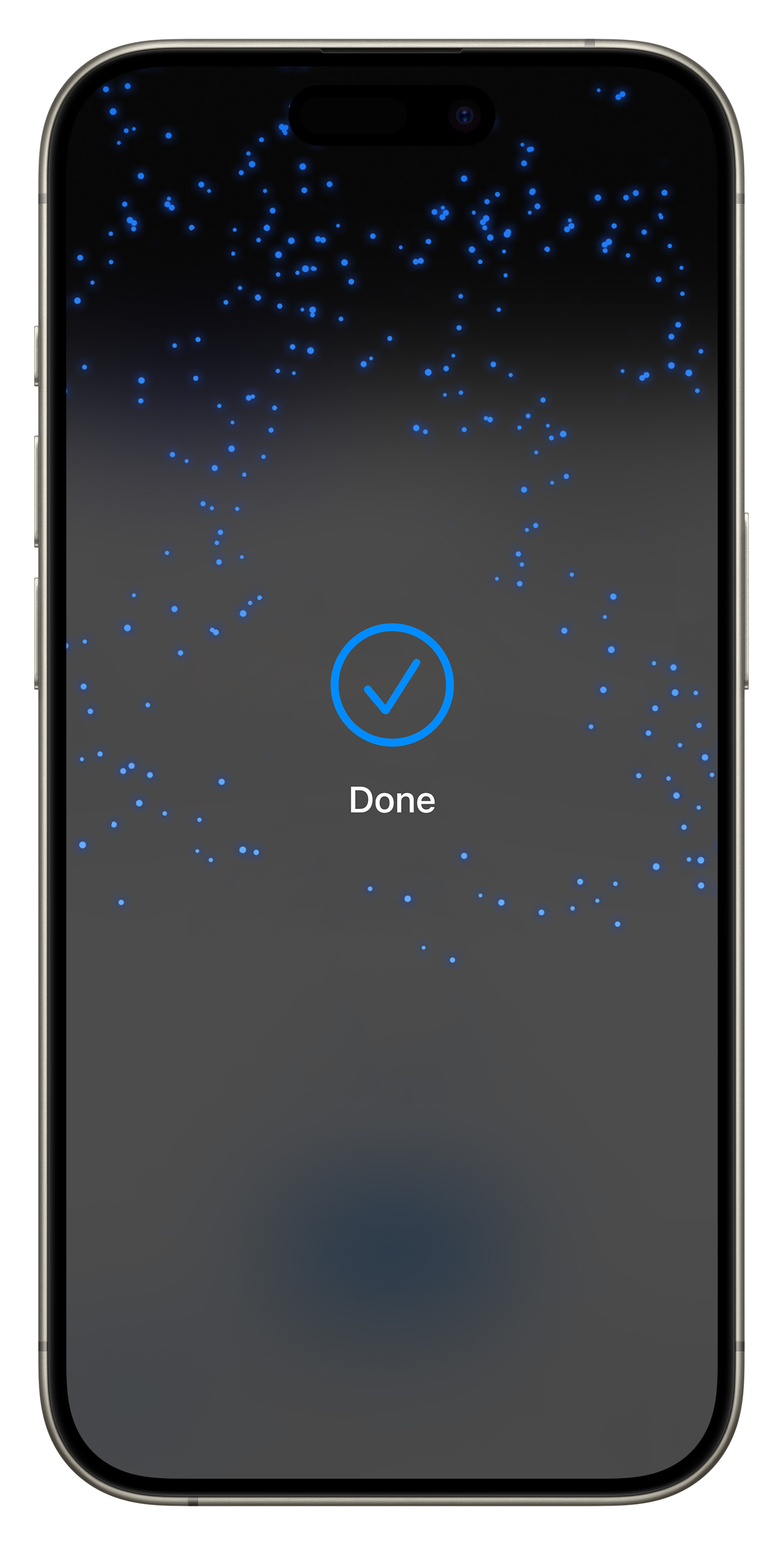
When the payment is completed, a Done message will display on the device.
You will return to the payment screen, where you can complete the order or tab as normal.
Was this article helpful?
That’s Great!
Thank you for your feedback
Sorry! We couldn't be helpful
Thank you for your feedback
Feedback sent
We appreciate your effort and will try to fix the article