Initial request raised by a customer.
The customer wants some of their Mini EPOS devices to stay logged in at all times, but they are using the current auto-logout functionality after a transaction, which is also a requirement.
The customer uses their Mini EPOS to collect entry fees at the door and wants to stay logged in to speed up the process.
From the Superuser menu go to Device manager.
Locate the device and click the black Device settings button.

The Device settings field will display; enter the setting below:
{"auto_logout_after_transaction": "N"}
Then click the blue Save button in the modal.
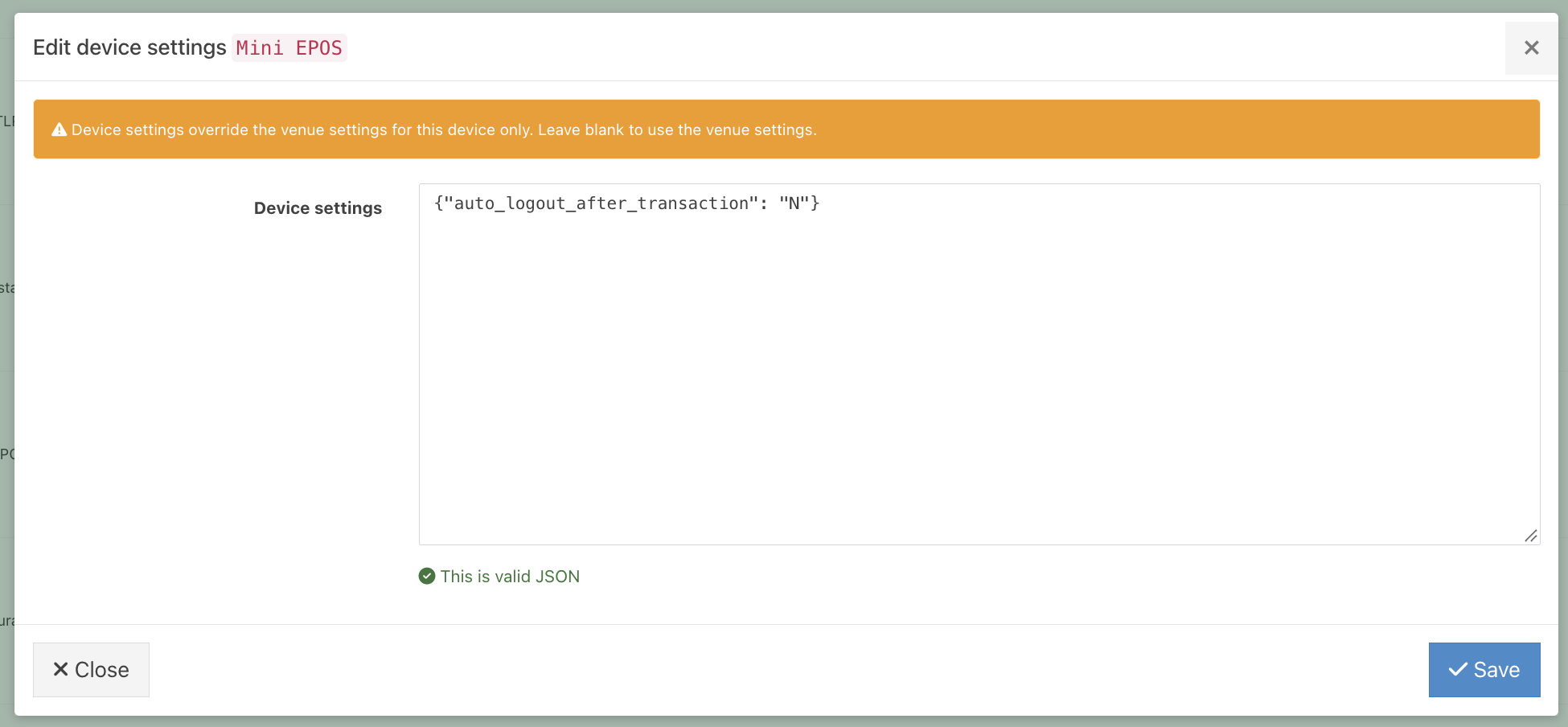
The customer's device will now remain logged in and override the venue settings.
Was this article helpful?
That’s Great!
Thank you for your feedback
Sorry! We couldn't be helpful
Thank you for your feedback
Feedback sent
We appreciate your effort and will try to fix the article