If you offer meal deal promotions, such as fixed-price menus, you can choose to display the deal as a single line on the customer receipt, rather than showing the individual products, their prices and the promotional discount.
This makes receipts clearer and easier for customers to understand, particularly for fixed-price menus.
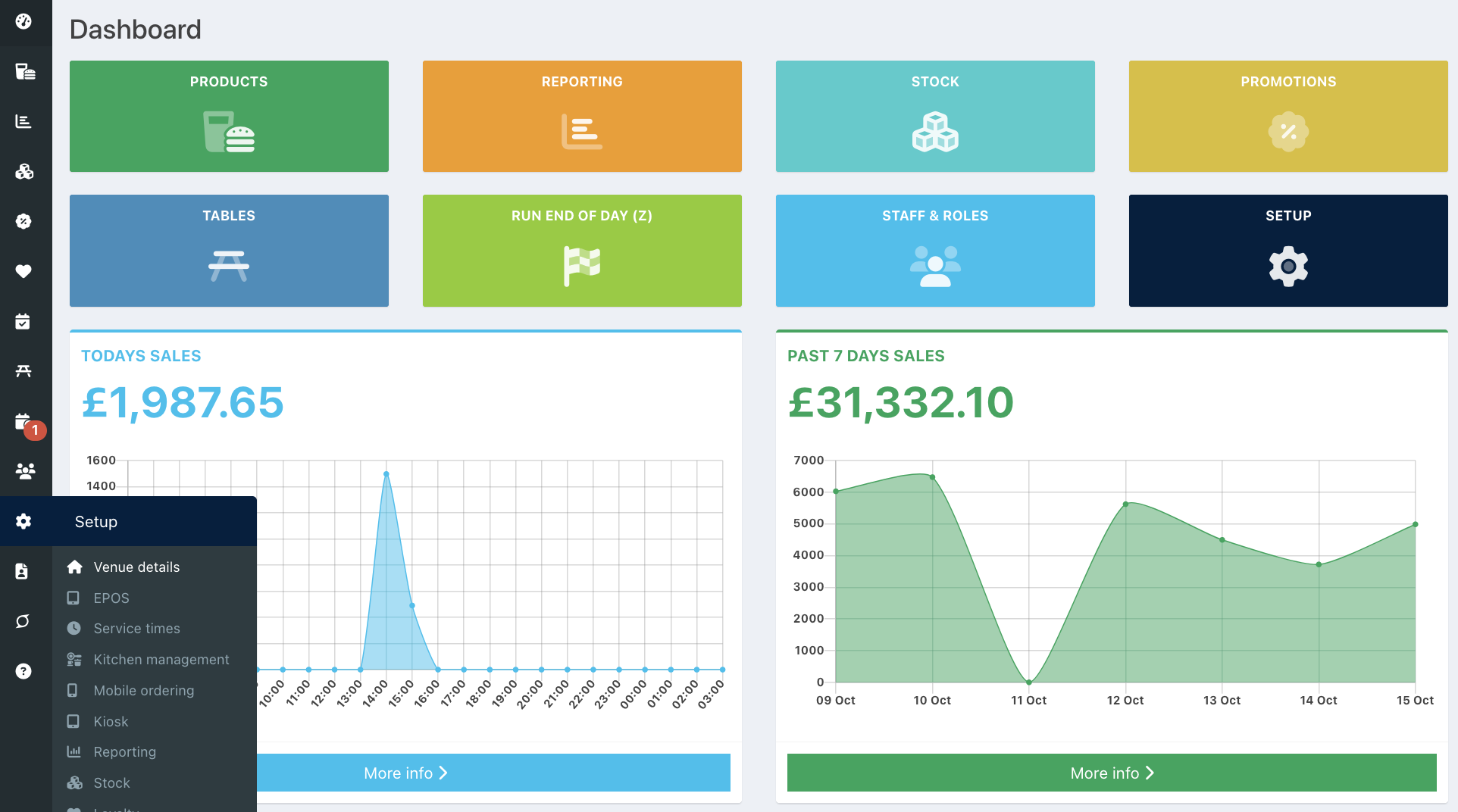
To enable this, go to your back office and select Setup > Venue details from the left-hand navigation.
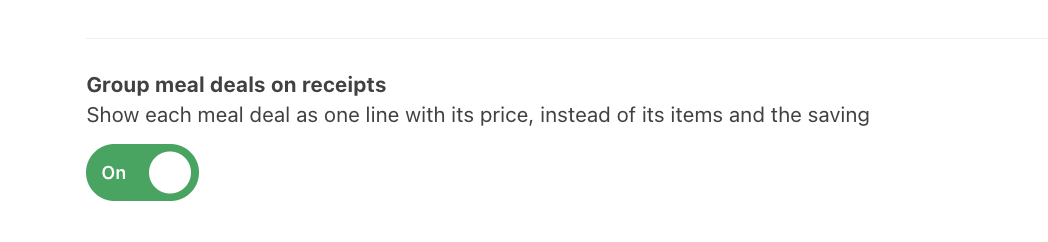
Locate Group meal deal pricing and toggle it on.
Then click the blue Save button at the bottom of the screen.

Was this article helpful?
That’s Great!
Thank you for your feedback
Sorry! We couldn't be helpful
Thank you for your feedback
Feedback sent
We appreciate your effort and will try to fix the article