Table priority assignment can be used to set the order in which your tables will be allocated for online bookings made by your customers, helping you to fill your preferred tables first.
For example, you may want to fill all your window seats before those that are closer to the bar.
When you use table priority assignment, the system matches bookings to the closest table cover first, then uses table priorities to choose between equally suited tables.
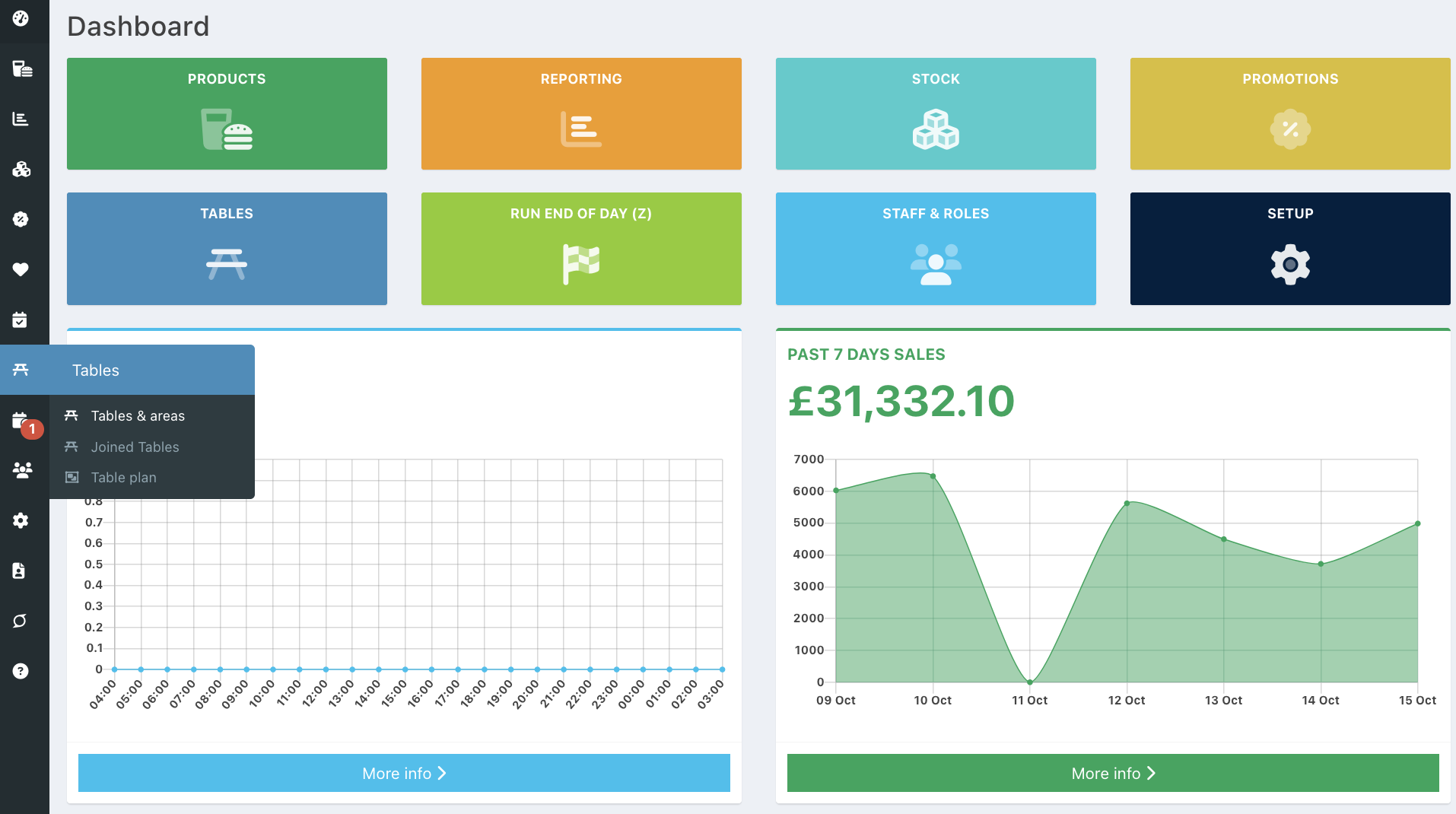
To order your tables by priority, go into the back office and select Tables > Tables and areas.
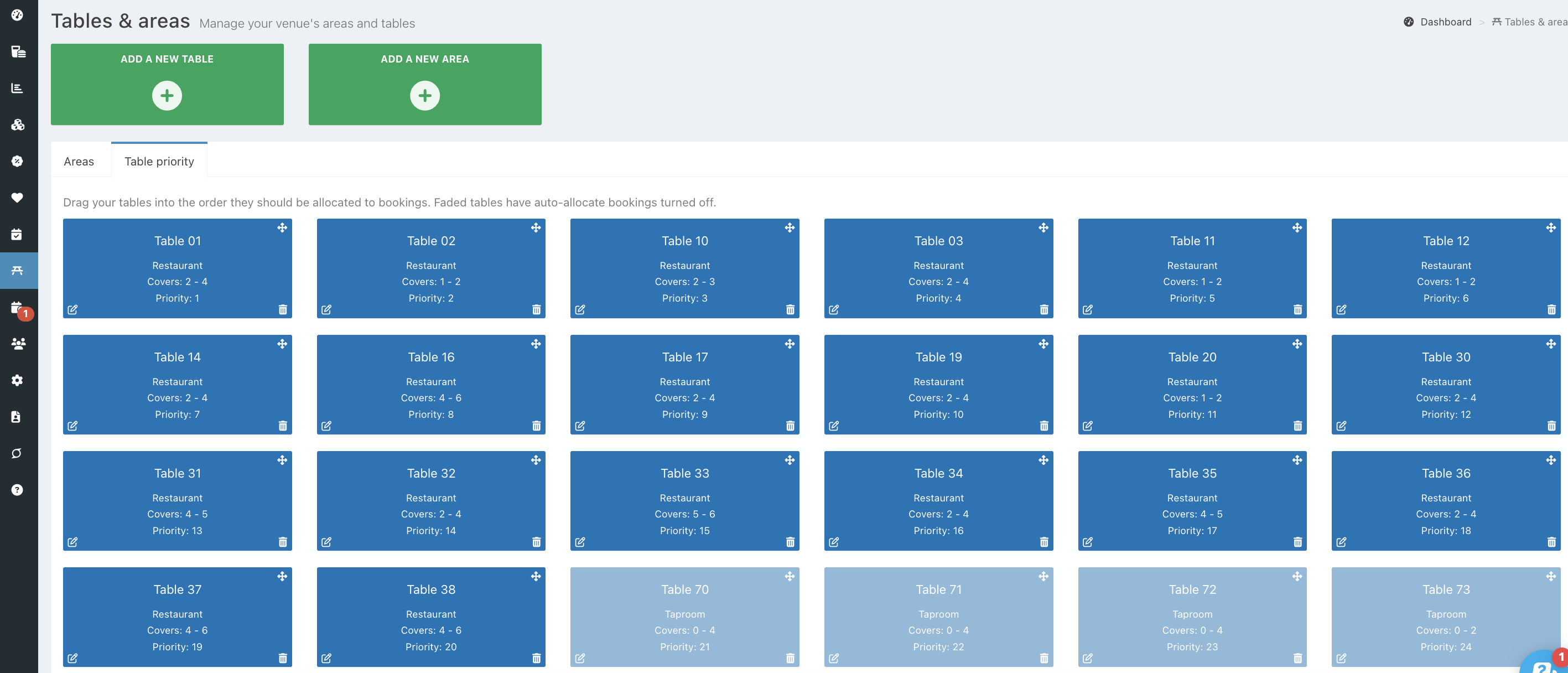
Click the Table priority tab.
By default, tables are prioritised in the order they were created, with Priority 1 as the best table. Tables displayed in a solid blue square can be prioritised. Greyed-out tables are not available for online bookings, so they cannot be prioritised.
To move a table, use the drag-and-drop arrows in the top left of the table.
Tables will automatically be saved.
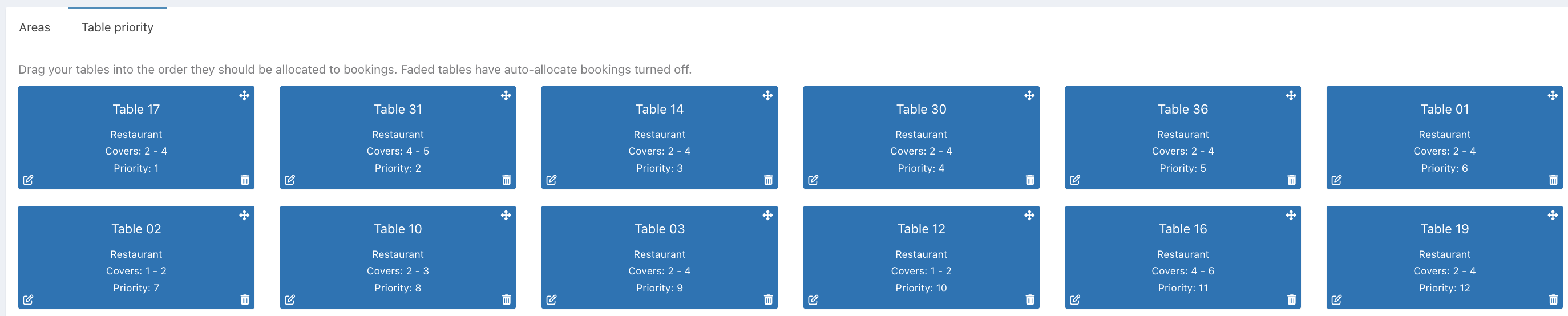
When customers make online bookings, they will now be automatically allocated to suitable tables based on the number of covers and table priority.
Was this article helpful?
That’s Great!
Thank you for your feedback
Sorry! We couldn't be helpful
Thank you for your feedback
Feedback sent
We appreciate your effort and will try to fix the article