If you have set up Square as your payment processor, and have selected a Square stand or reader as your device, you will need to configure this on your EPOS iPad.
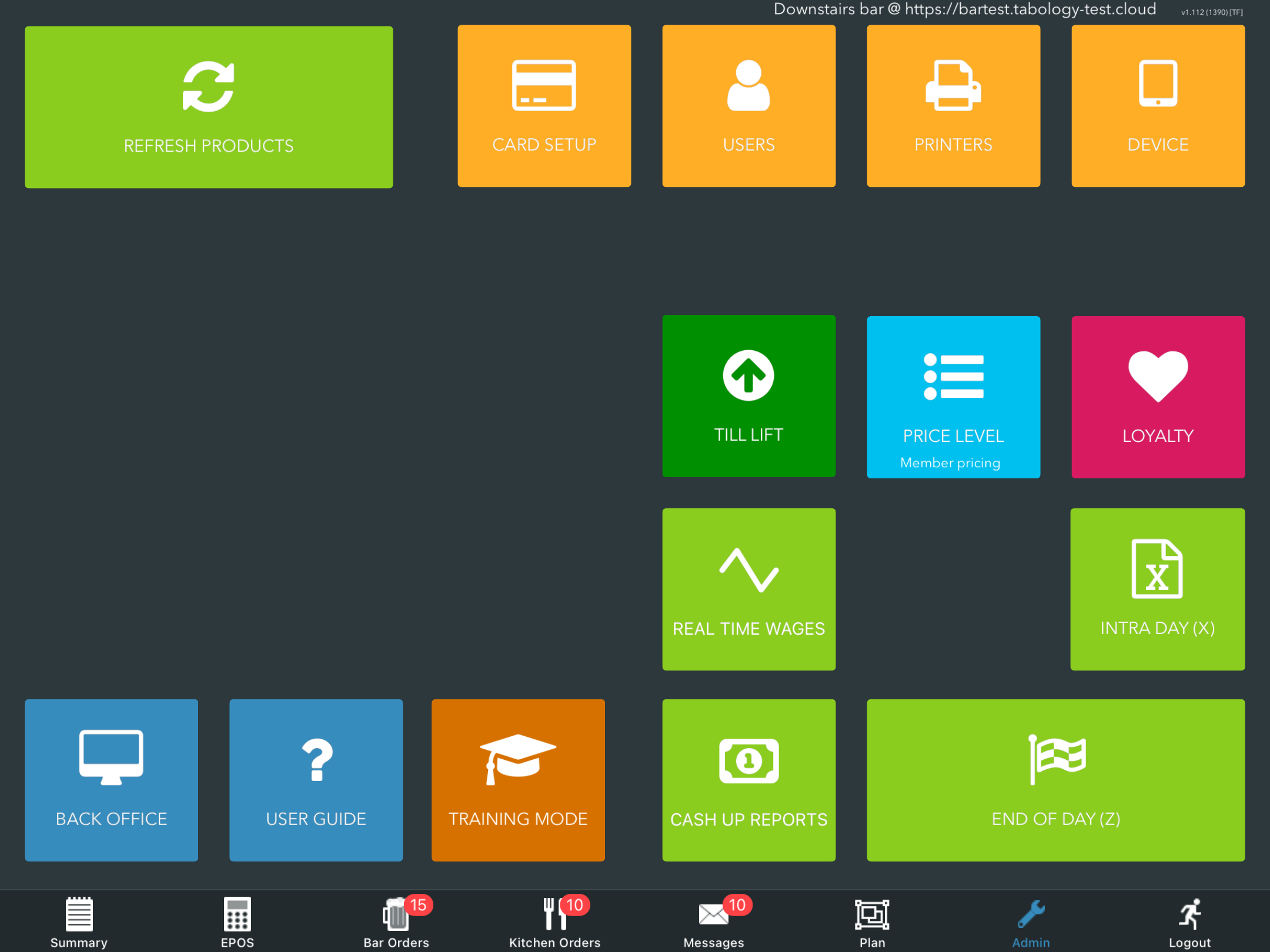
On your EPOS navigate to Admin, then click the orange Card setup button.
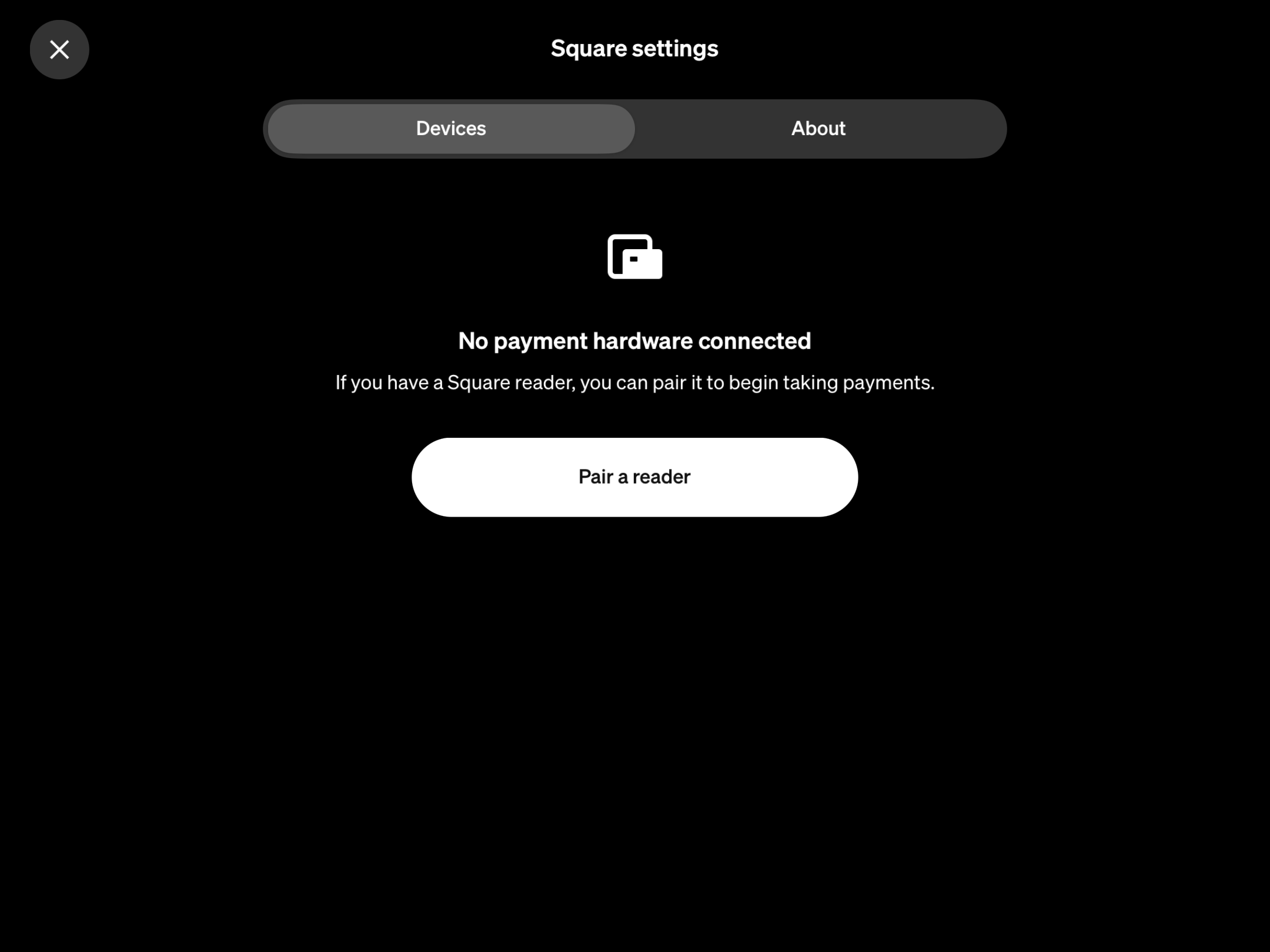
Ensure your Square reader or stand is turned on and bluetooth is enabled on your EPOS iPad.
Click the white Pair a reader button.
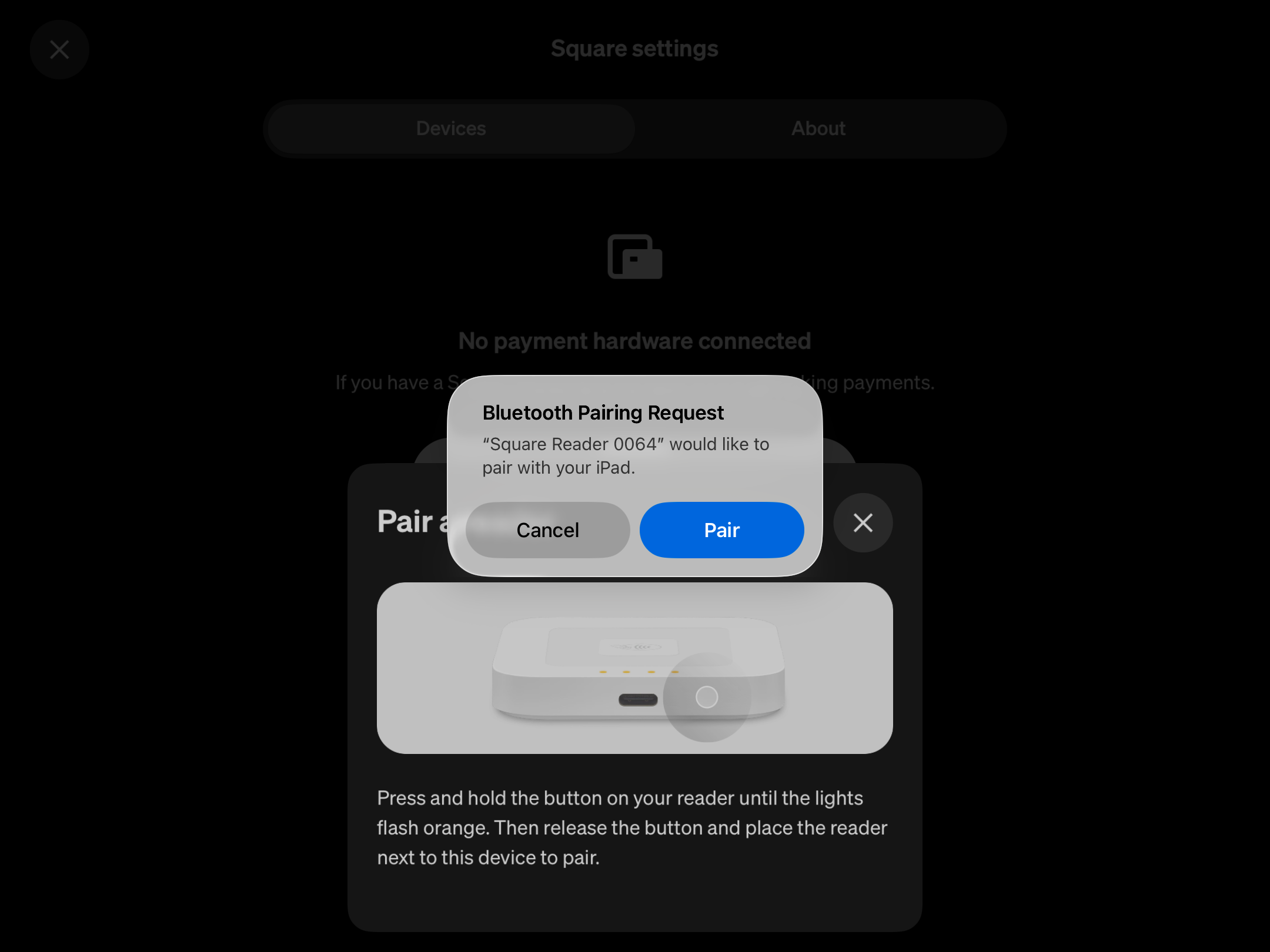
When the Square reader or stand is found, click the blue Pair button.
When the pairing is successful, the reader or stand will display in the Devices section.
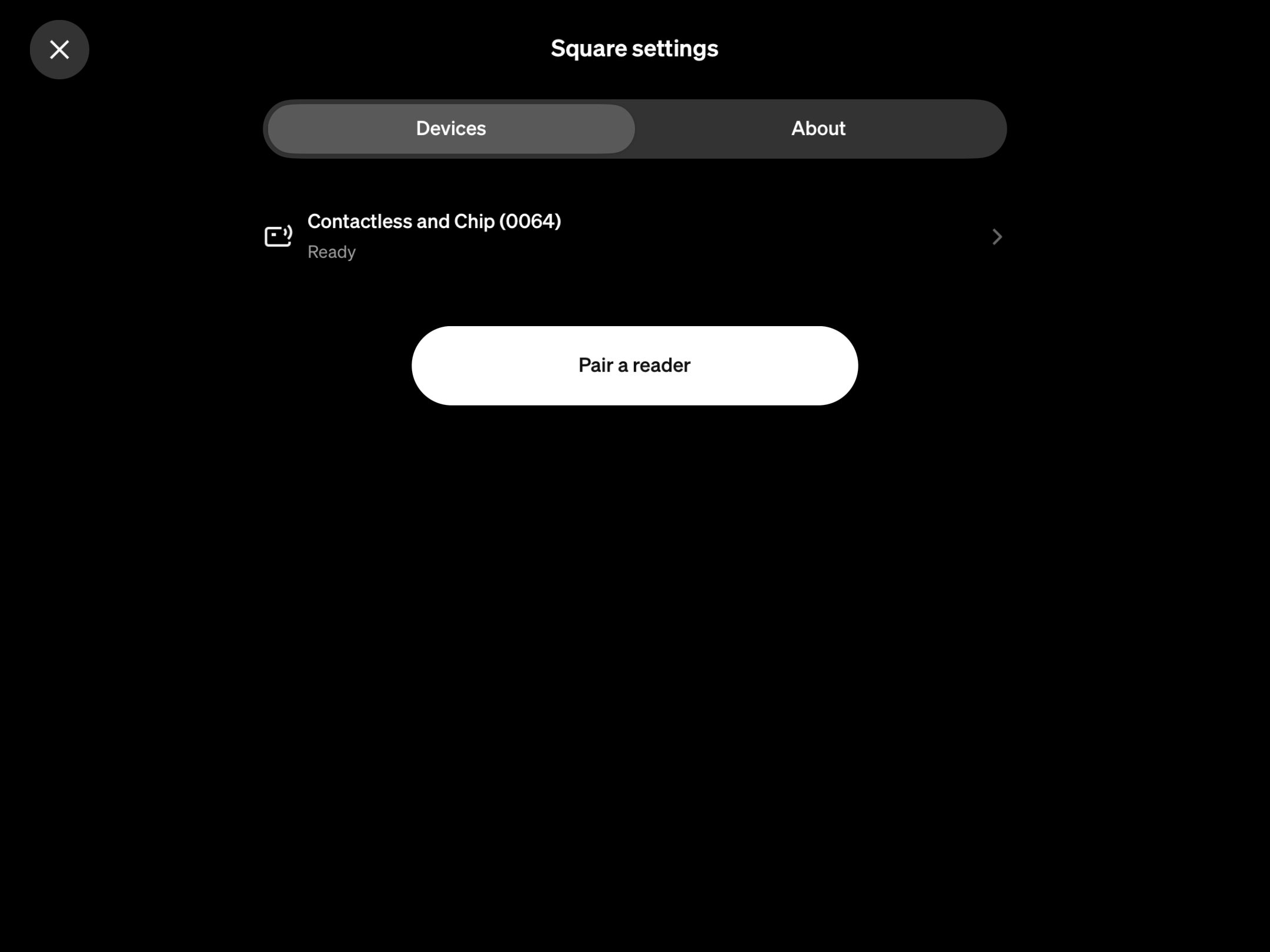
You can now take payments either through your Square stand on the screen or Square reader.
Was this article helpful?
That’s Great!
Thank you for your feedback
Sorry! We couldn't be helpful
Thank you for your feedback
Feedback sent
We appreciate your effort and will try to fix the article