If you have set up Square as your payment processor, and have selected a Square terminal as your device, you will need to configure this on the Devices section of your configuration and on your Square terminal.
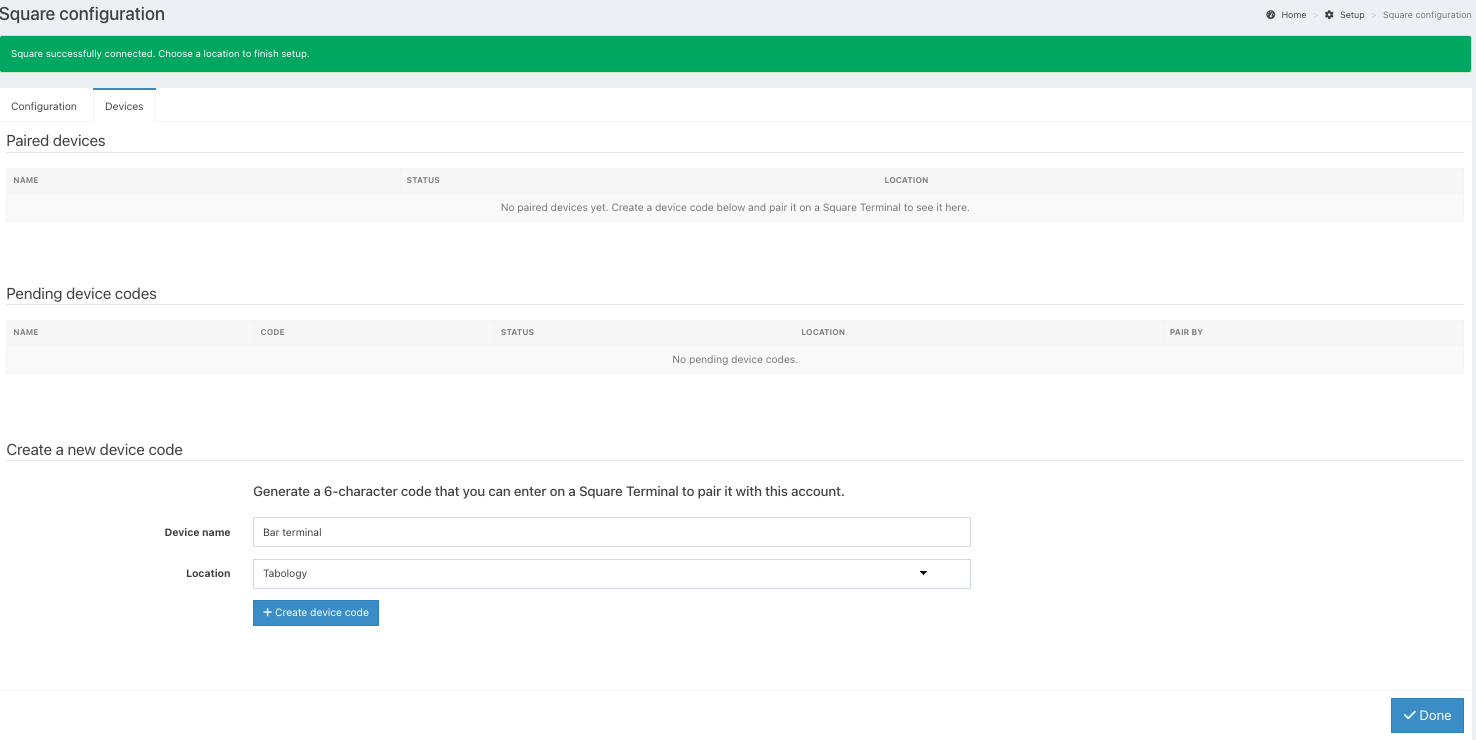
On the Devices tab, you can create device codes to connect each of your card readers. You can also see any devices currently paired.
To create a device code, first name your Square terminal in the Device name field.
Click the blue Create a device code button.
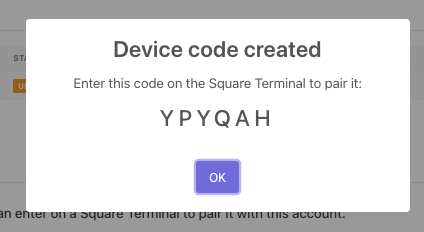
The device code will be generated on screen for you.
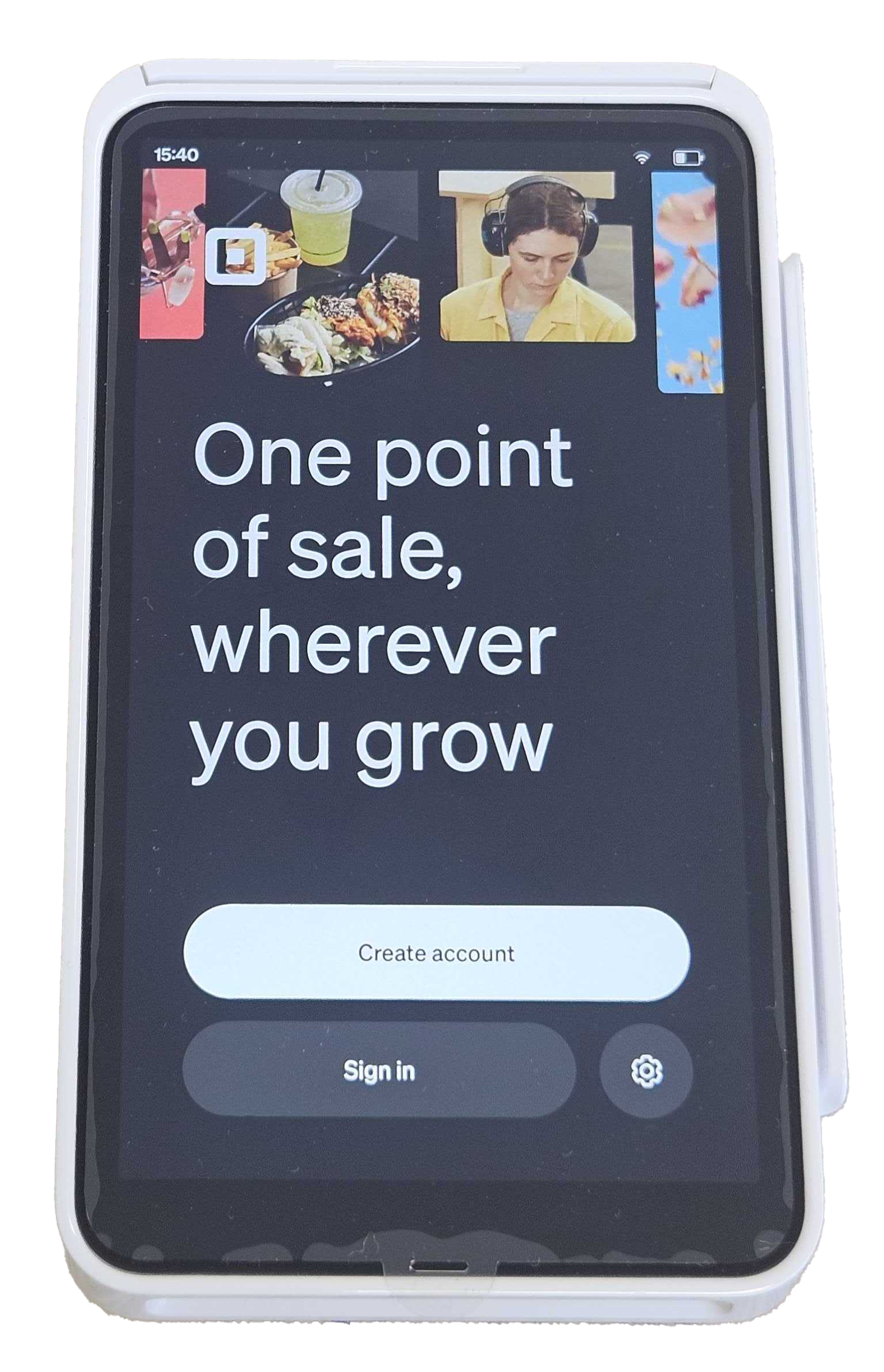
From your Square terminal, click the black Sign in button.
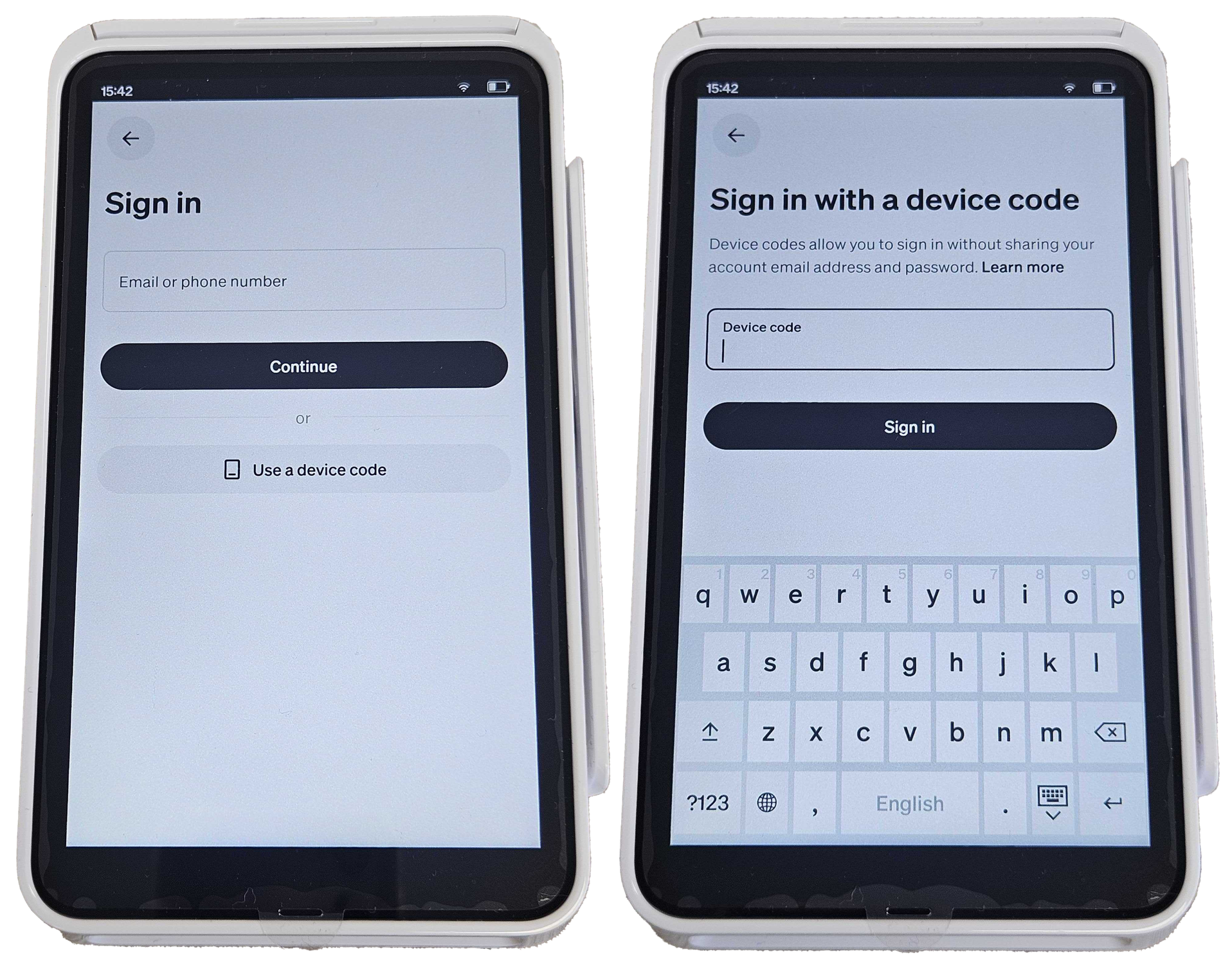
At the Sign in screen, select Use a device code. Enter the Device code just generated. Then click the Ok prompt on the back office. The Square terminal will sign in automatically.
When signed in, the paired Square terminal will display in the Paired devices.

Click the blue Done button on the Square configuration page.
You can now take payments with your Square terminal.
Was this article helpful?
That’s Great!
Thank you for your feedback
Sorry! We couldn't be helpful
Thank you for your feedback
Feedback sent
We appreciate your effort and will try to fix the article