If your EPOS is integrated with Square, your payments will automatically be processed from the EPOS to your Square terminal, stand or reader.
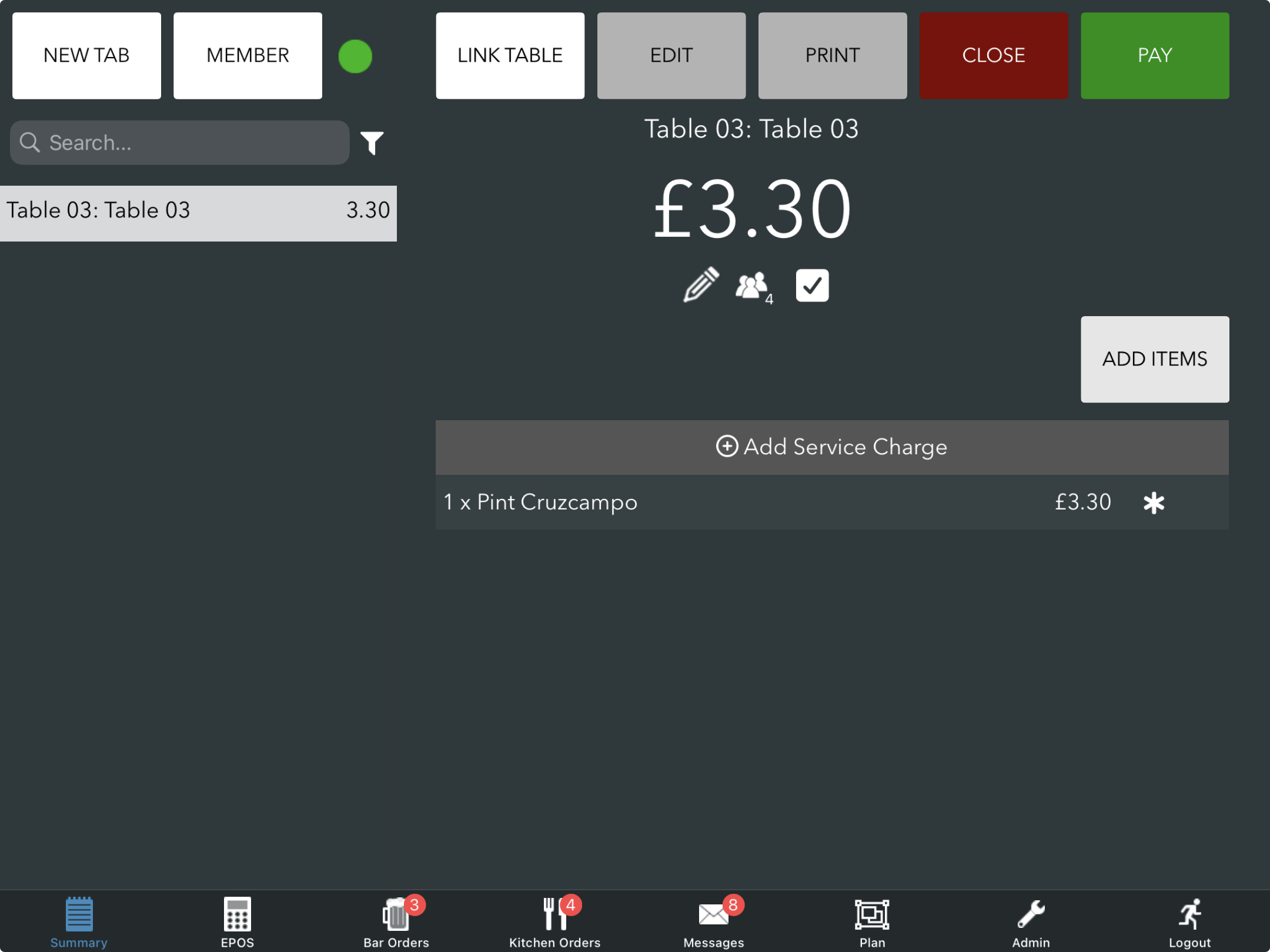
On your EPOS summary screen, choose the tab you need to pay for and click the green Pay button. Then select C/Card > Add payment.
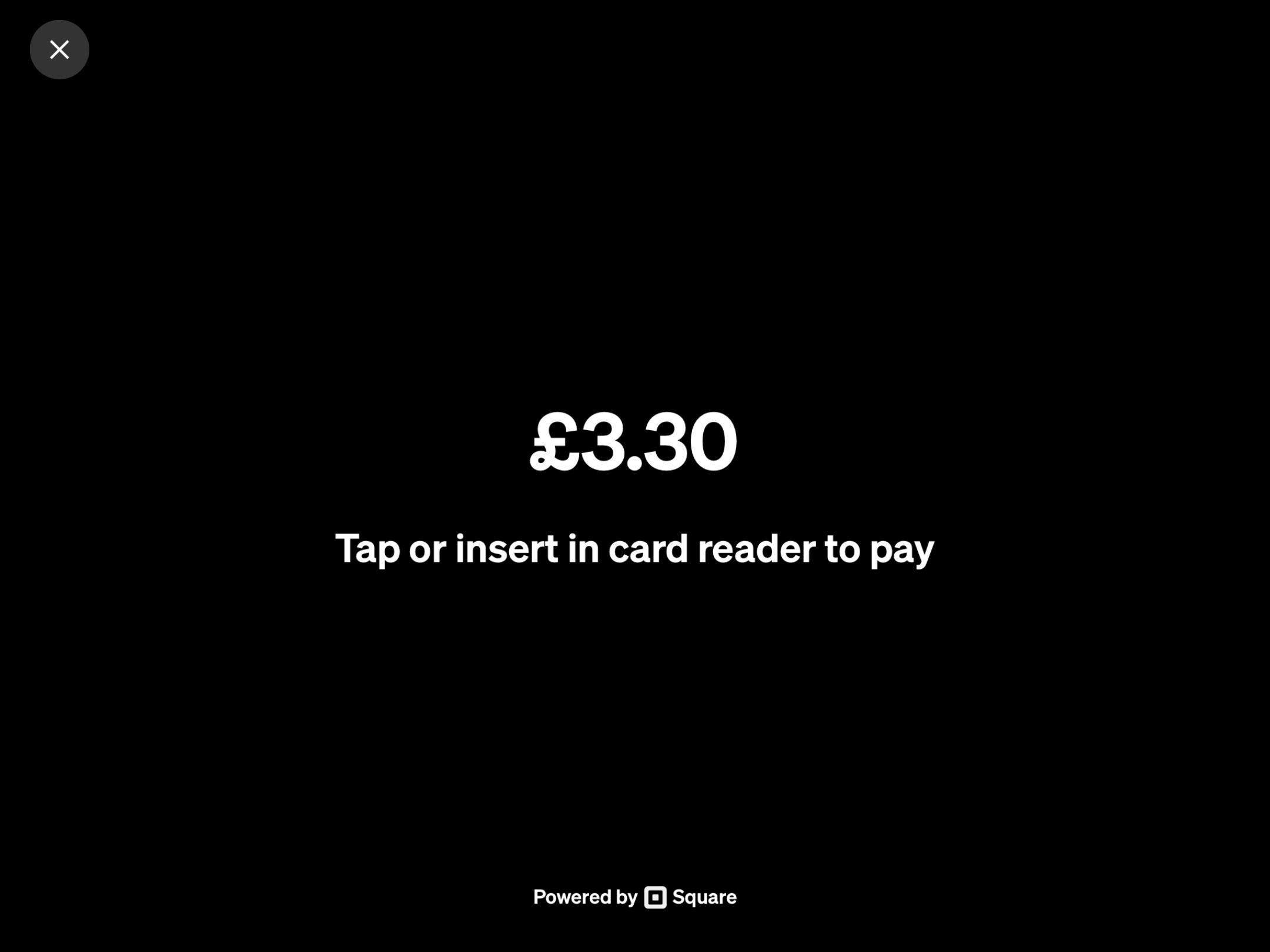
The Square payment screen will display.
Contactless payments are made on the screen. Chip & pin payments can be made at the bottom of the Square reader and stand.
Once approved, the Square payment modal will close and you will automatically return to the summary screen on your EPOS.
If you need to, you can refund the payment back to the customer's card.
Was this article helpful?
That’s Great!
Thank you for your feedback
Sorry! We couldn't be helpful
Thank you for your feedback
Feedback sent
We appreciate your effort and will try to fix the article