If staff members add their shifts to their calendars, they will receive a reminder 60 minutes before each shift starts. You can change the number of minutes or disable the reminders completely in the staff scheduling setup in the back office.
To update shift reminders, go into the back office and select Setup > Staff scheduling.
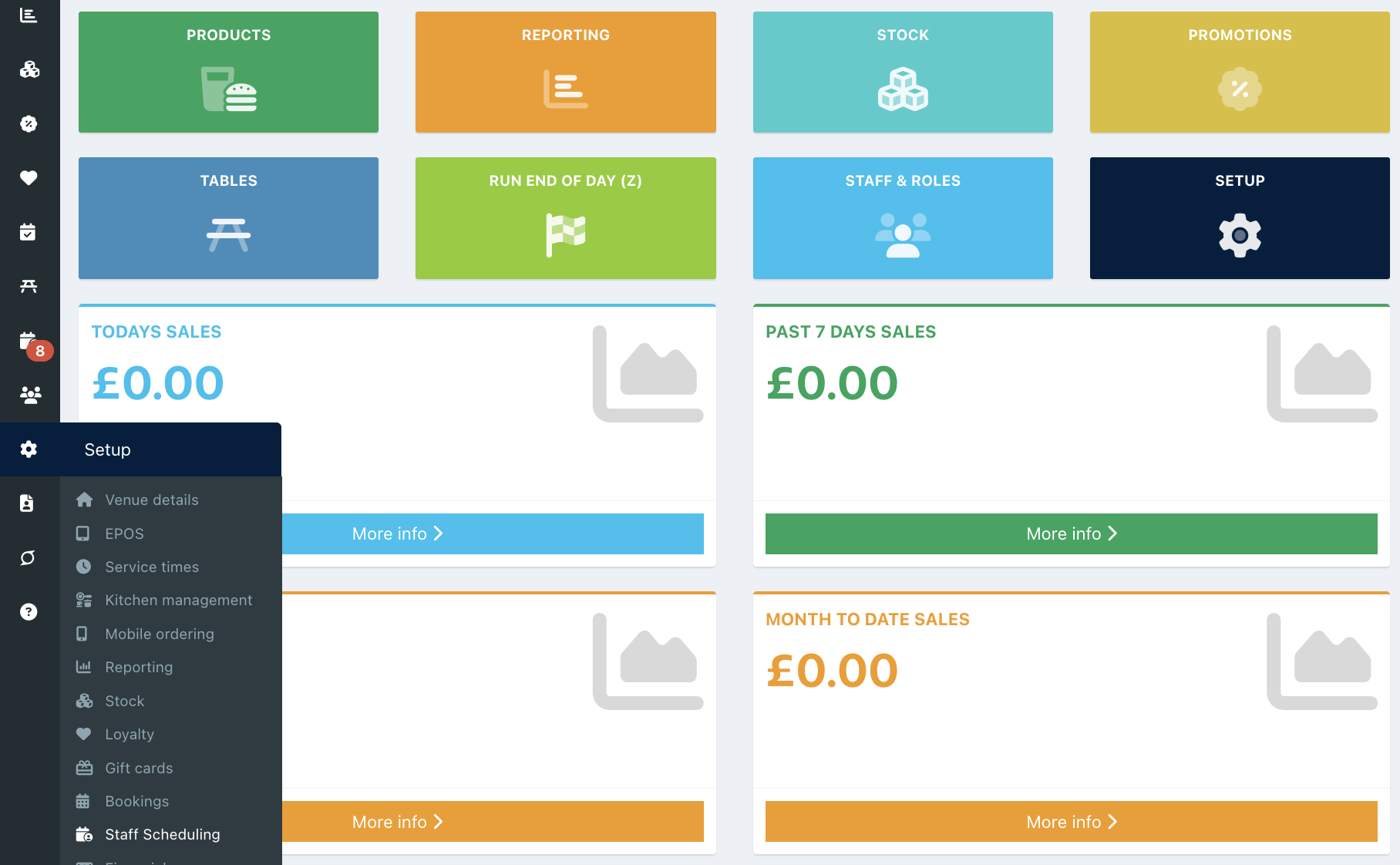
Locate the Shift reminder setting.
Enter the number of minutes before each shift you want the reminder to trigger.
Note: To disable shift reminders, enter 0 minutes.

Click the blue Save button to save your changes.

Was this article helpful?
That’s Great!
Thank you for your feedback
Sorry! We couldn't be helpful
Thank you for your feedback
Feedback sent
We appreciate your effort and will try to fix the article