The Member Subscriptions tab in the Subscription Centre provides an overview of individual members who have signed up to a subscription.
You can also manage other aspects of your subscriptions from the Subscription Centre:
Subscription Plans – View and manage subscription plans.
Member Payments – View payments associated with member subscriptions.
To view a Member subscription, go into the back office and select Members & Loyalty > Subscription Centre.
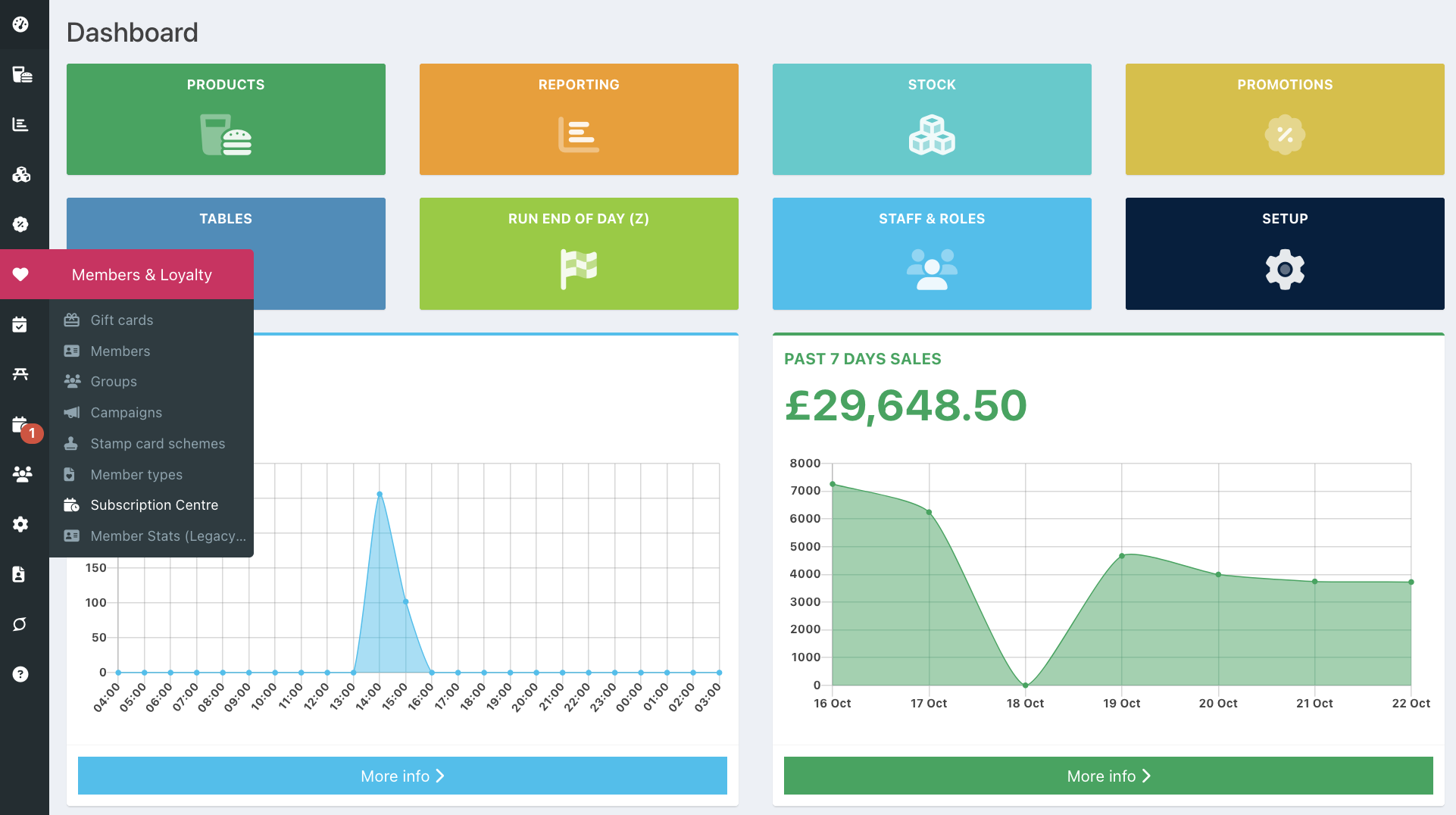
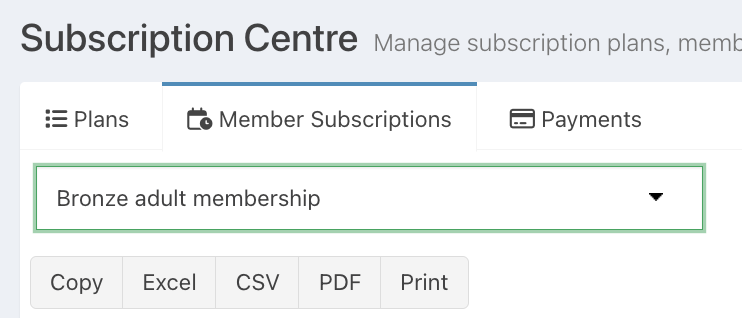
Click the Member subscriptions tab.
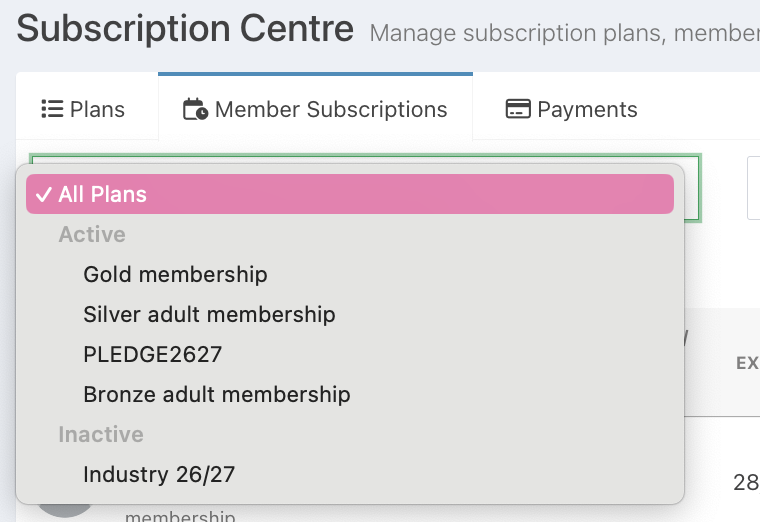
By default, subscriptions for All plans will be displayed. To view subscriptions for a specific plan, select the plan from the Plan dropdown.
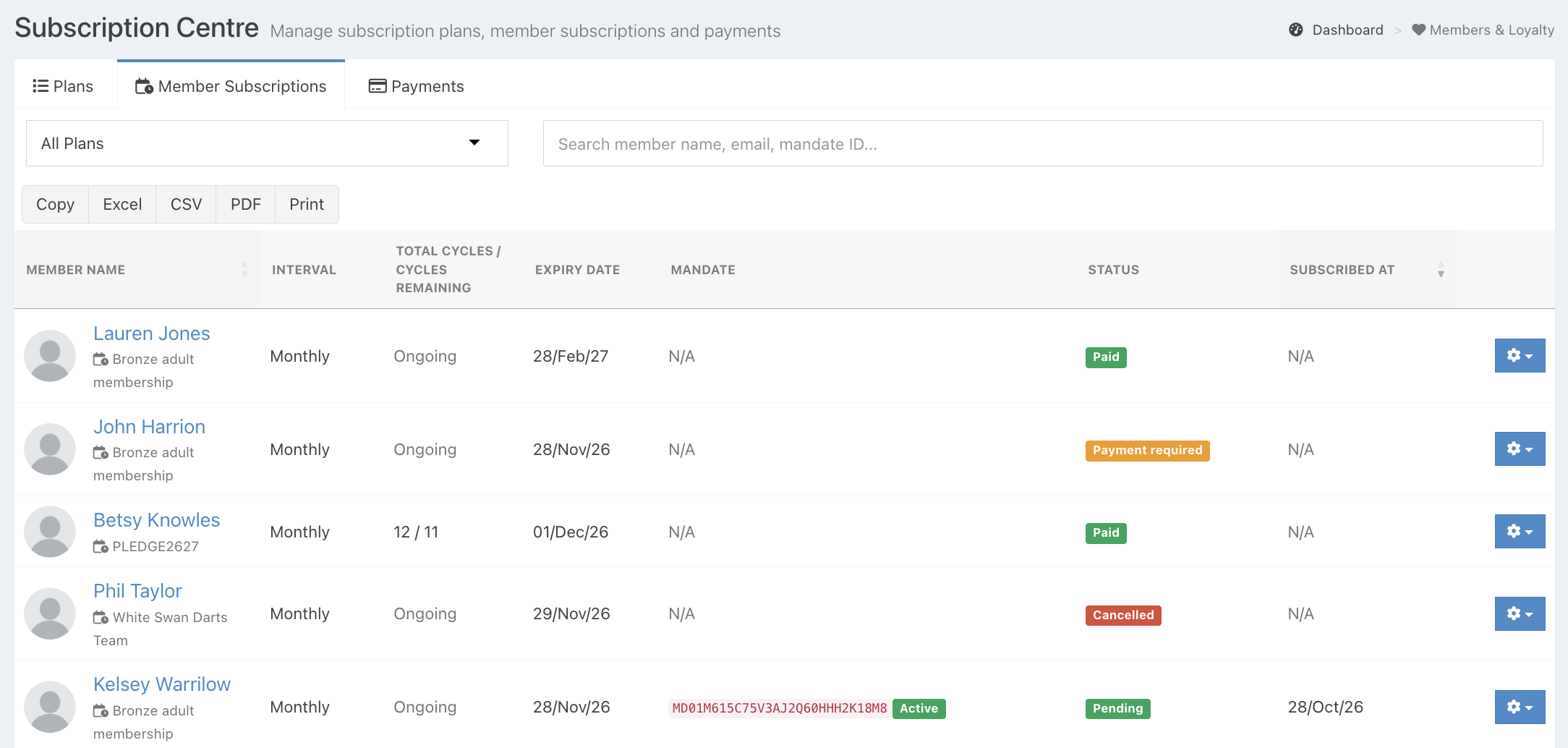
When viewing member subscriptions, you will be able to see:
- Member name - The member's name, with a link to their member profile and the plan reference
- Interval - How often the subscription is billed (either monthly or annually)
- Total cycles/cycles remaining - The number of total cycles vs cycles remaining. If Ongoing billing has been selected, this will display as ongoing
- Expiry date - The subscription expiry date
- Mandate - This is the mandate identification and status. This will display as N/A if a mandate hasn't been set up
- Status - The status of the member subscription
- Subscribed at - The date the member signed up on
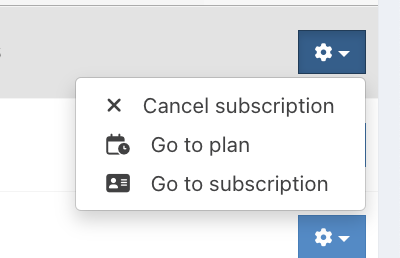
For each member, you can click the blue Settings cog for additional actions:
- Cancel a subscription - This will cancel the member's subscription and any upcoming payments that have not yet been taken. This will also cancel the member's mandate if setup.
- Go to plan - This will take you directly to the Subscription plan they are signed up to
- Go to subscription - This will take you to their Member profile, where you can view their subscription
Note: Actions available will depend on the Status of the subscription.
Searching
If you have a long list of member subscriptions, use the Search bar at the top of the screen to find a specific subscription. Any matching results will be displayed.

Exporting
If you need to export your list of Member plans, you can Copy, export to Excel or CSV, download as a PDF or print a copy.
Was this article helpful?
That’s Great!
Thank you for your feedback
Sorry! We couldn't be helpful
Thank you for your feedback
Feedback sent
We appreciate your effort and will try to fix the article