If you have enabled and set up pre-authorisations on booking types, you can add a no-show policy text that will be presented to the guest when they are on the pre-authorisation screen.
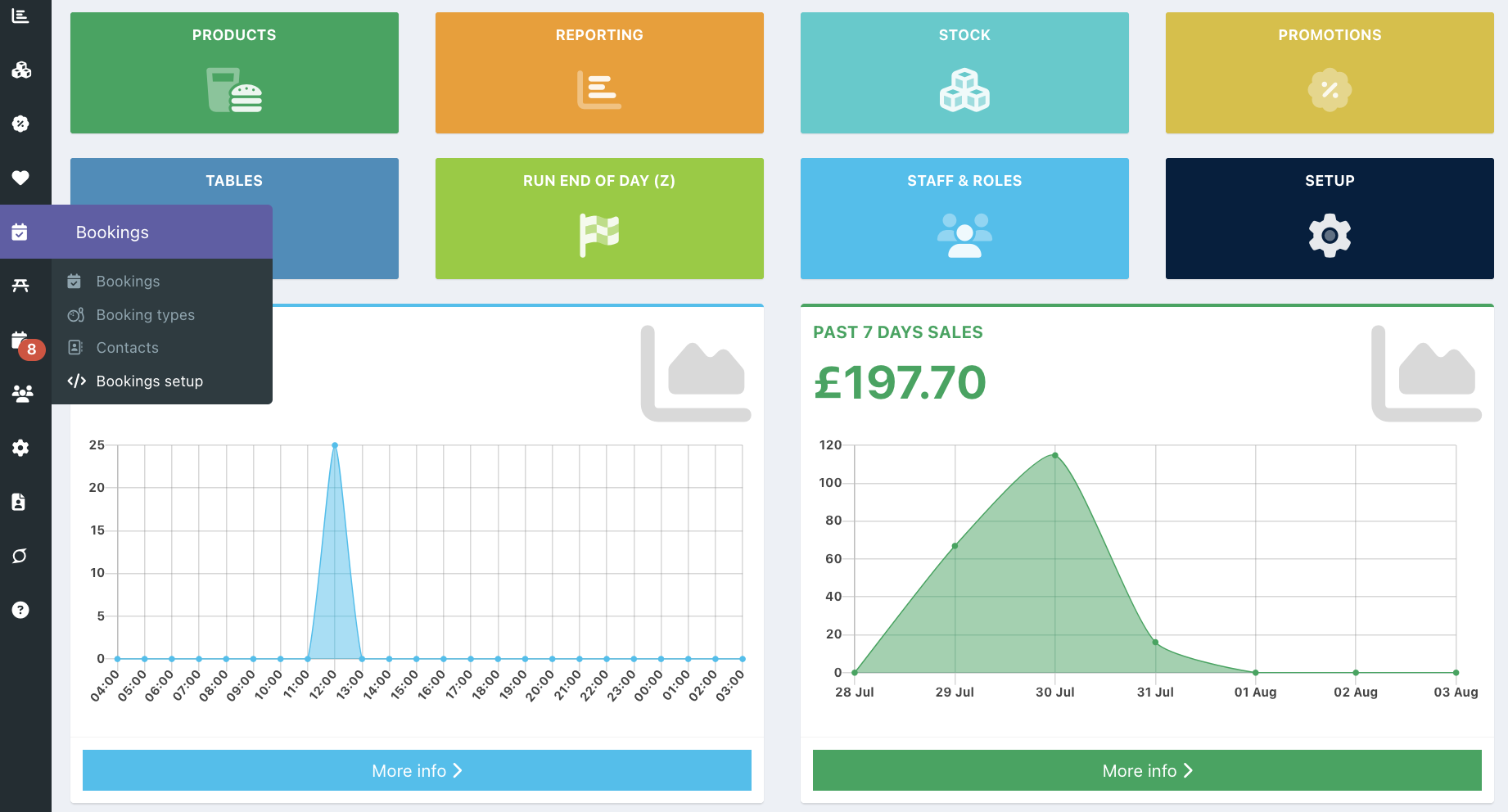
To add a No-show policy text, go into your back office and select Setup > Bookings setup.
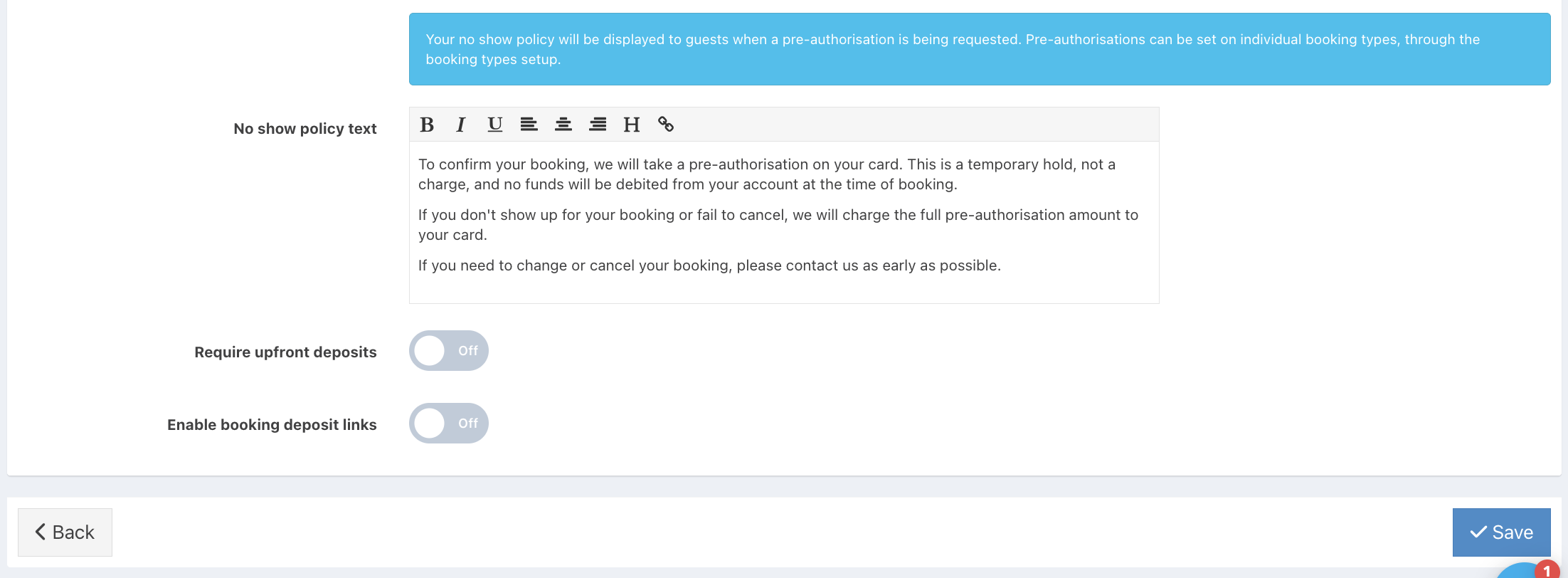
Click the Deposits tab and locate the No show policy text field.
Enter your text into the field as required, followed by the blue Save button.
Your guest will now see the no-show policy text when making a booking that requires a pre-authorisation.
Was this article helpful?
That’s Great!
Thank you for your feedback
Sorry! We couldn't be helpful
Thank you for your feedback
Feedback sent
We appreciate your effort and will try to fix the article