By default, all EPOS devices have a Mains Away option that sends a message to your kitchen. If you would like to send away messages for specific courses, you can add these on the back office.
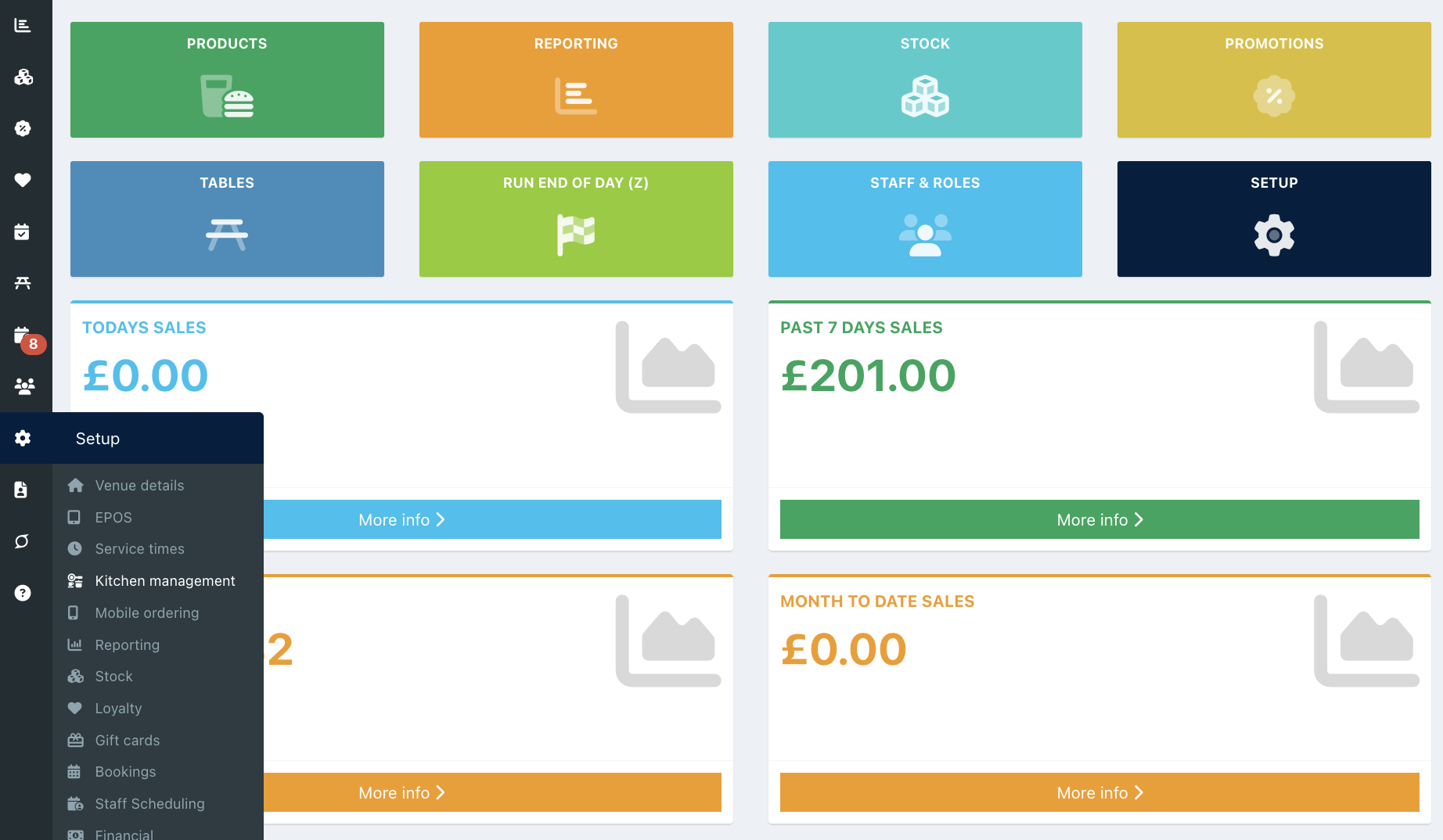
To set Course away messages, go into your back office and select Setup > Kitchen management from the left-hand navigation.
Click the Other settings tab and locate the setting Course away messages.
By default, the Course away message field is left blank, but your EPOS will still show the built-in default message, Mains away.
You can add your own Course away messages by typing into the text field, followed by Enter.

When you have updated your Course away messages, click the blue Save button at the bottom of the screen.
You can now call Course away on your EPOS, table plan, or Mini EPOS.
Was this article helpful?
That’s Great!
Thank you for your feedback
Sorry! We couldn't be helpful
Thank you for your feedback
Feedback sent
We appreciate your effort and will try to fix the article