If your EPOS is integrated with Square, your payments will automatically be processed from the EPOS to your Square terminal.
On the summary screen of your EPOS, choose the tab you require payment for and click the green Pay button. Then select C/Card > Add payment.
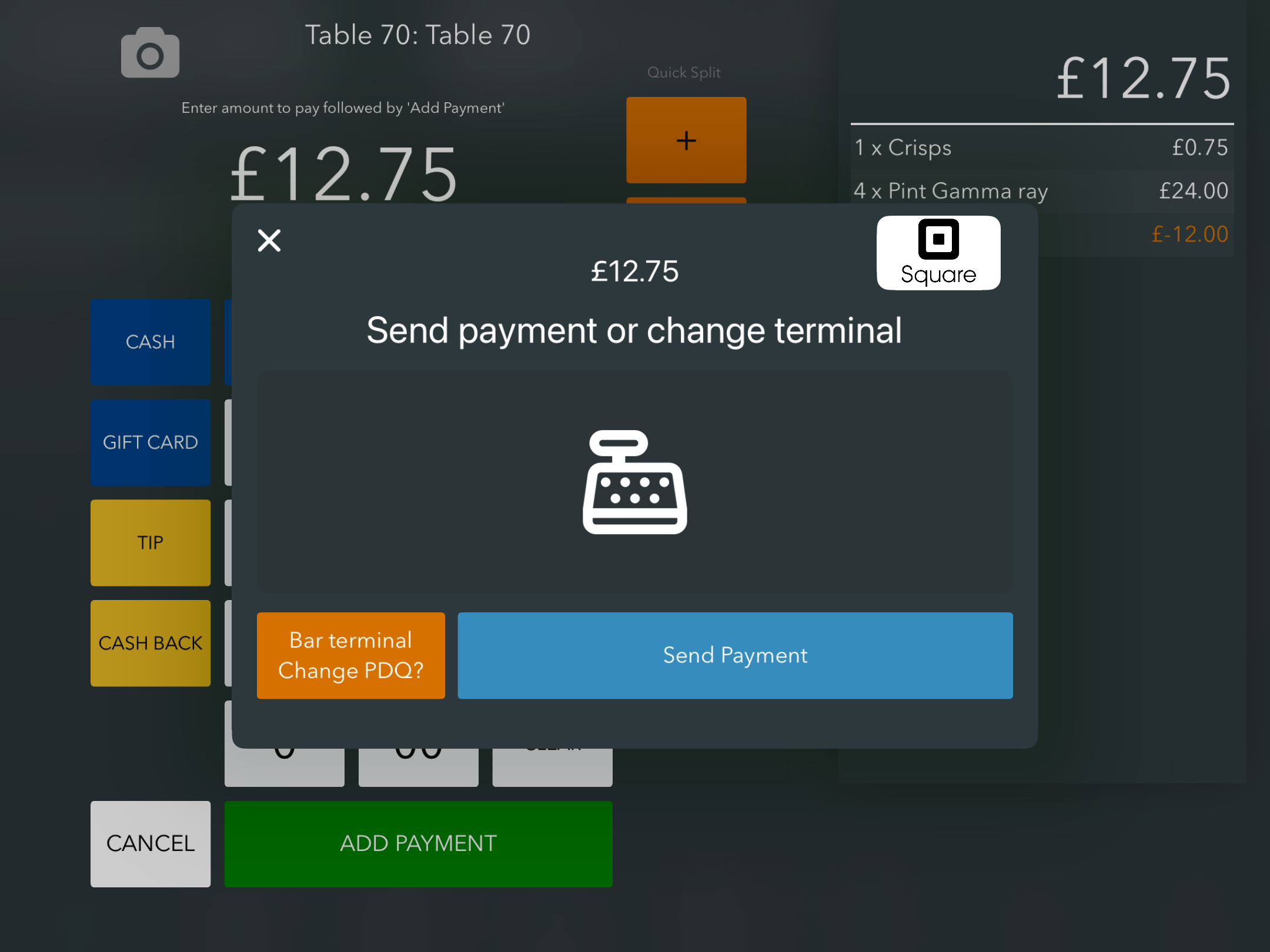
You will then be presented with the Square payment screen. Click the blue Send payment button, to push the payment to your Square terminal.
Contactless payments are made on the screen. Chip & pin payments can be made at the bottom of the card reader.
Once the payment has gone through, the EPOS will display a Payment successful message. Click the green Done button.
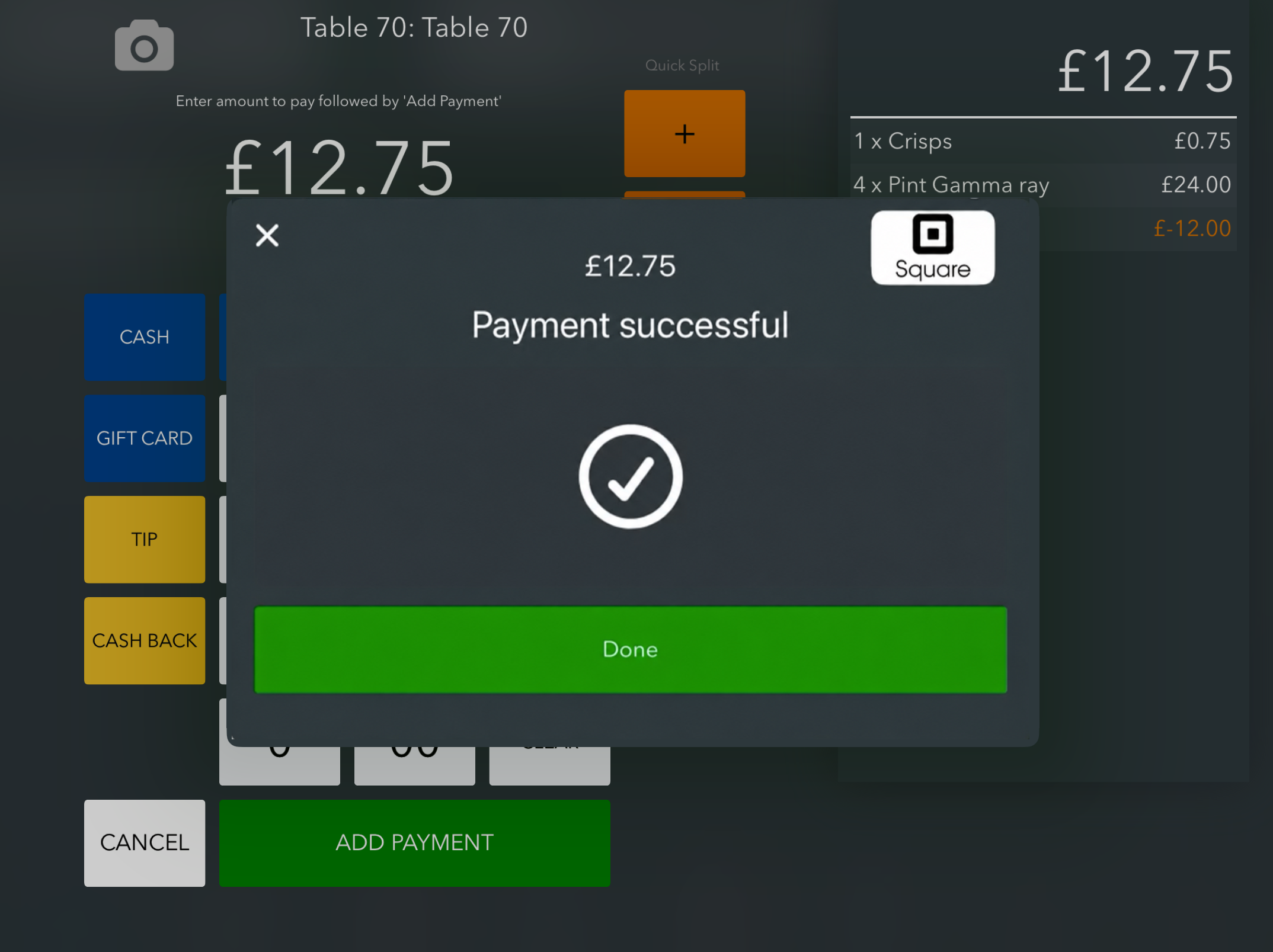
Once approved, the Square payment modal will close and you will automatically return to the summary screen on your EPOS.
If you need to, you can refund the payment back to the customer's card.
Was this article helpful?
That’s Great!
Thank you for your feedback
Sorry! We couldn't be helpful
Thank you for your feedback
Feedback sent
We appreciate your effort and will try to fix the article