Raised by customers that when food order tickets are printed and put on a kitchen tab grabber, the table number cannot be seen. Customers have to pull the check from the tab grabber to verify the table number.
The setting will increase the white space for the customer, and when combined with a tab grabber, the Table number will be clearly visible.
Go into the back office > SU > Advanced settings.
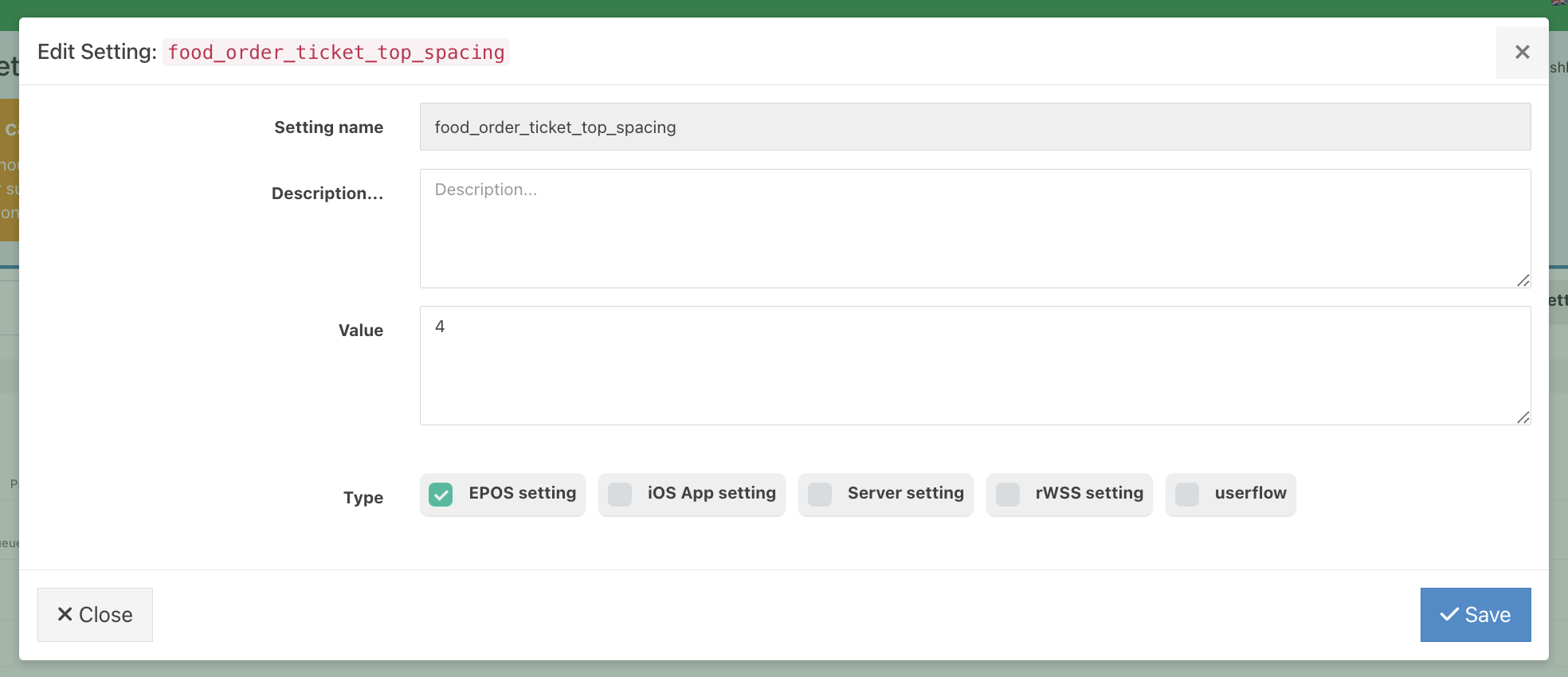
If the setting food_order_ticket_top_spacing doesn't exist, add the setting from the top of the screen.
Add the Setting name and number to the Value field.
The number entered in the value field corresponds to the number of line spaces a customer needs. Default is 0.
The setting will currently apply to both food and all sections.
Was this article helpful?
That’s Great!
Thank you for your feedback
Sorry! We couldn't be helpful
Thank you for your feedback
Feedback sent
We appreciate your effort and will try to fix the article