Once you have configured Teya as your payment processor you will then need to connect your Teya account to the EPOS.
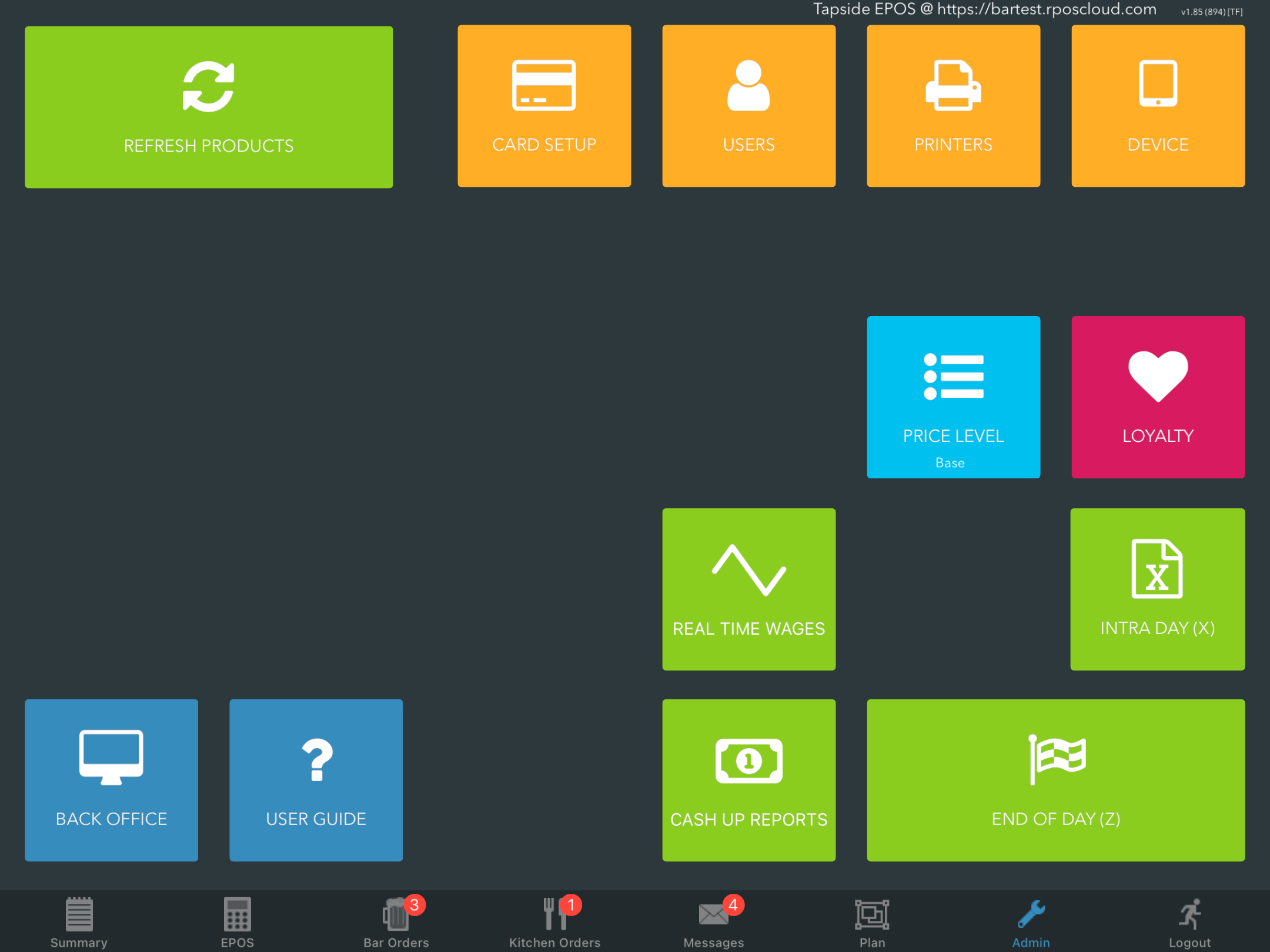
To connect your EPOS to a Teya terminal, log onto your EPOS and go to the Admin screen from the bottom navigation bar. Then click the orange Card setup button.
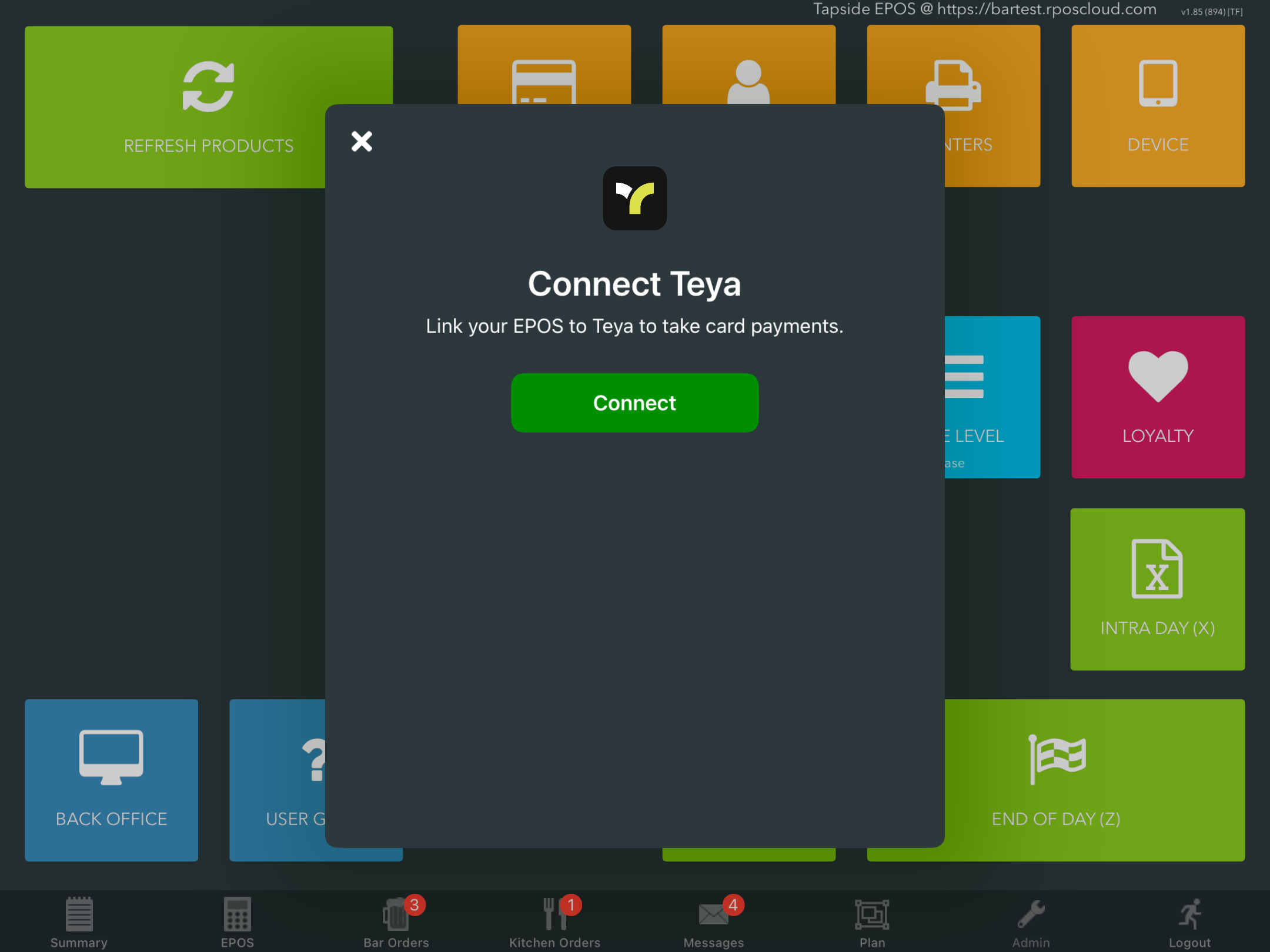
In the Connect Teya modal, click the green Connect button.
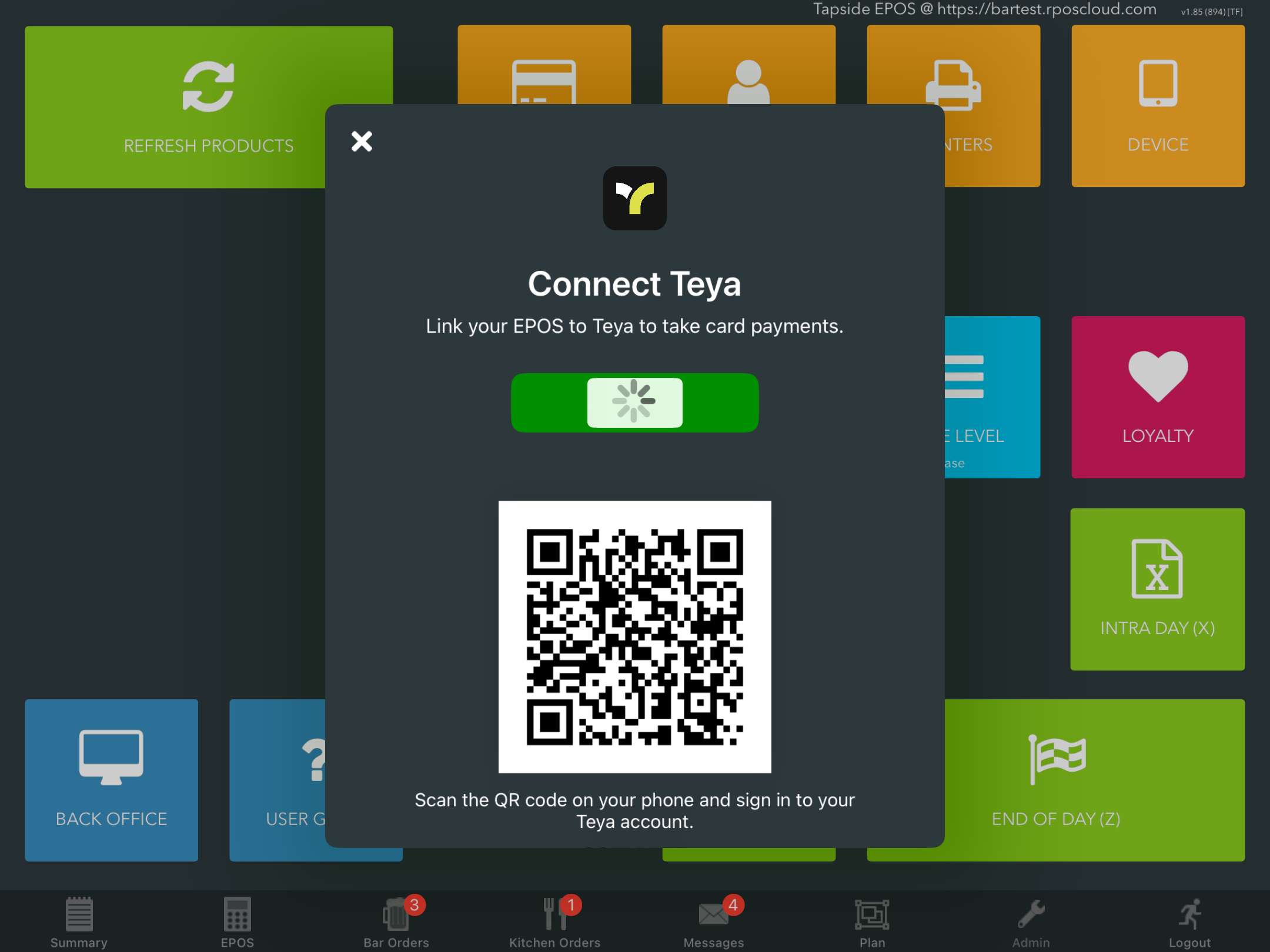
Scan the QR code using your phone and sign into your Teya account.
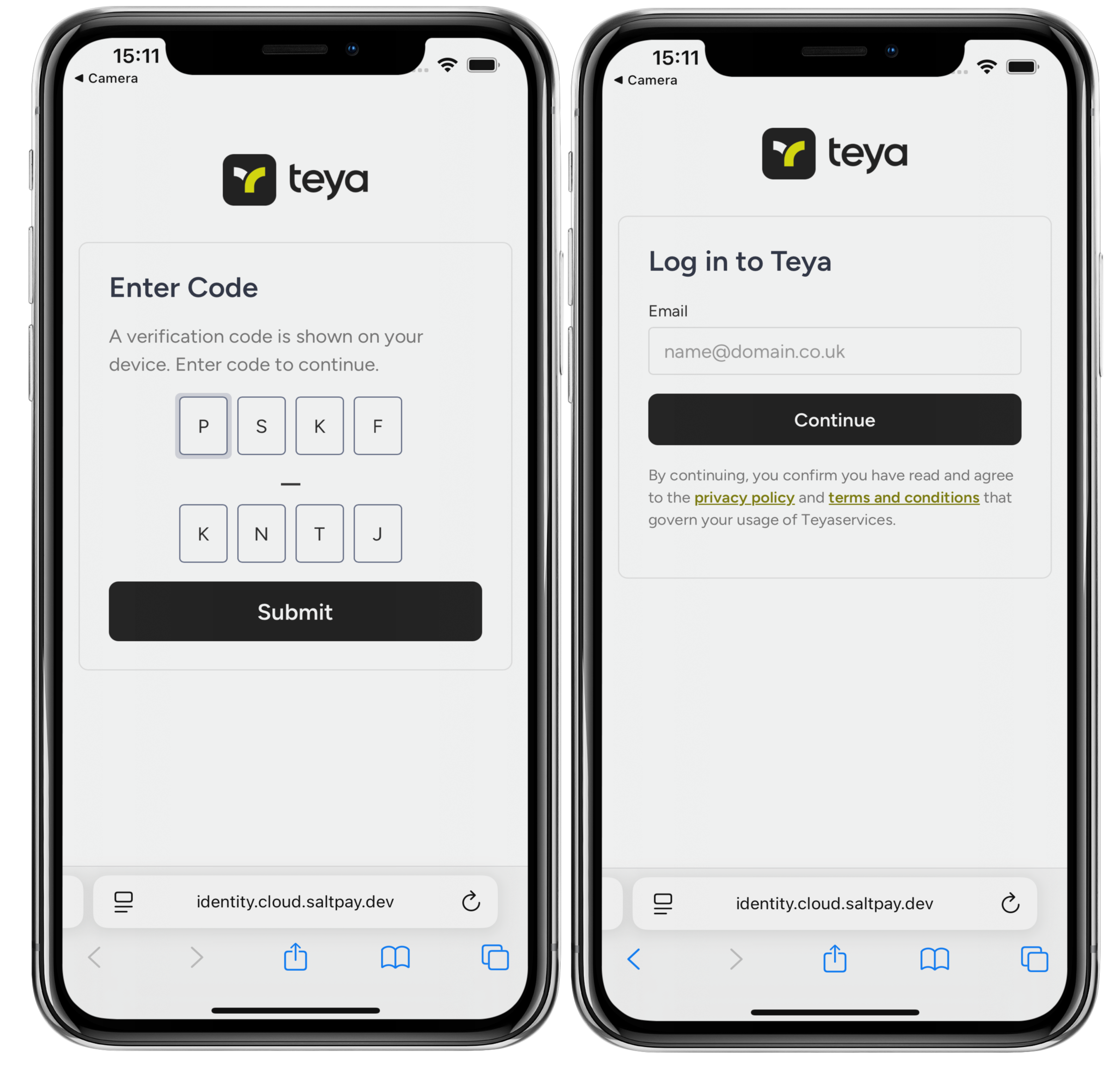
The Verification code will pre-populate into the Code entry boxes on your phone. Then click the black Submit button.
You will then be prompted to Log into Teya with your Teya account credentials.
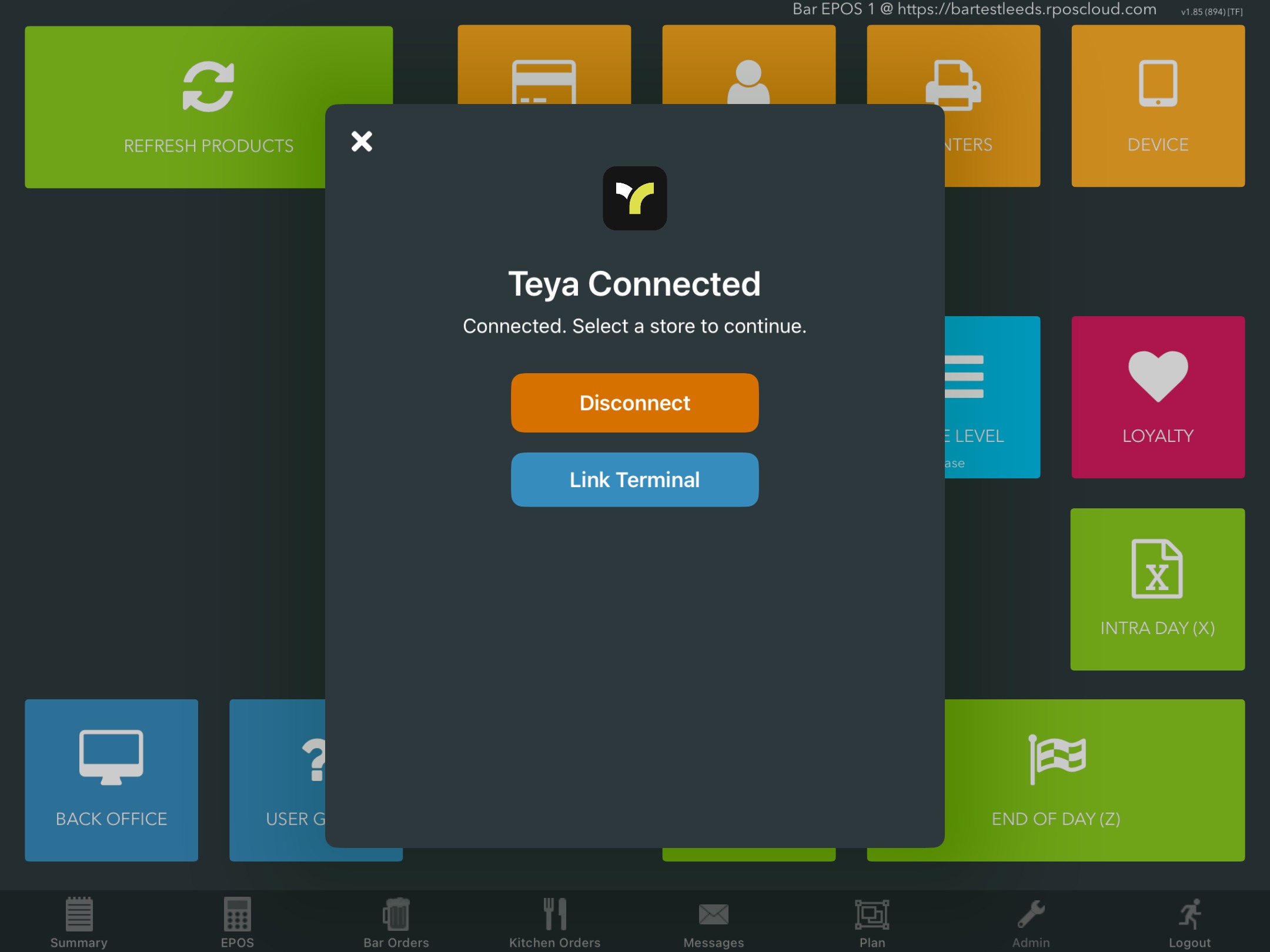
Once completed, refer back to your EPOS, where you can now link your Teya terminal.
Was this article helpful?
That’s Great!
Thank you for your feedback
Sorry! We couldn't be helpful
Thank you for your feedback
Feedback sent
We appreciate your effort and will try to fix the article