You can set a default group that all new members of your loyalty scheme will be allocated to. This enables you to automatically allocate new members to any promotions attached to the group.
Note: If you have multiple different memberships or loyalty schemes, you can set a default group for each Member type.
To enable the ability to set a default group for new members, go into your back office & select Setup > Loyalty.
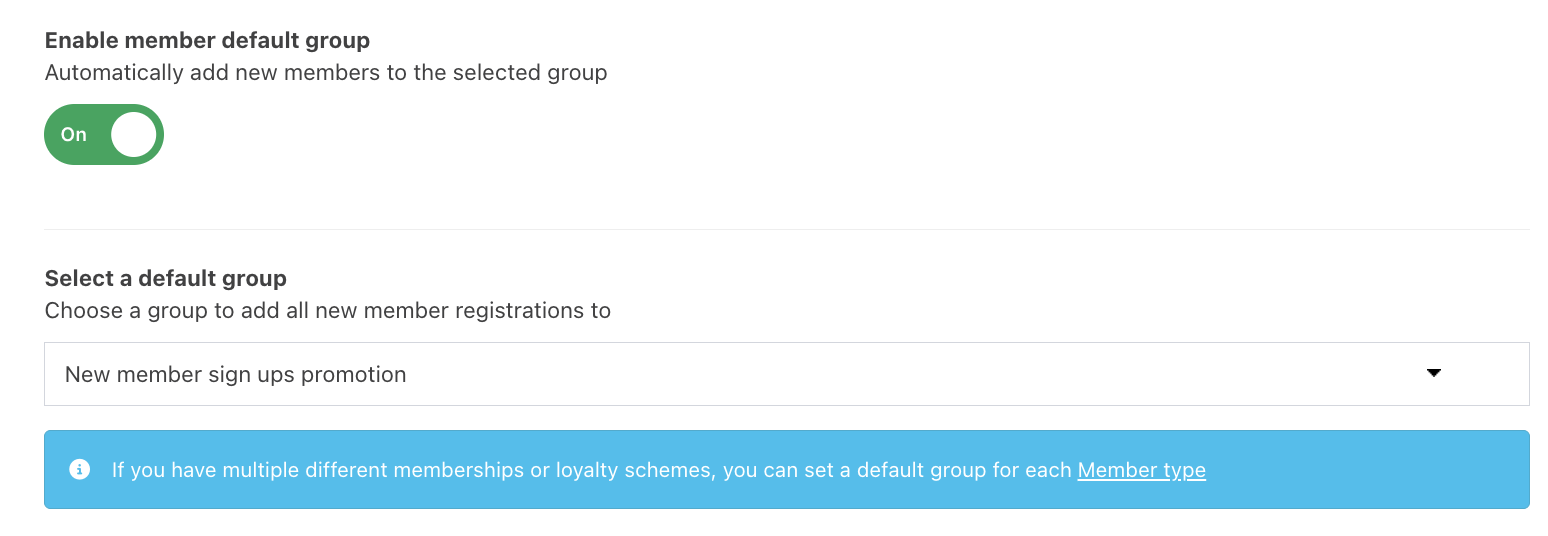
In the Loyalty setup screen, scroll down to Enable new member default group and toggle this to On.
From the Default group dropdown, select the corresponding group.
Click the blue Save button in the bottom right of the screen to save your setup.

Was this article helpful?
That’s Great!
Thank you for your feedback
Sorry! We couldn't be helpful
Thank you for your feedback
Feedback sent
We appreciate your effort and will try to fix the article