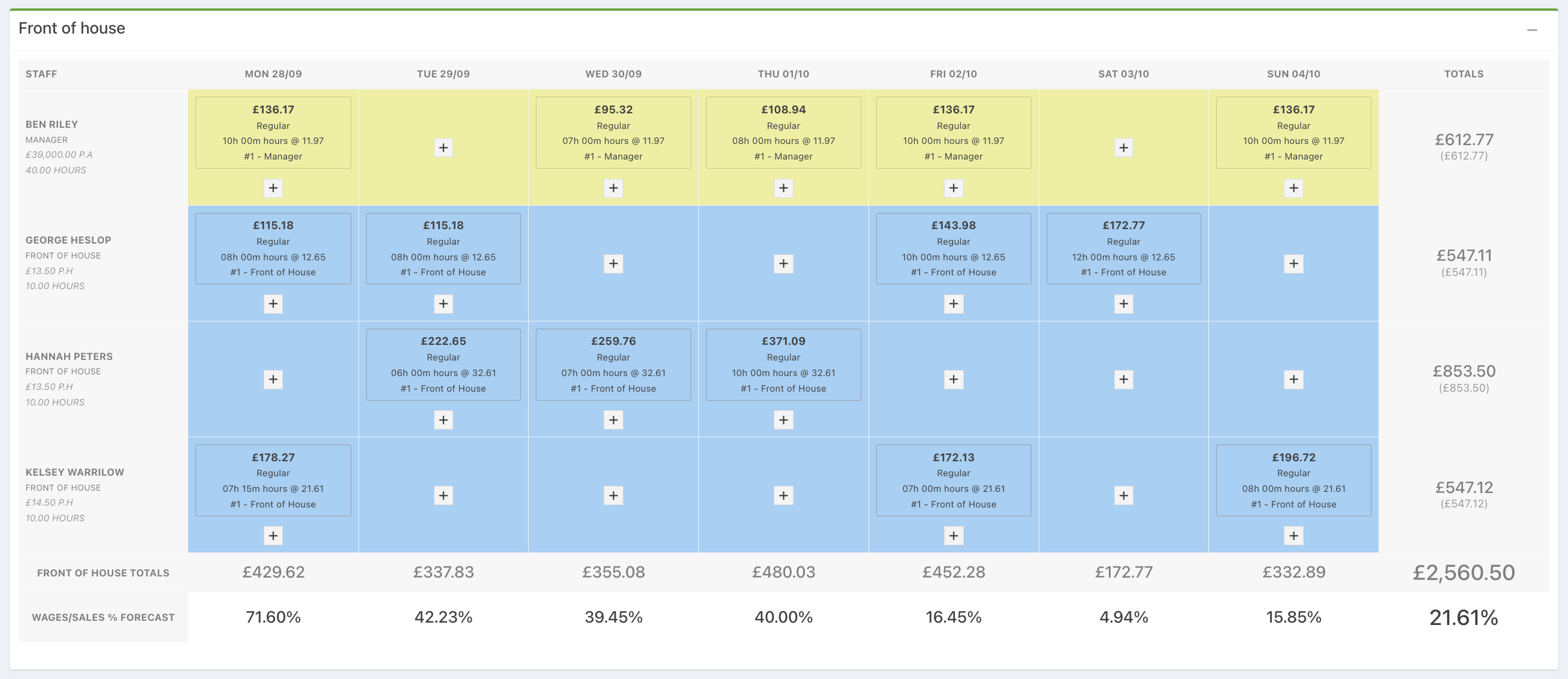
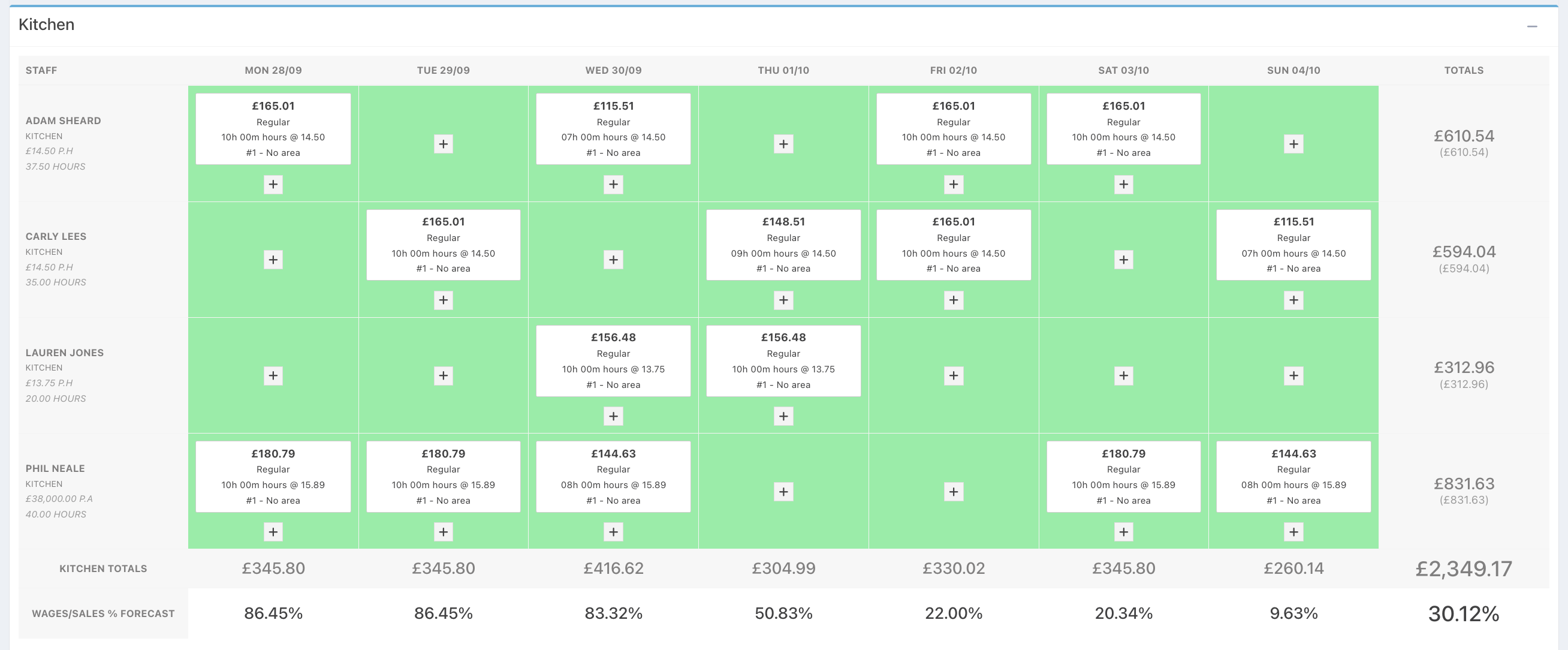
Rota departments enable you to split your rota and wage costs by team. For example, you may want to plan your rota separately for your Front of house and your Kitchen.
Each department is linked to a sales stream, so your staffing targets and wage percentages are calculated against the revenue that department actually generates. For example:
- A Front of house department linked to drink sales, and a Kitchen department linked to food sales — so your kitchen wage % is measured against food revenue, not total venue sales.
- A Bar and Restaurant department, each linked to the total sales put through their own EPOS devices — useful where the bar and restaurant operate as separate areas with their own tills.
Once departments are set up, you can view forecasts and wage costs at the department level and in total. This makes it easier to spot over or understaffing and align your rota more accurately to the most relevant sales profile.
To get started, see Setting up Rota departments.
Was this article helpful?
That’s Great!
Thank you for your feedback
Sorry! We couldn't be helpful
Thank you for your feedback
Feedback sent
We appreciate your effort and will try to fix the article