If you have regular bookings that follow a recurring schedule, you can set the booking to repeat automatically — for example, every week, every two weeks or every month.
This saves you from having to enter the same booking manually each time.
To repeat a booking, either locate a previous booking or create a new one.
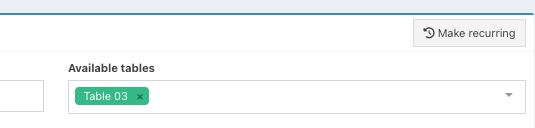
In the top right corner of the booking modal click Make recurring.
You will then be able to:
- Set the frequency of the booking
- Set how often the booking should be repeated
- Set when the repeating booking should end
- See a list of upcoming repeated bookings
Note: Options vary depending on the Frequency selected.
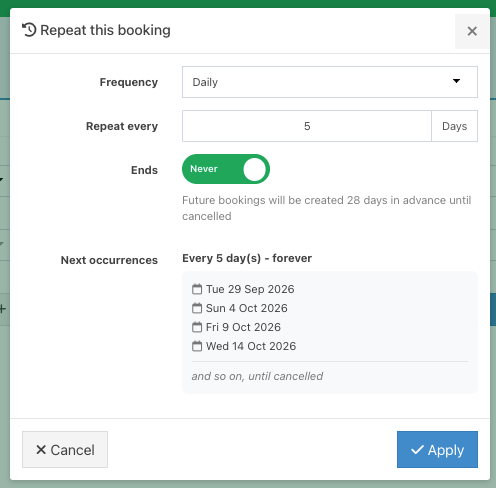
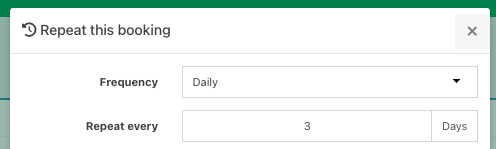
For Daily frequency, enter how many days you want the booking to repeat on.
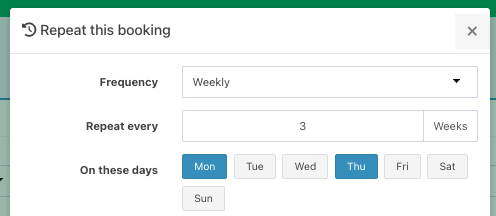
For Weekly frequency, enter how often you want the booking to repeat in Weeks and select the Day(s) you want the booking to repeat on.
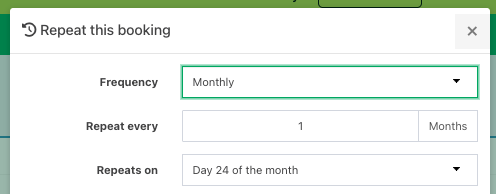
For Monthly frequency, enter how often you want the booking to repeat in Months.
From the Repeats on dropdown, this will default to the Day of the month for the existing booking or the new booking you are on.
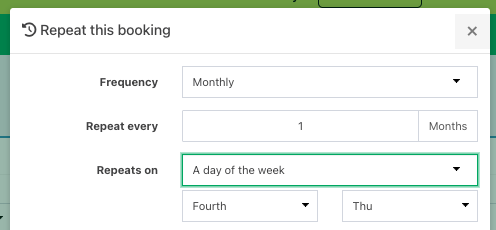
Alternatively, you can select Day of the week and whether the booking should repeat on the first, second, third, fourth, fifth or last day of the week, followed by the Day itself.
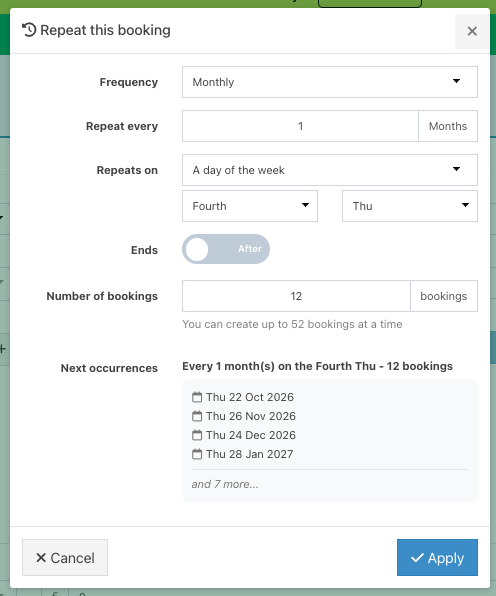
For all frequencies, you can choose whether the booking series should end and, if so, when.
If you select Never, the recurring booking will continue indefinitely, with each new occurrence added 28 days in advance.
If you select After, you can specify your number of bookings up to a maximum of 52.
You will then see a list of the Next booking occurrences.
Click the blue Apply button to add your repeating bookings.
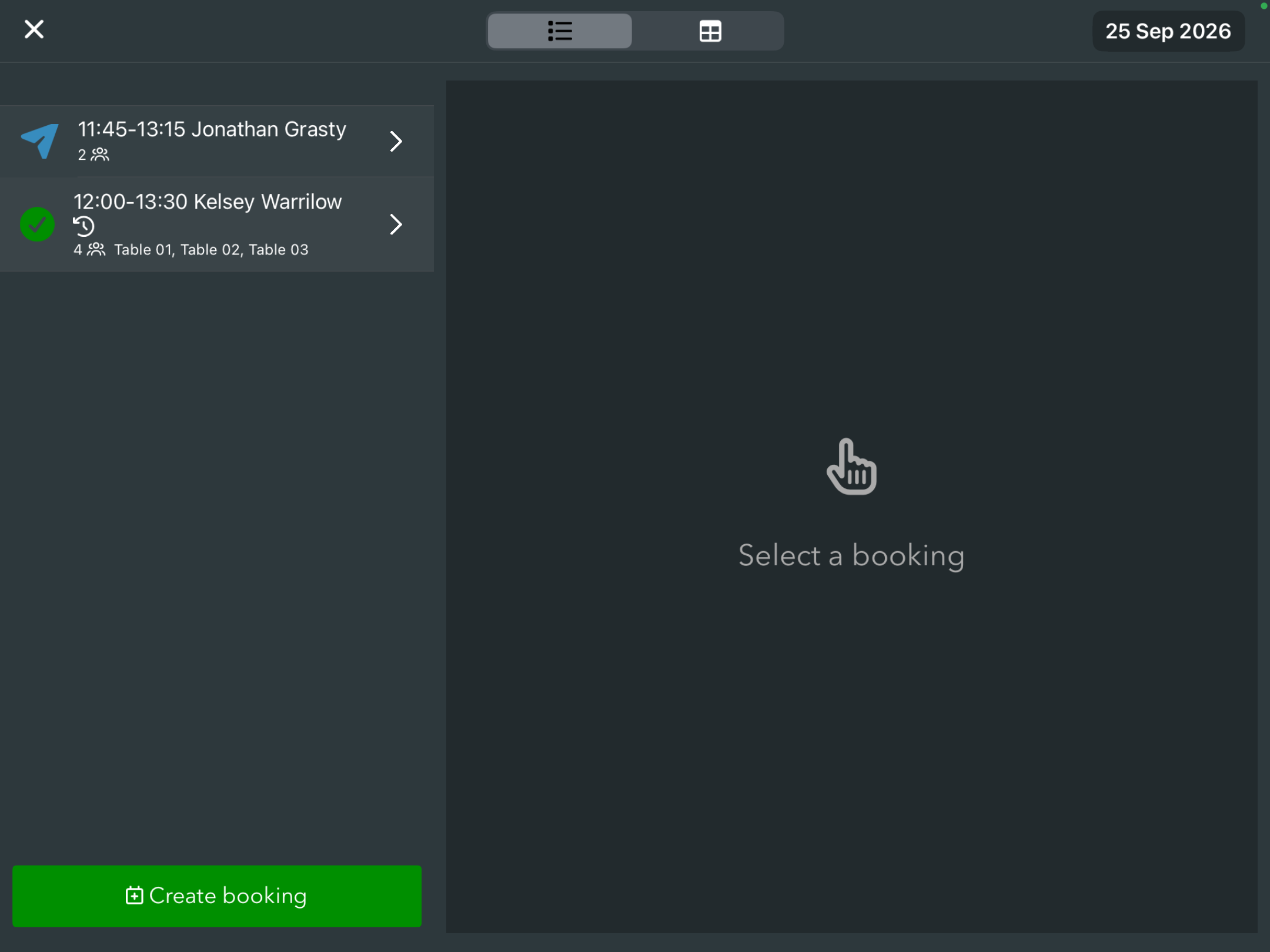
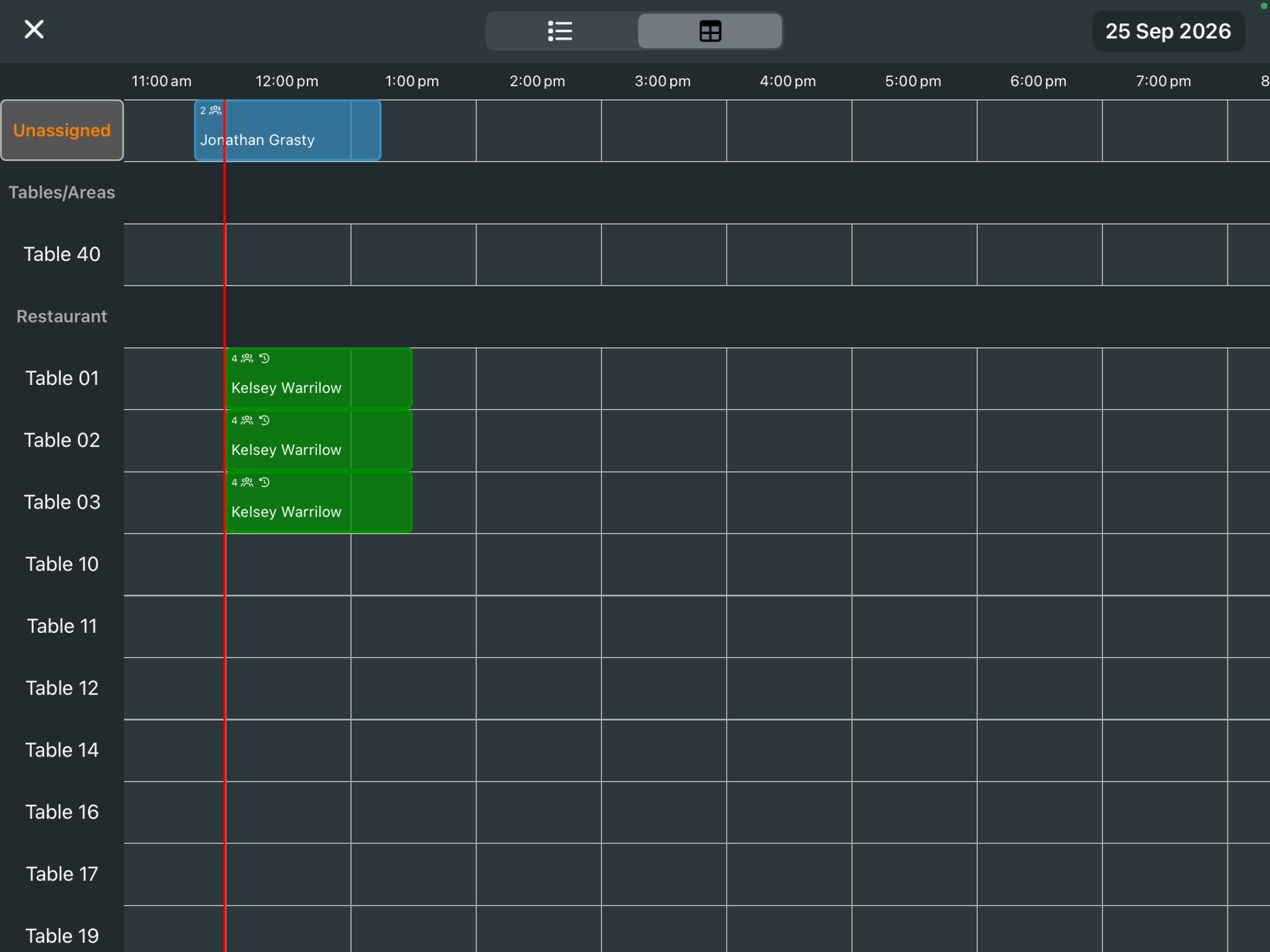
When the booking has been added, you will see the Recurring icon next to the Status in the List view format and next to the Customer name on the Grid view format.

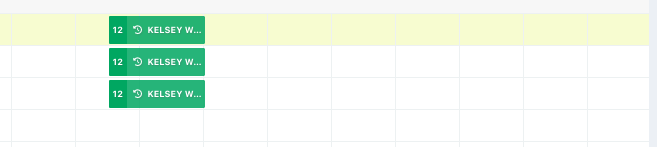
Bookings on the EPOS will also display the Recurring icon in both List view and Grid view formats.
Was this article helpful?
That’s Great!
Thank you for your feedback
Sorry! We couldn't be helpful
Thank you for your feedback
Feedback sent
We appreciate your effort and will try to fix the article