From Tabology EPOS v1.95 you can enable the new EPOS screen layout, optimised for speed of service. With the new layout, you can take a card payment for the full order with a single button press
Note: The New EPOS screen layout, will only apply to iOS 15 or above.
To take a card payment for the full order amount, click the green Card button at the bottom right of the screen.
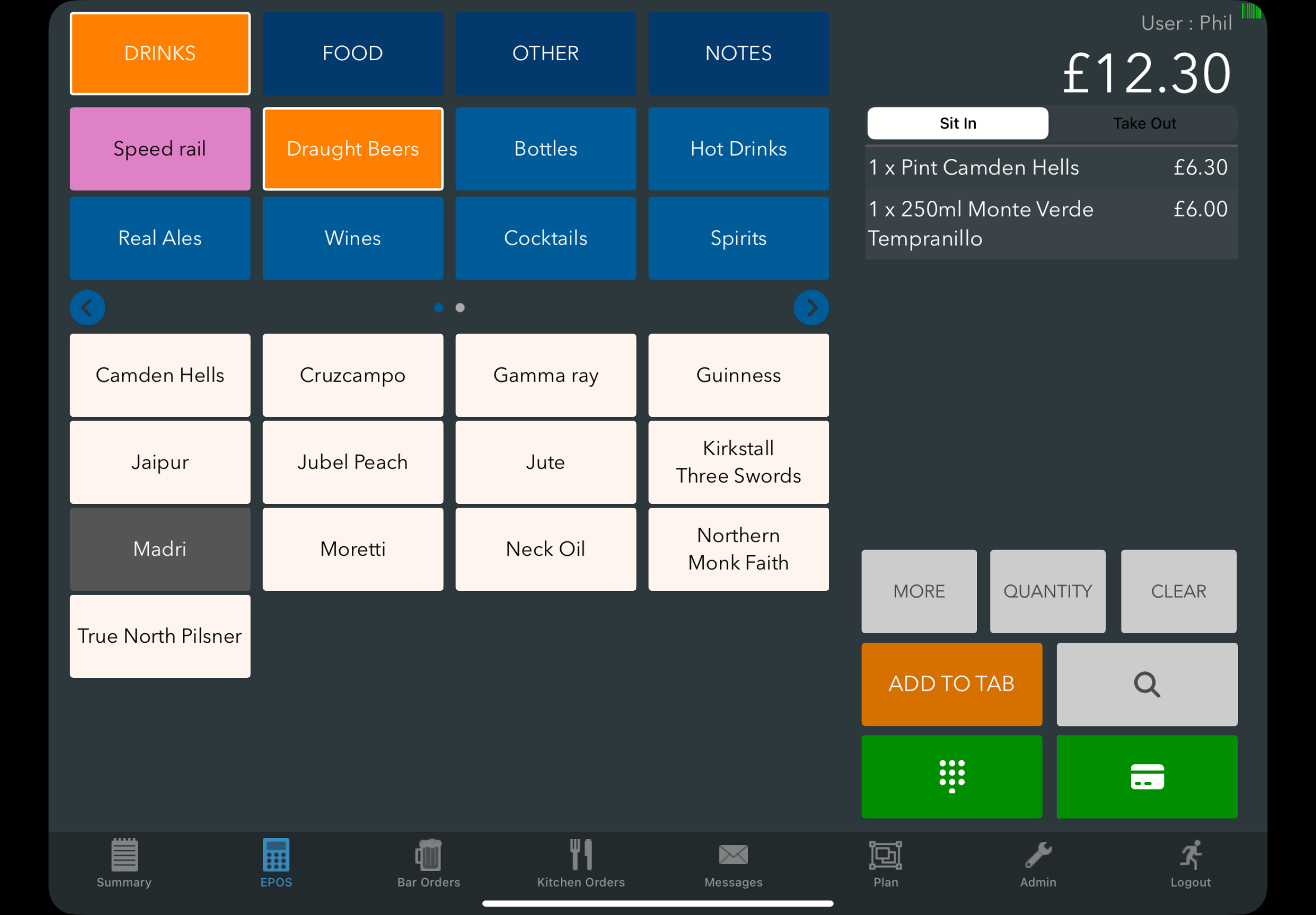
If you are integrated with a payment provider, the transaction will be sent straight to your card machine.
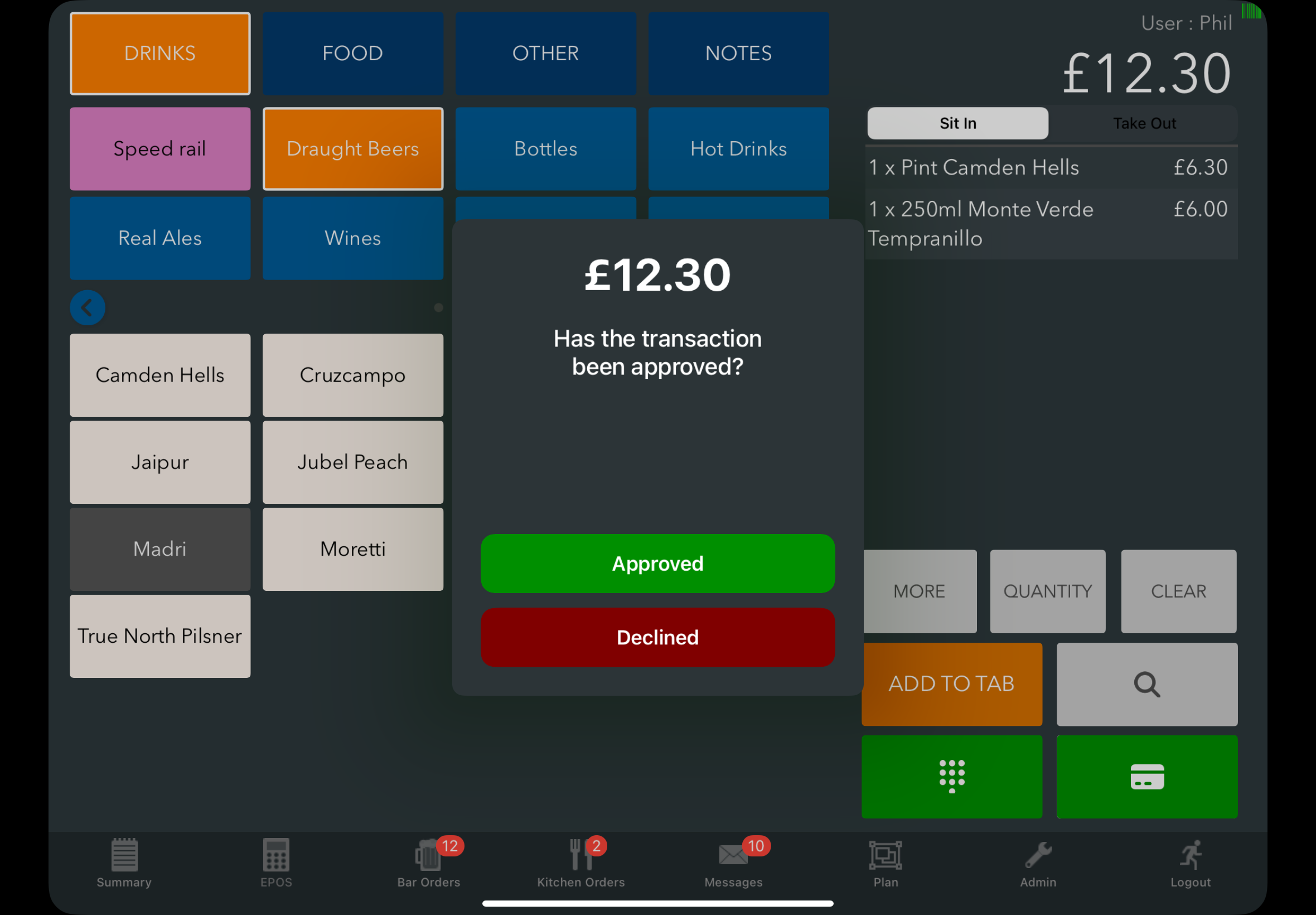
If you don't integrate with a payment provider, you will be presented with the total to pay (which you will need key into your card machine) and be able to select if the payment was approved or declined.
You can still access the pay screen via the green keypad button for taking cash payments, applying discounts, splitting bills, or scanning loyalty cards.
Note: You can also still put through a cash payment for an exact amount using quick pay by double-tapping the pay screen button.
Was this article helpful?
That’s Great!
Thank you for your feedback
Sorry! We couldn't be helpful
Thank you for your feedback
Feedback sent
We appreciate your effort and will try to fix the article