From Tabology EPOS v1.95 you can enable the new EPOS screen layout, optimised for speed of service. With the new layout, you can take a card payment for the full order with a single button press.
After items have been added to an order, press the blue Tap to Pay button to go straight to card payment using Tap to Pay.
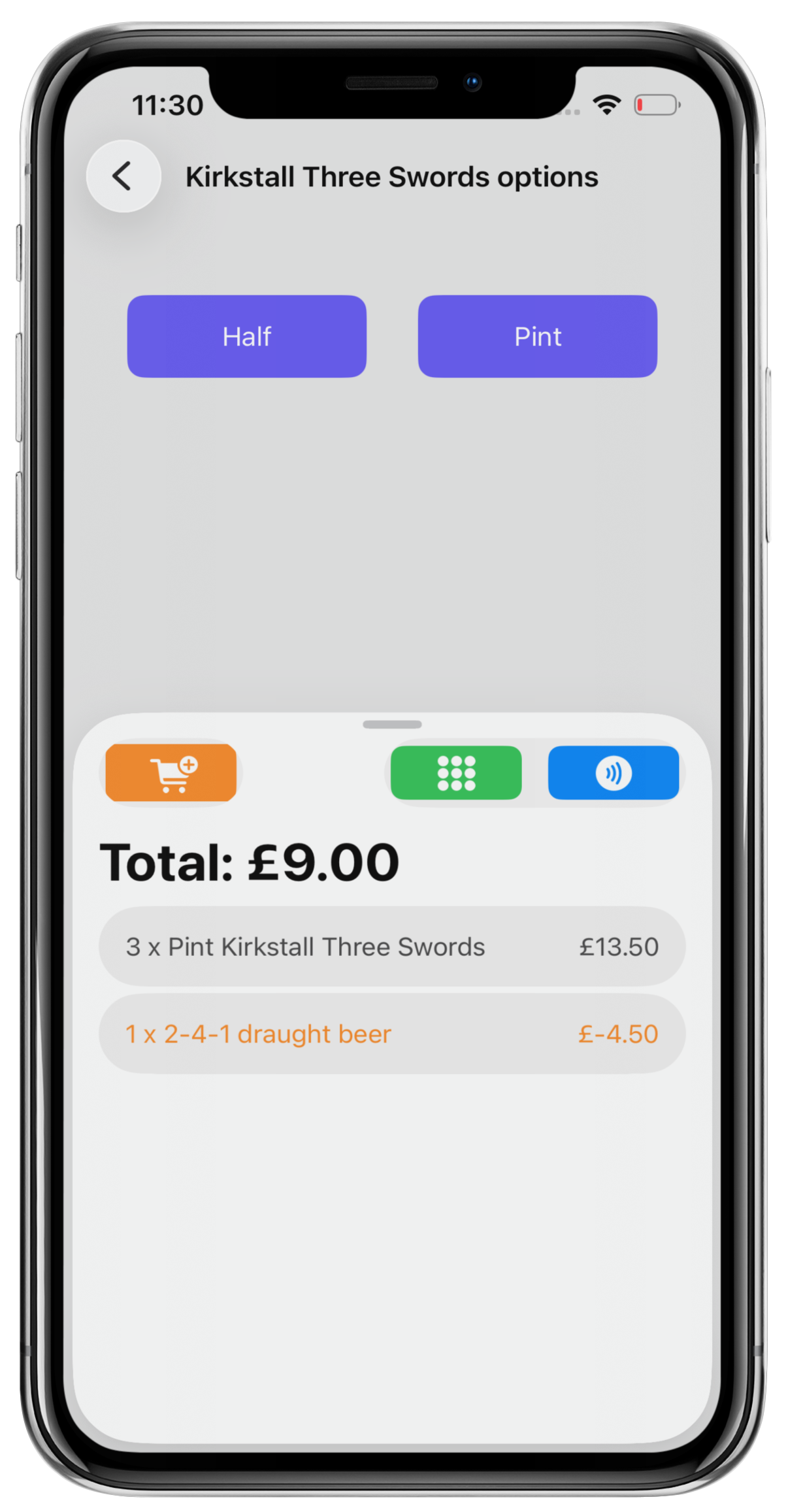
Note: If you use Zettle by PayPal as your card payment processor, you can take payments directly on Mini EPOS with Tap to Pay for iPhone. If you use a different processor, you can take cash payments, non-integrated card payments, or add items to tabs or tables.
Was this article helpful?
That’s Great!
Thank you for your feedback
Sorry! We couldn't be helpful
Thank you for your feedback
Feedback sent
We appreciate your effort and will try to fix the article