To create a post pay member tab firstly go to the Summary View on your EPOS.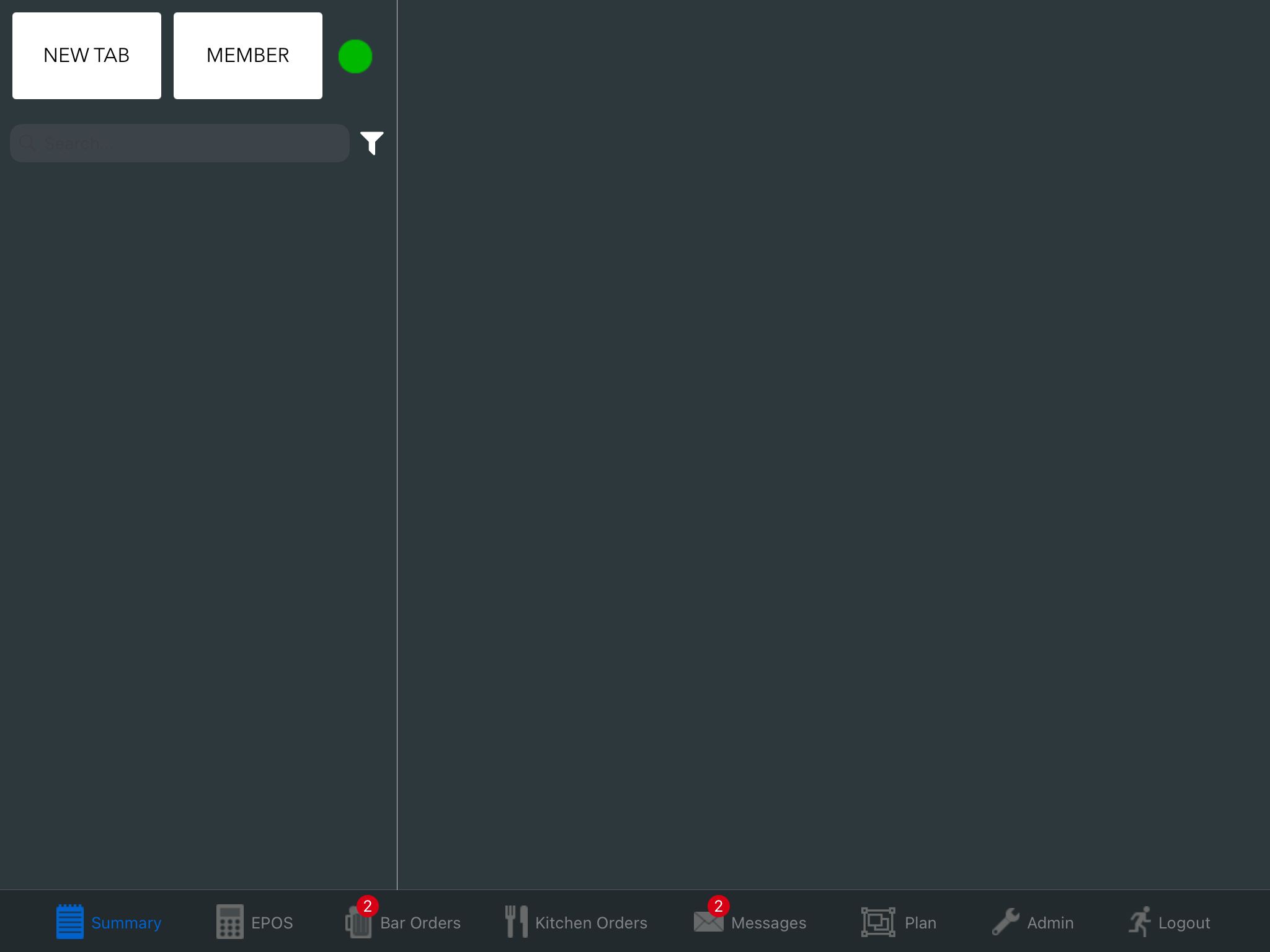
Once you are in there press the "Member" button in the top left and you will be met with this screen.
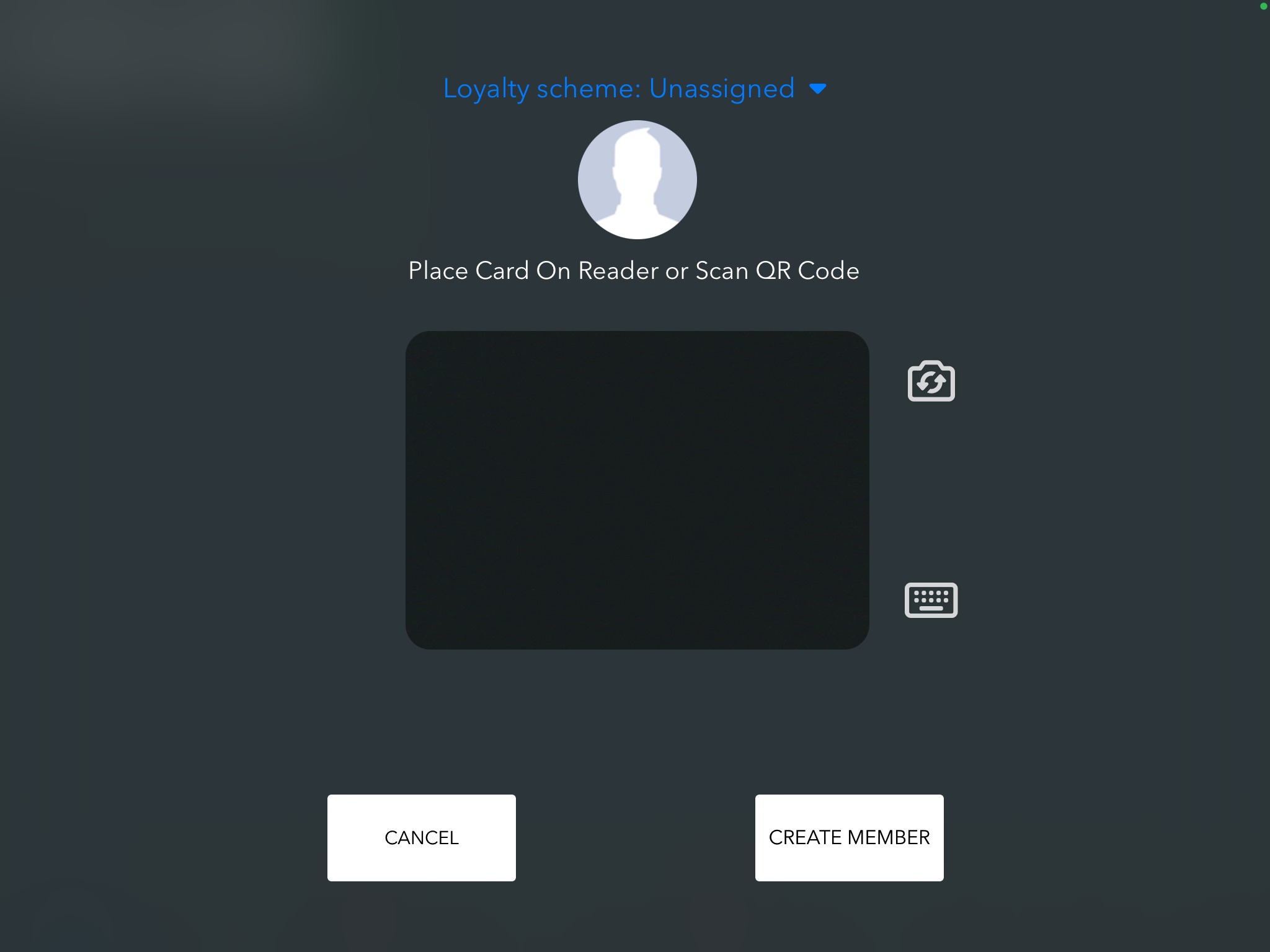
Once on this screen press 'Create Member' and you will get the following screen.
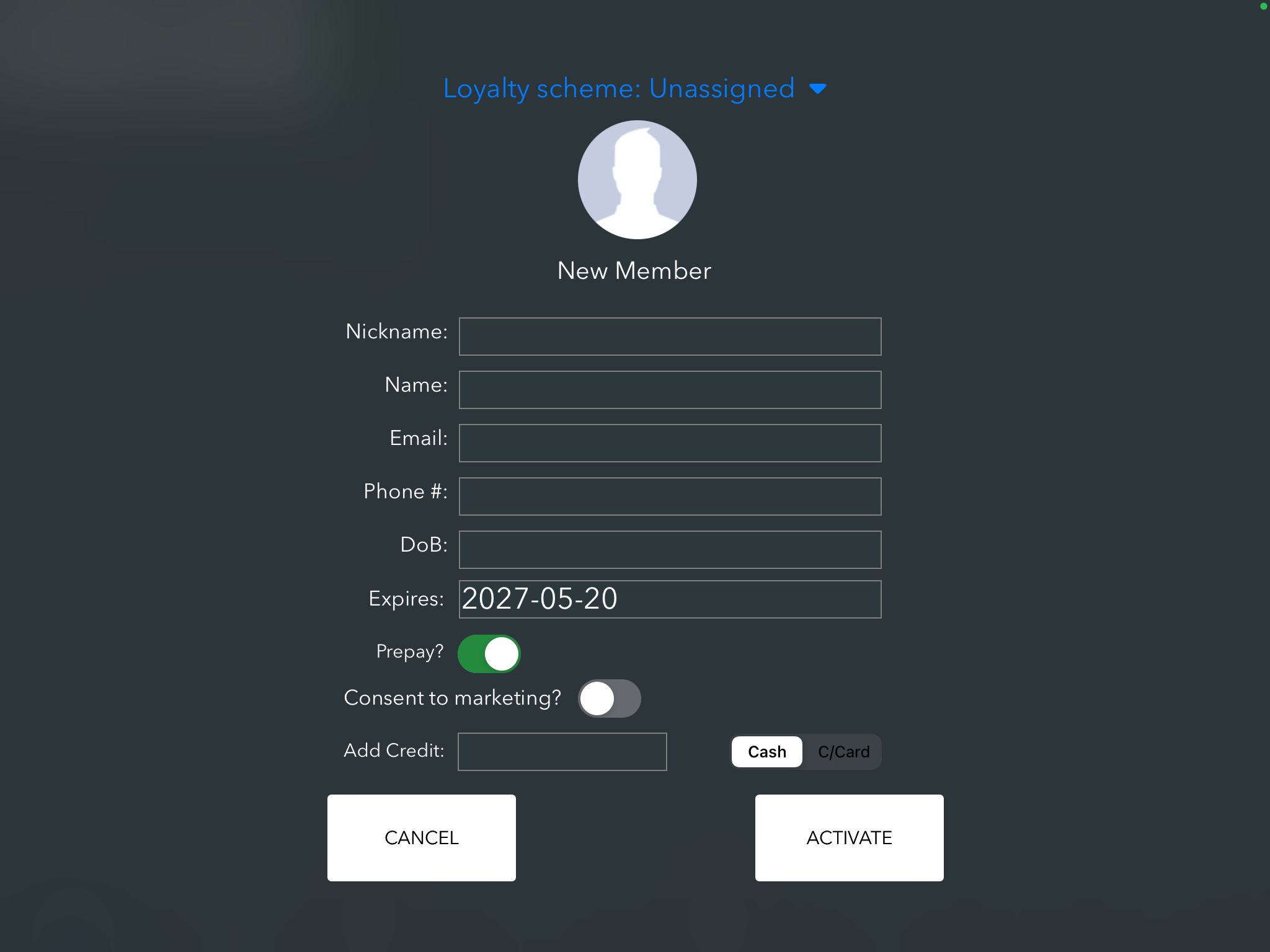
Eventually you will see 'Prepay?', if this is switched on, toggle it to be off instead
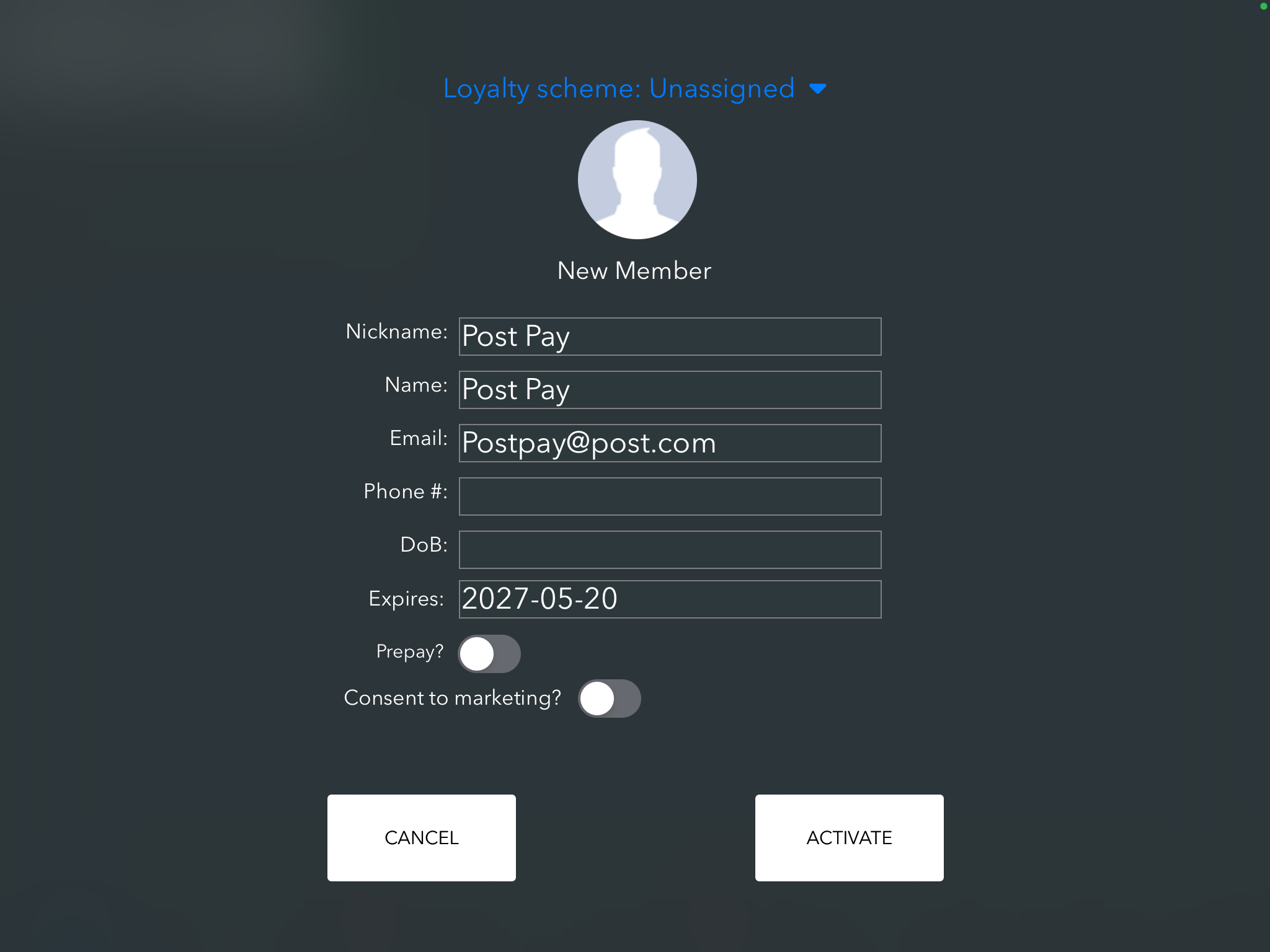
Once you have added the customers details press activate and you will see a confirmation screen like below.
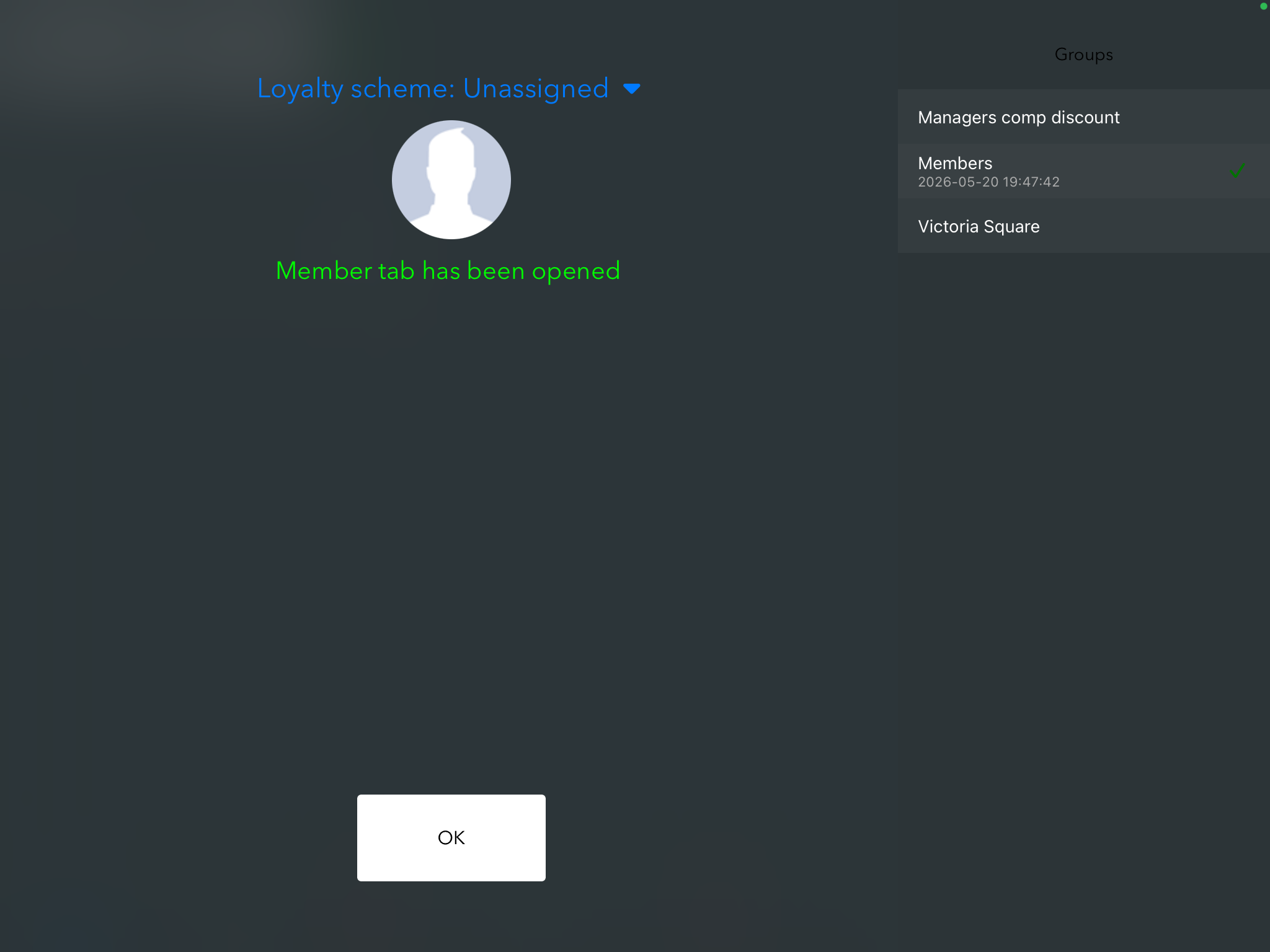
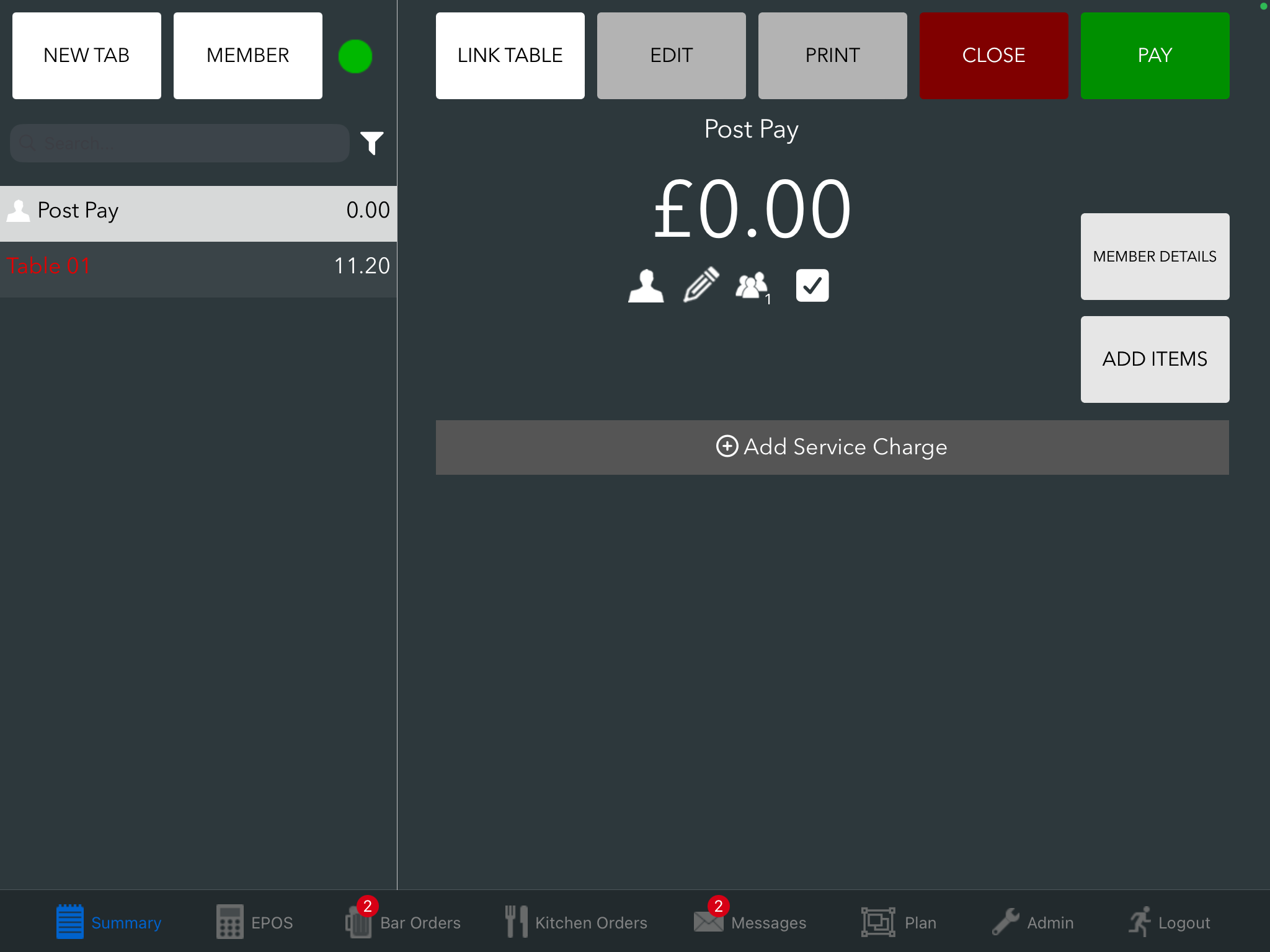
Now Press 'OK' and you will now see the tab opened on the summary screen.
Was this article helpful?
That’s Great!
Thank you for your feedback
Sorry! We couldn't be helpful
Thank you for your feedback
Feedback sent
We appreciate your effort and will try to fix the article