When entering your rota, you can use the daily view to see each staff member's shifts for a specific day as a Gantt chart, showing at a glance how many staff you have on shift each hour of the day.
You can also add and edit shifts while in the daily view.
To enter the daily view, click the date column header for the day you want to view.
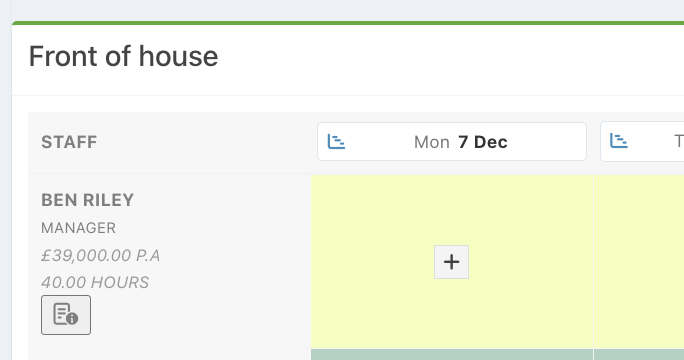
To change the Date you are viewing, simply click on another Date header.
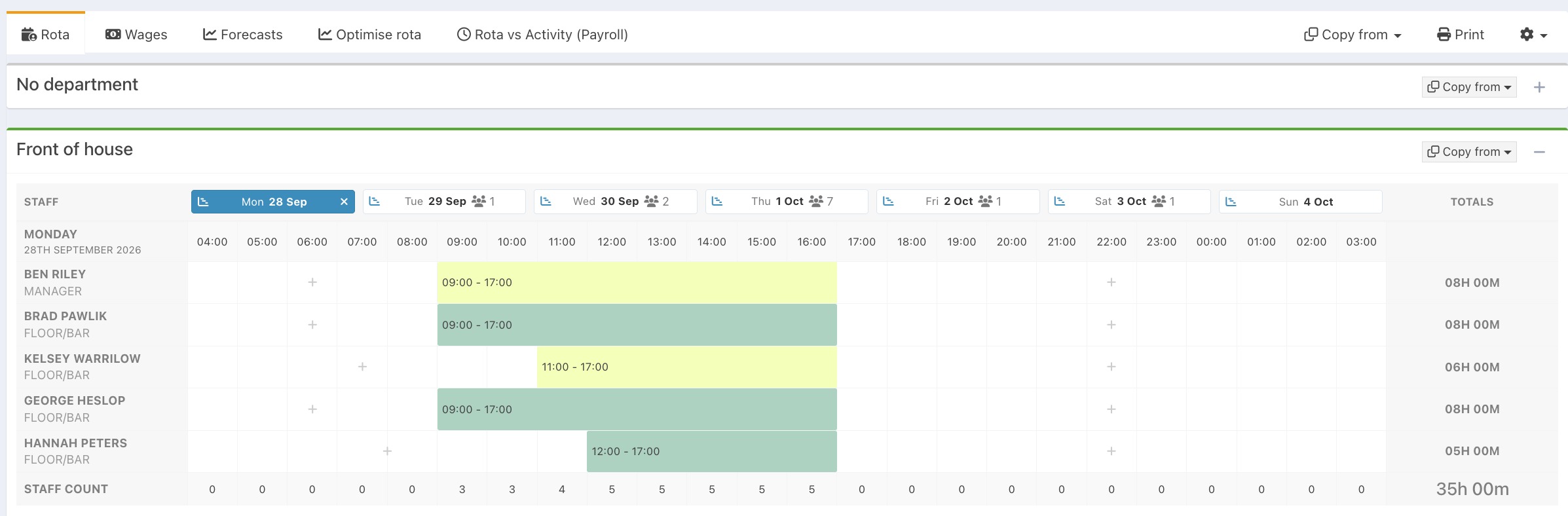
Clicking a specific time for any staff member will open the new shift modal for that staff member, starting at that time.
Clicking an existing shift will open the edit shift modal for that shift.
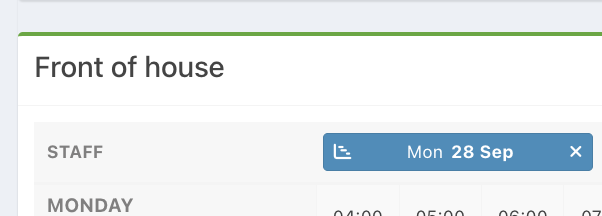
To return to the weekly view, click the white X next to the date header.
Was this article helpful?
That’s Great!
Thank you for your feedback
Sorry! We couldn't be helpful
Thank you for your feedback
Feedback sent
We appreciate your effort and will try to fix the article