When you sell products, if you want customers to see what's in their basket and the total amount, you can screen-mirror your EPOS iPad to an external device and enable the Show basket on an external screen setting.
To screen mirror your basket, go onto your EPOS iPad and pull down the Menu navigation bar in the top right of the screen.
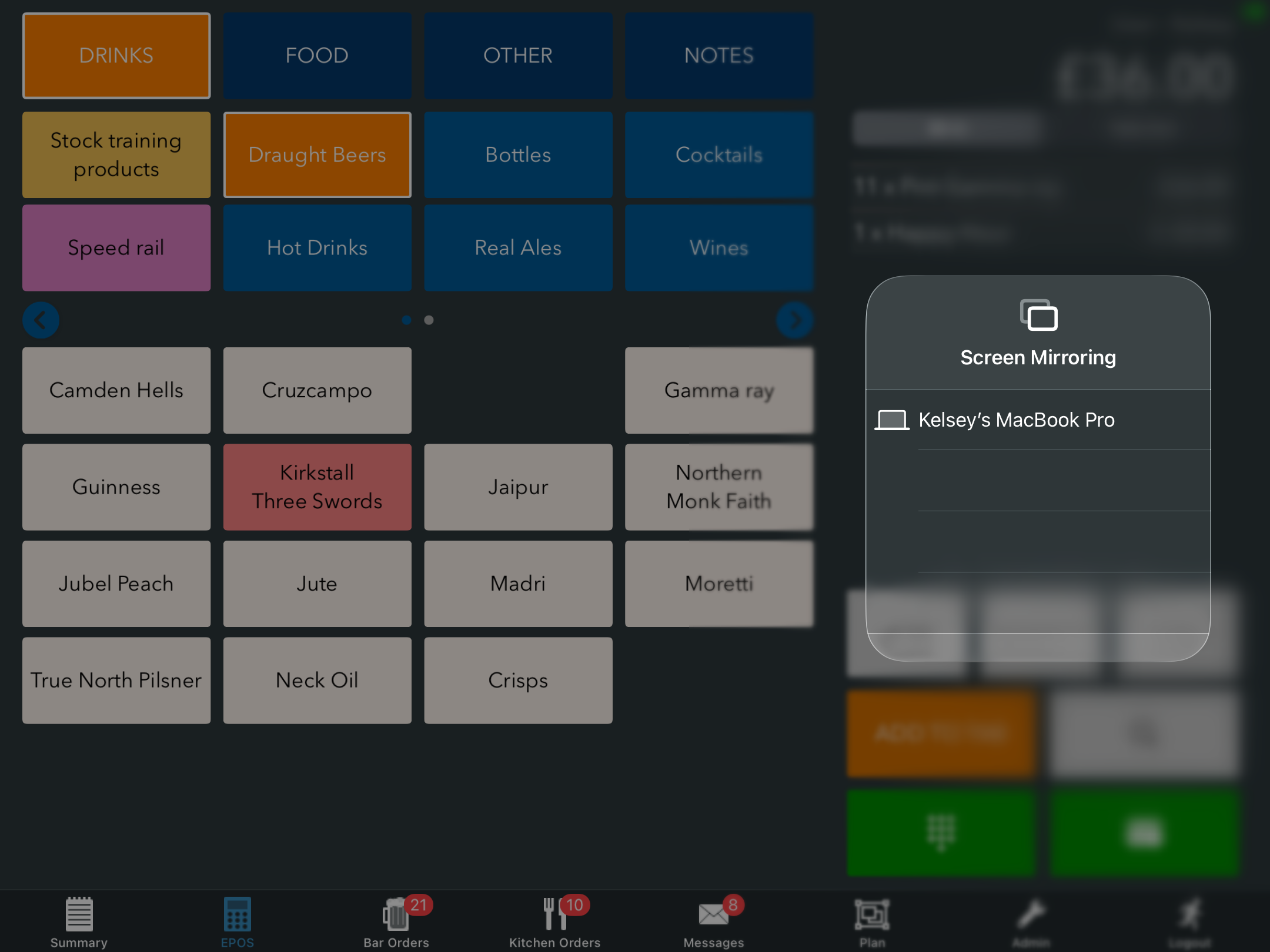
Click the Screen mirroring icon from the panel, and select the external device you would like to mirror to.
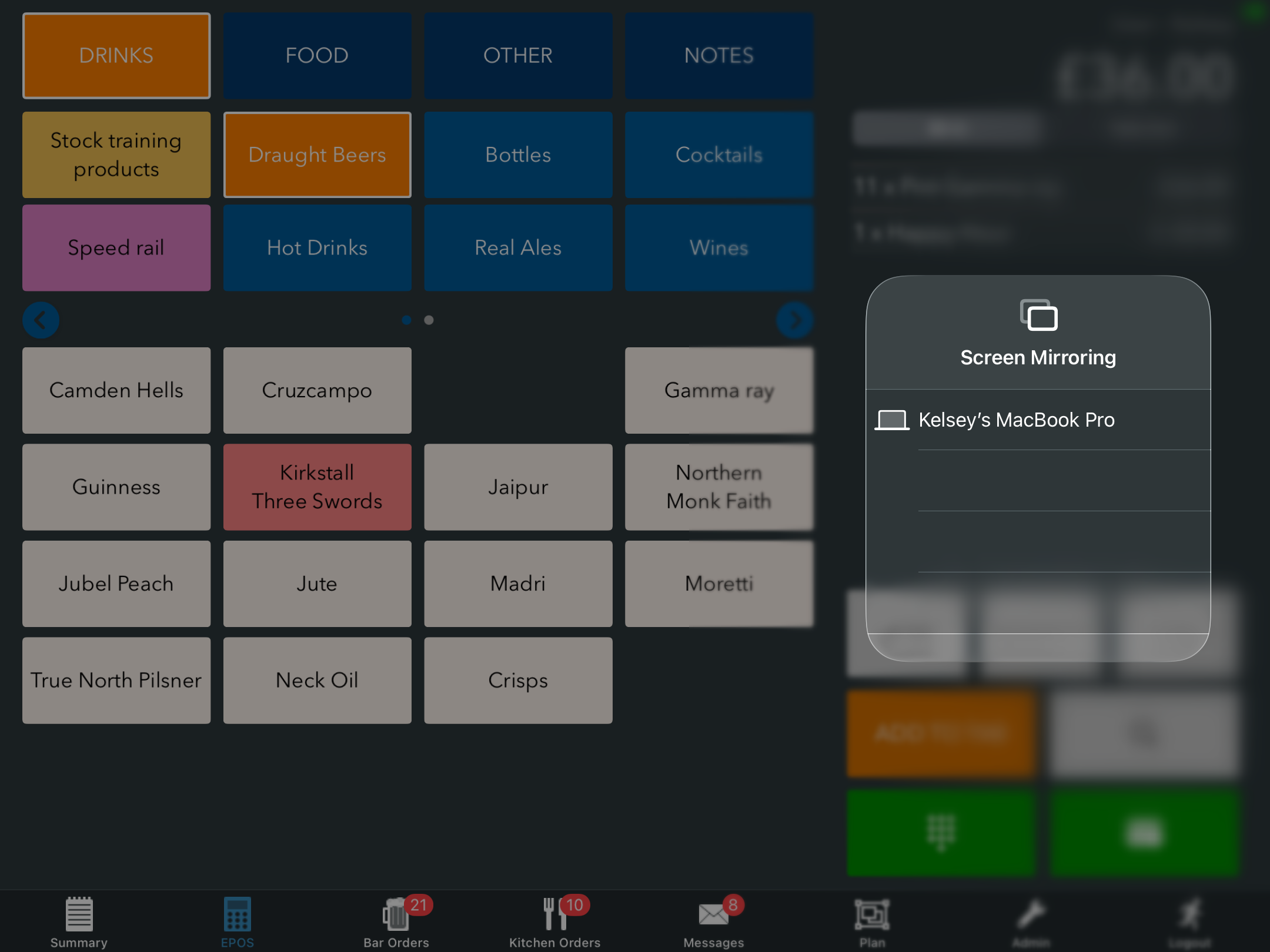
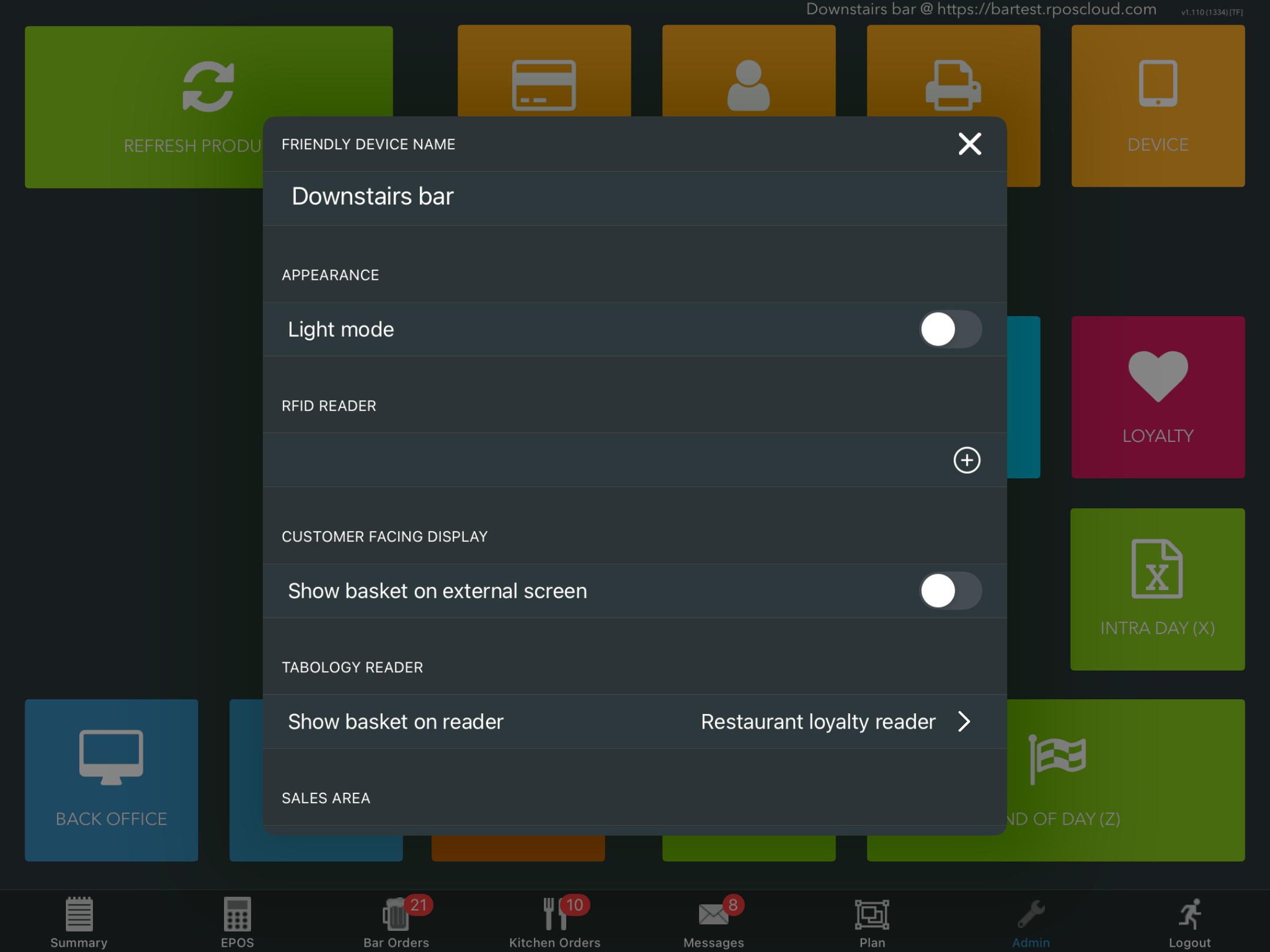
The EPOS iPad will automatically mirror to the selected device. Then from your EPOS iPad, go into Admin > Devices.
Locate the setting Show basket on external screen and toggle this to On.
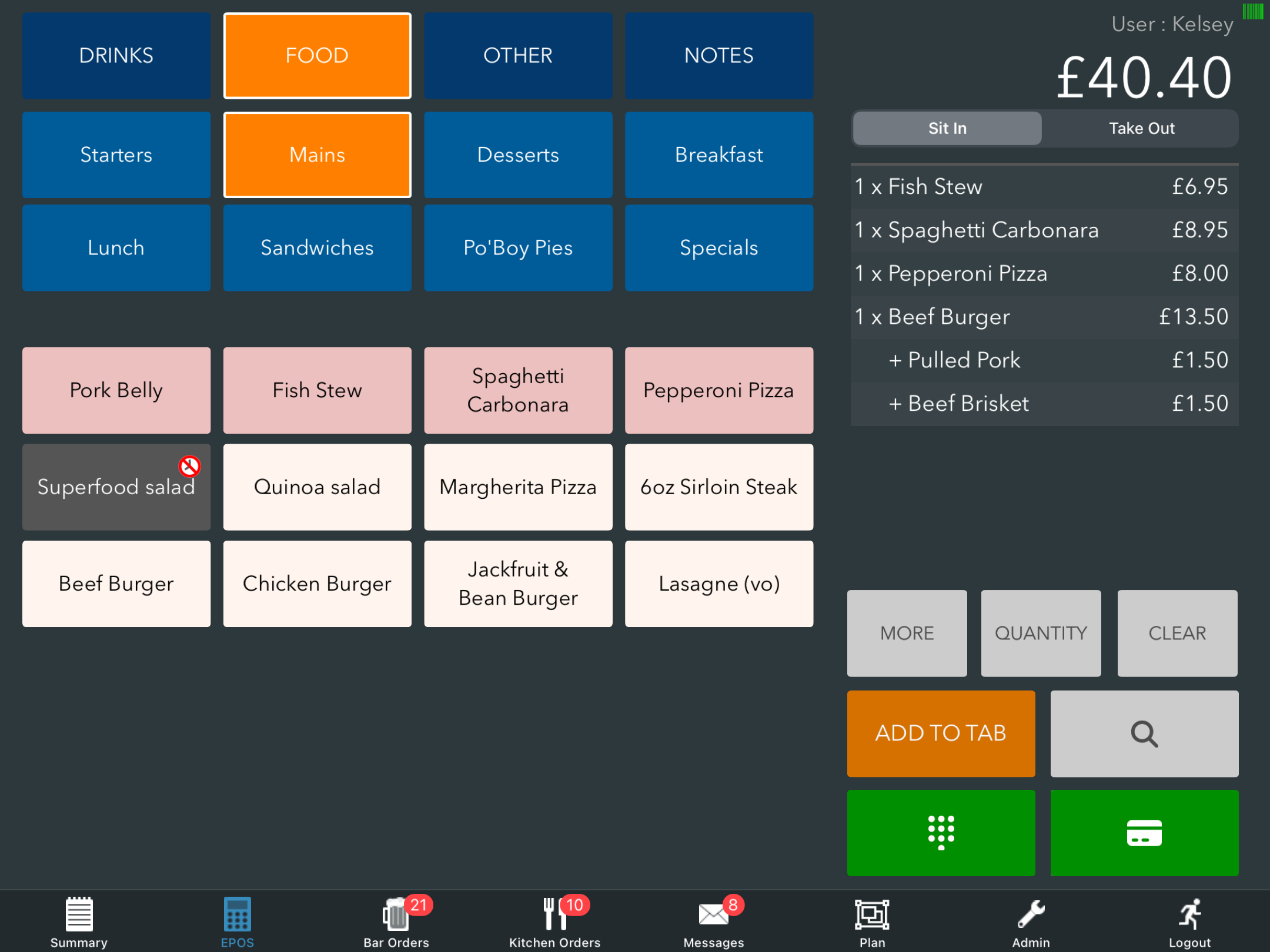
The basket will now display on your external device.

Was this article helpful?
That’s Great!
Thank you for your feedback
Sorry! We couldn't be helpful
Thank you for your feedback
Feedback sent
We appreciate your effort and will try to fix the article