If you allocate tips to staff members based on who served the customer who left the tip, you can assign owners to tabs.
With Tab owners assigned, users will also be able to filter their own tabs and click on their profile to see their total tips earned.
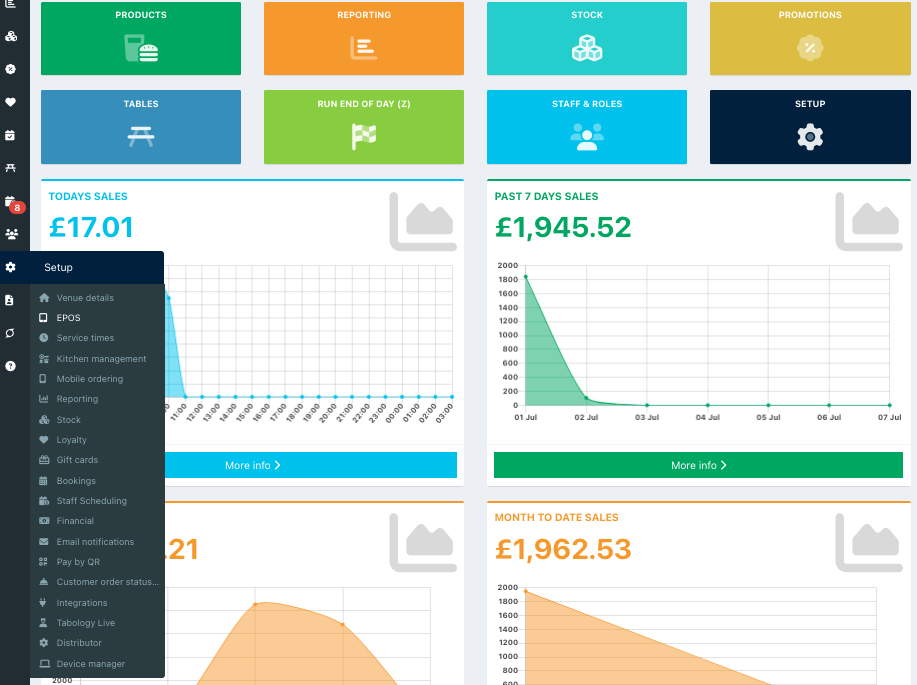
To enable tab owners to be assigned, go into your back office and select Setup > EPOS from the left-hand navigation.
Click Other settings from the row of tabs at the top of the screen.

Locate the setting Assign owners to tabs and toggle this to On.

Click the blue Save button at the bottom of the screen to update your changes. You can now assign owners to tabs.
Was this article helpful?
That’s Great!
Thank you for your feedback
Sorry! We couldn't be helpful
Thank you for your feedback
Feedback sent
We appreciate your effort and will try to fix the article