If you offer multiple booking types (for example, general dining, gaming, or afternoon tea), you may prefer to direct guests straight to a specific option rather than asking them to choose from a dropdown list.
You can do this by creating a direct booking link or an embedded form for a specific booking type. This allows you to add styled buttons or dedicated sections to your website or social media pages, guiding guests straight to the relevant booking form.
This approach can create a smoother, more tailored booking journey — particularly when promoting specific activities, events, or experiences.
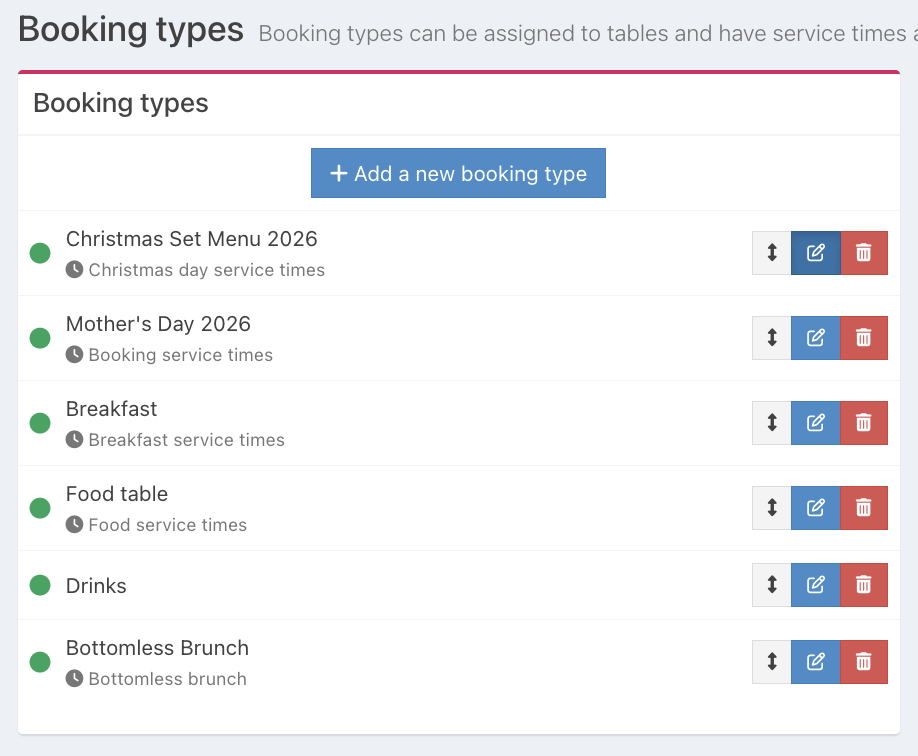
To add a specific booking type link or embedded booking form to your website or social media accounts, locate the required booking type from the list, then click the blue Edit button.
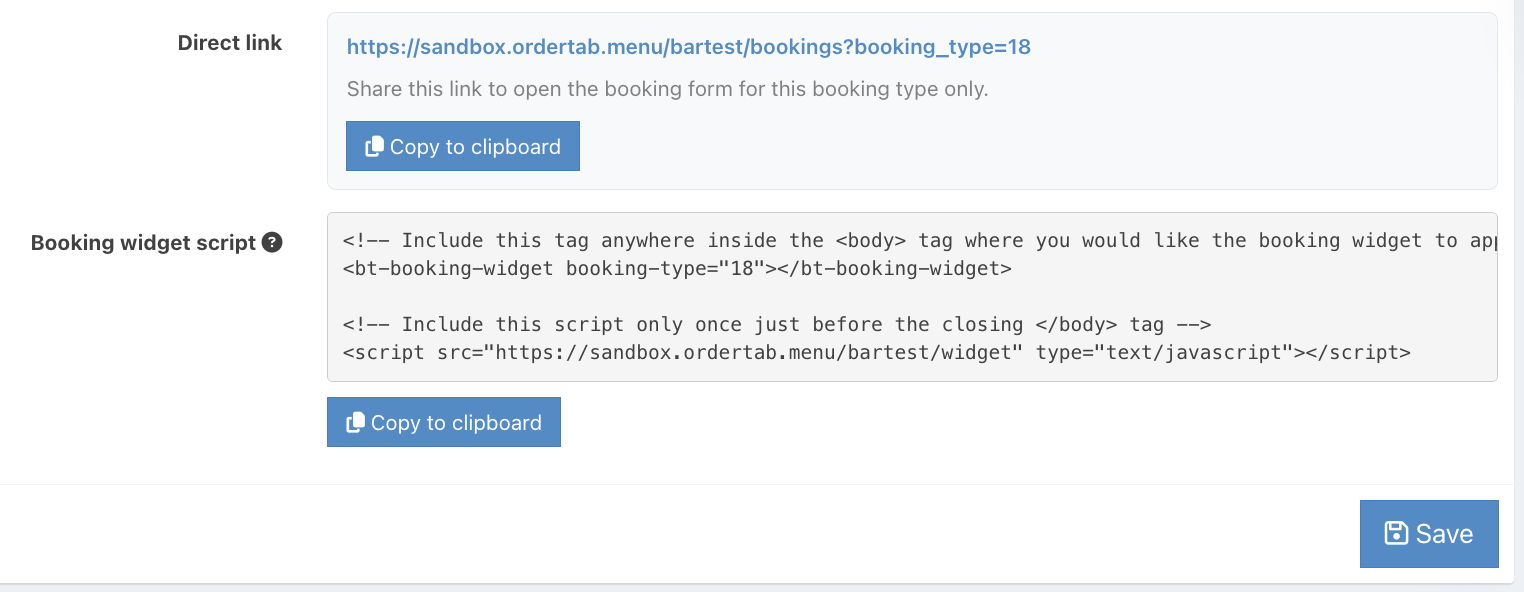
From the Details tab, locate the option for Direct link or Booking widget script. Then click the Copy to clipboard button.
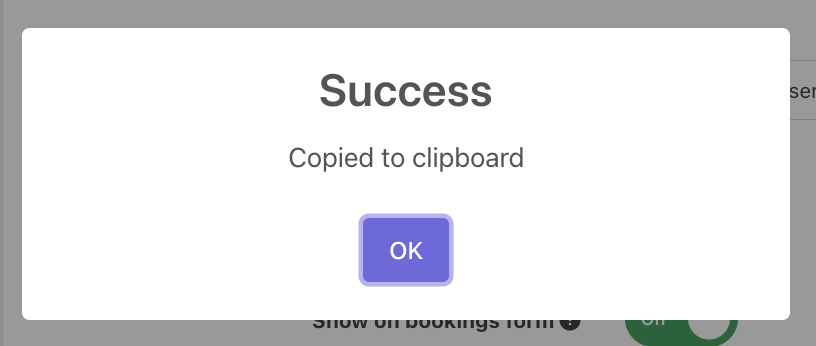
The success modal will display. Click Ok.
You can now add your booking type link or booking widget script to your website or forward it to your web developer.
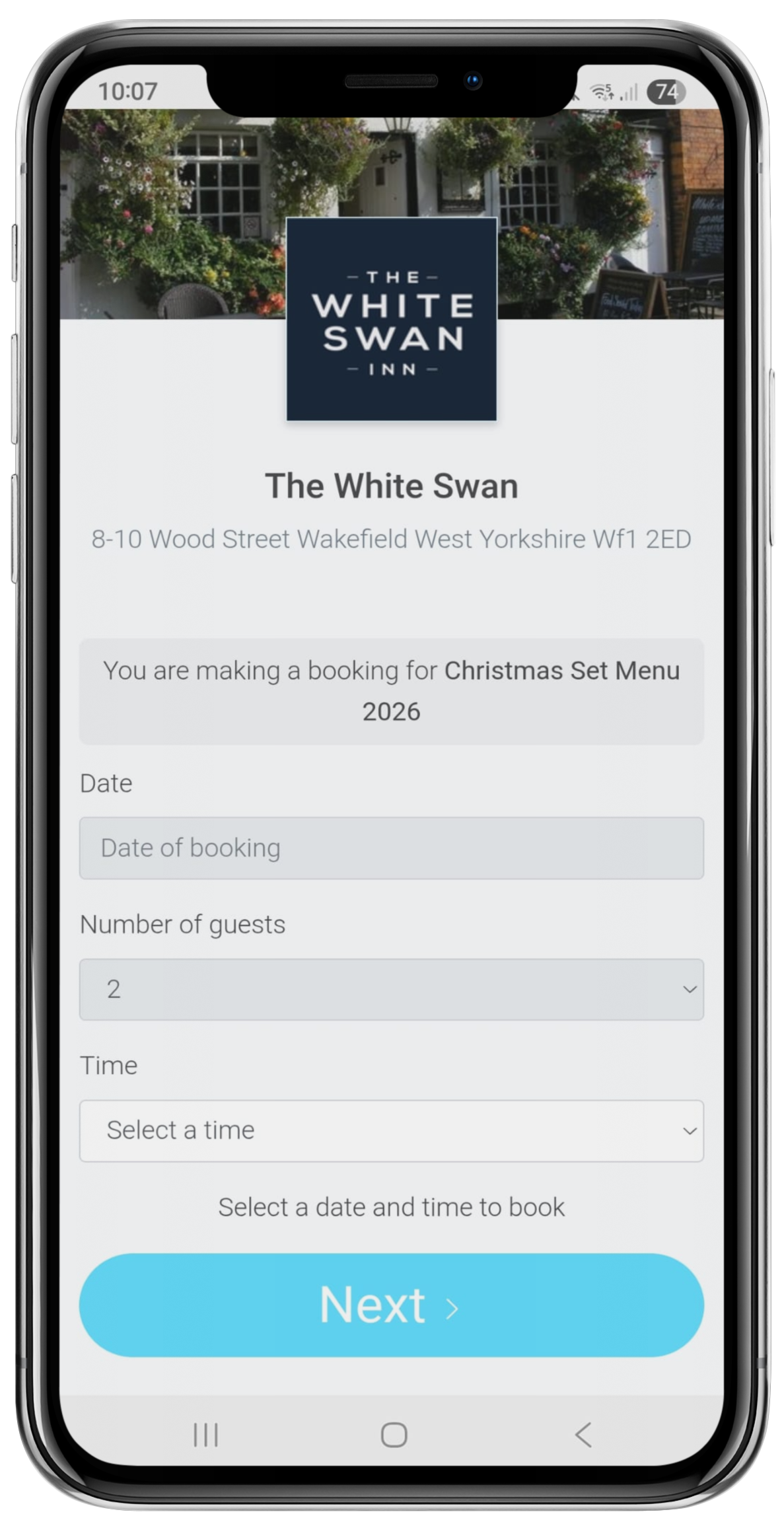
When the customer clicks the button with the booking link for your booking type, a new page will open with the form to book that type.
If you have embedded the form, the customer will see the form for that booking directly on the page where you embedded it.
Was this article helpful?
That’s Great!
Thank you for your feedback
Sorry! We couldn't be helpful
Thank you for your feedback
Feedback sent
We appreciate your effort and will try to fix the article