When you have created your loyalty scheme, you can set up a specific email template, that only the customers who join that loyalty scheme will receive.
In the Email templates section, you can customise the loyalty scheme email that will be sent to new members.
To create an email template, go into your back office and select Loyalty > Loyalty schemes from the left hand navigation.
In the loyalty scheme module, locate the required loyalty scheme you want to add an email template to. Click the blue edit icon, to edit your scheme.
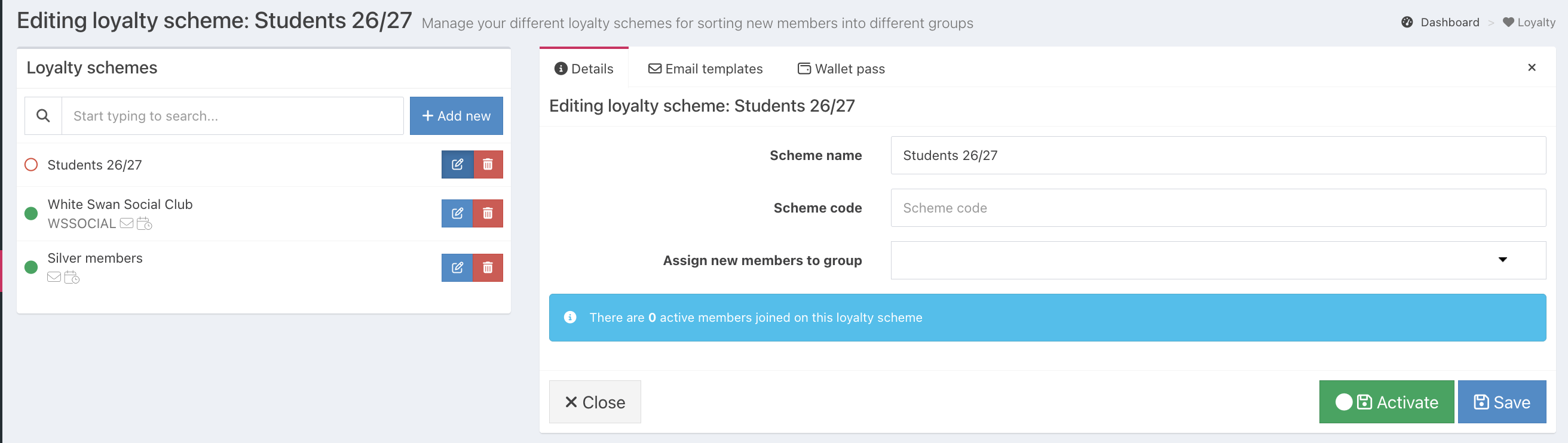
The loyalty scheme will load to the right of the screen.
In the Email templates tab, click the blue Create email template button.
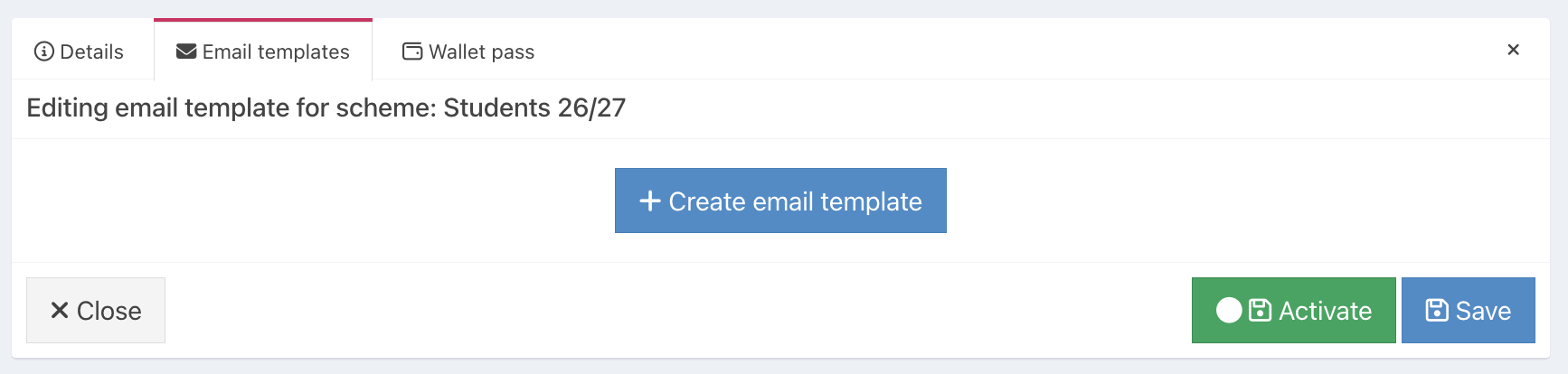
Edit your email template as required.
You will be able to add or edit:
- Email subject - the subject of your email
- Email from name - this will pre-populate with the name of your venue
- Email reply to email address(es) - if reply emails are sent, this is the email address they will go to
- Title - text that will appear as the title of the loyalty email
- Header - an introduction to what your loyalty scheme is
- Body - the main text of your loyalty scheme
- Footer - the closing text to your loyalty scheme
The Email name & Email description will not be visible to customers, only to you.
If you need to add formatting to links to your email, you can do so using Markdown language, which is a simplified form of HTML.
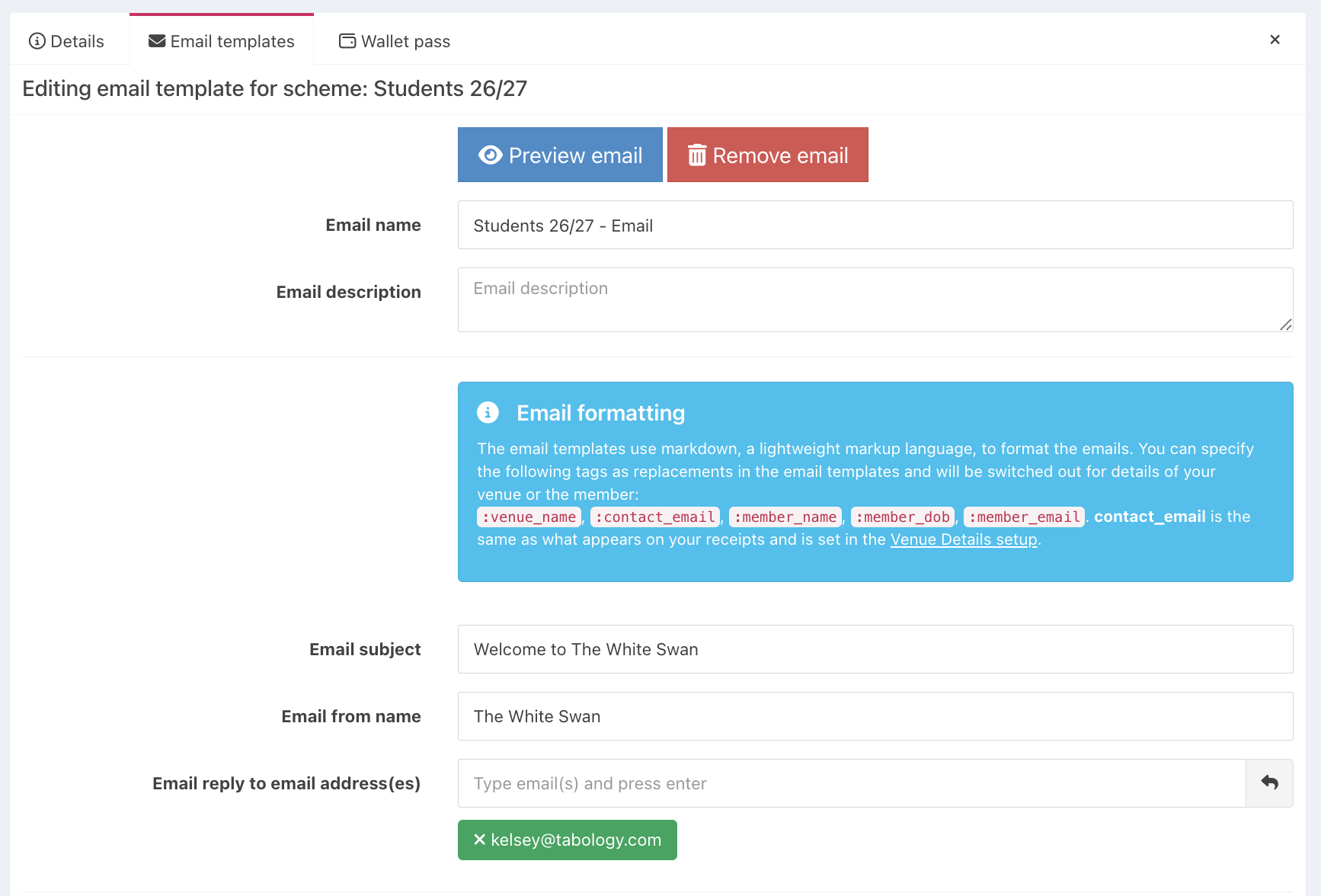
When you have edited your template as required, scroll to the top of the page and click the blue Preview email button, to see how your email template will look.
If you are happy with the preview and don't need to do anything else, you can Activate your Loyalty scheme. Alternatively, if you don't want to activate your scheme just yet, click the blue Save button.

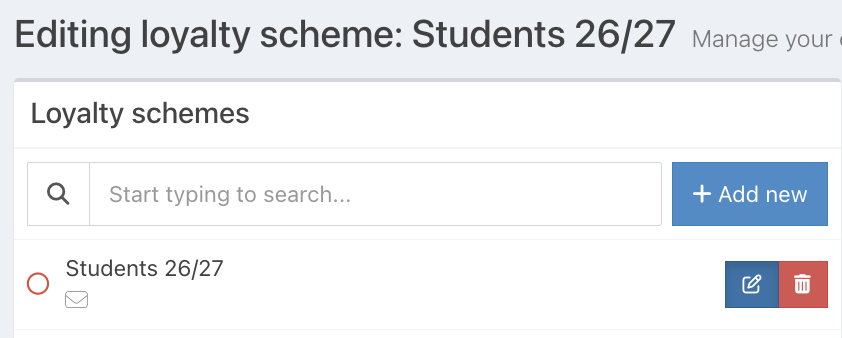
When you have saved your email template, an email icon will display next to your loyalty scheme name.
After creating your email template, you may like to create a specific wallet pass for your loyalty scheme.
Was this article helpful?
That’s Great!
Thank you for your feedback
Sorry! We couldn't be helpful
Thank you for your feedback
Feedback sent
We appreciate your effort and will try to fix the article