If you operate multiple venues and have connected all venues to your Tabology Liv app, you can switch between venues to view sales information.
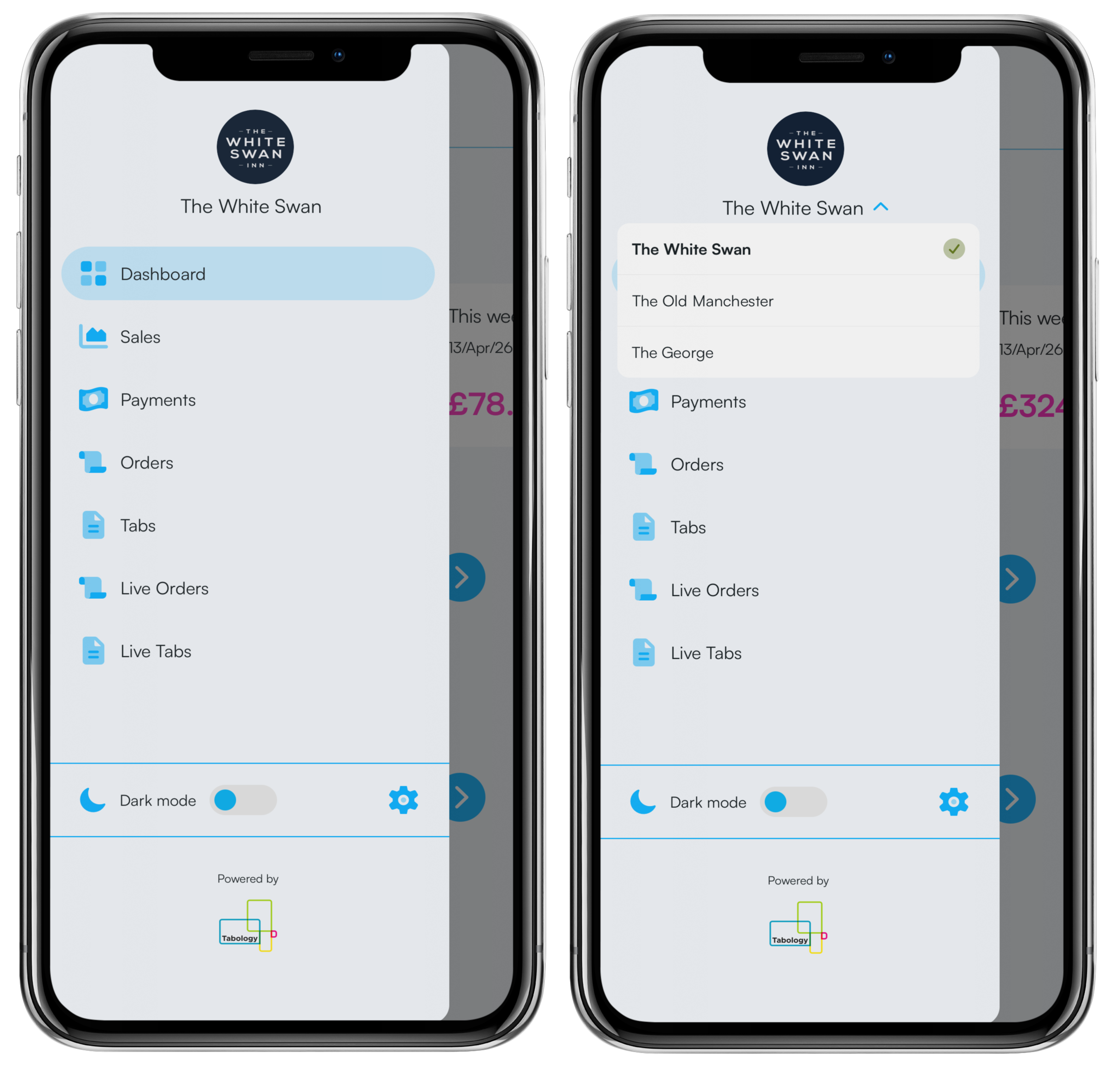
From the Dashboard, click the blue Menu icon in the top left, then the blue Arrow next to the venue name.
Any connected venues will display, select the required venue.
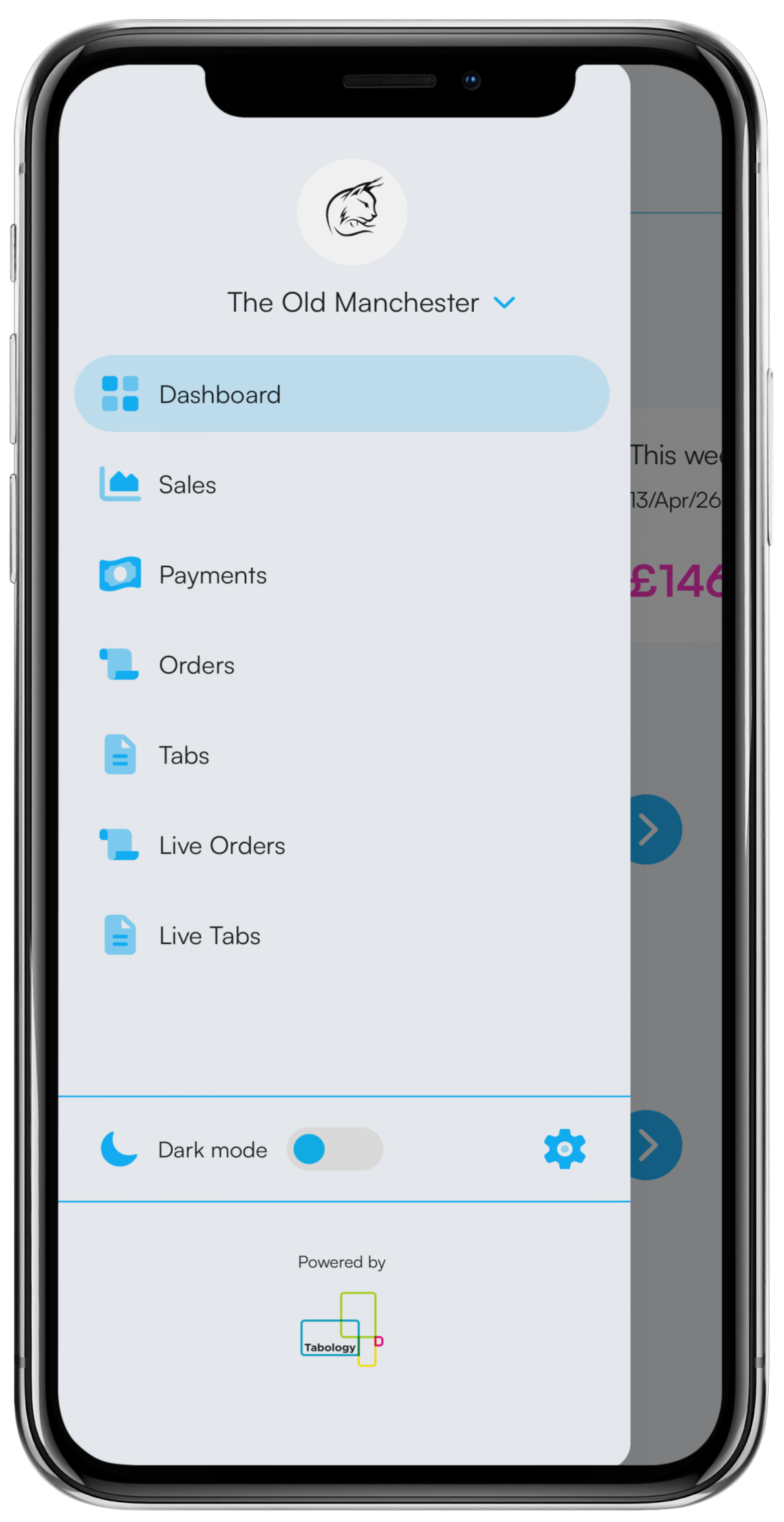
The venue name and logo (if uploaded) will update.
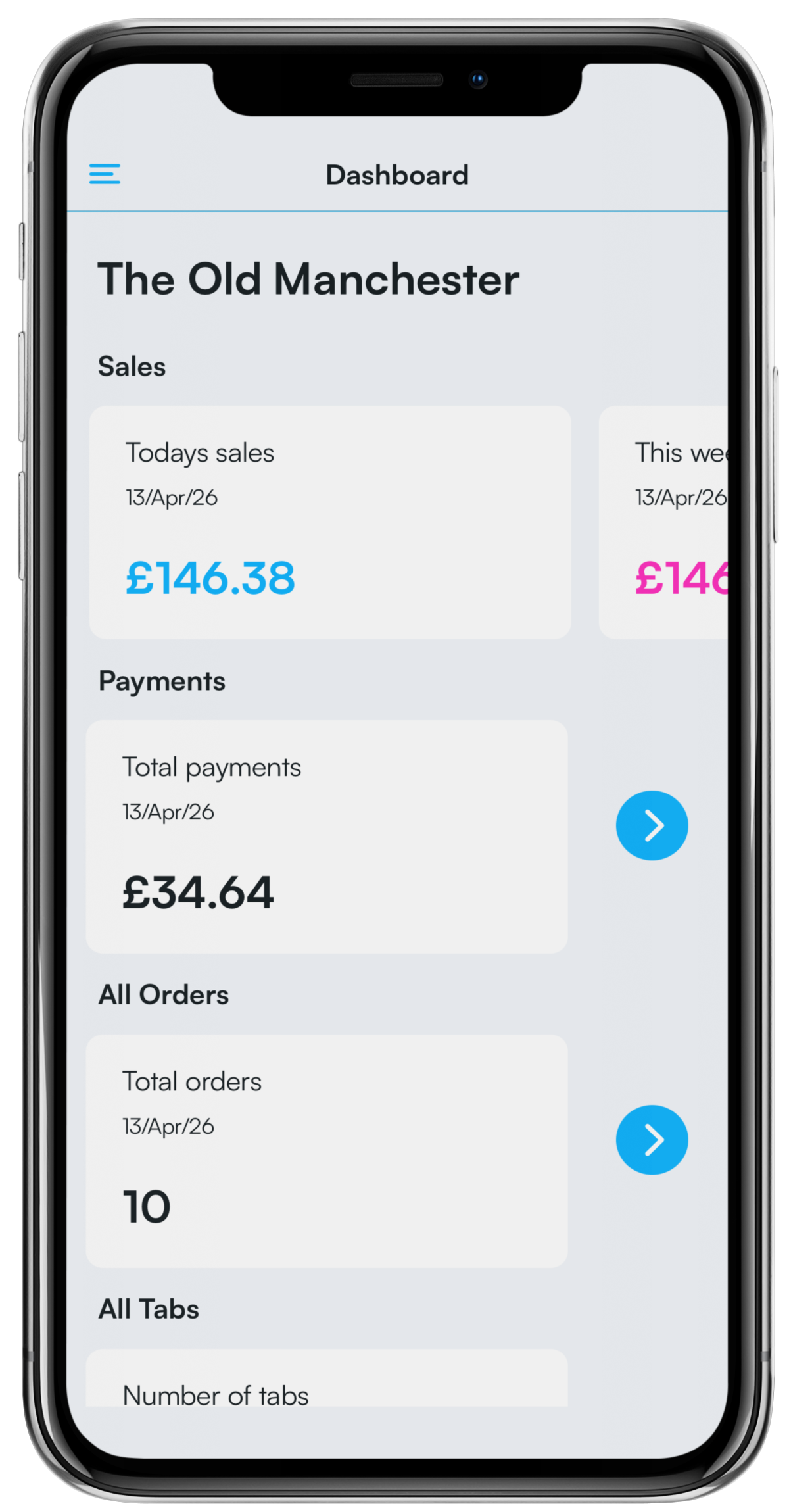
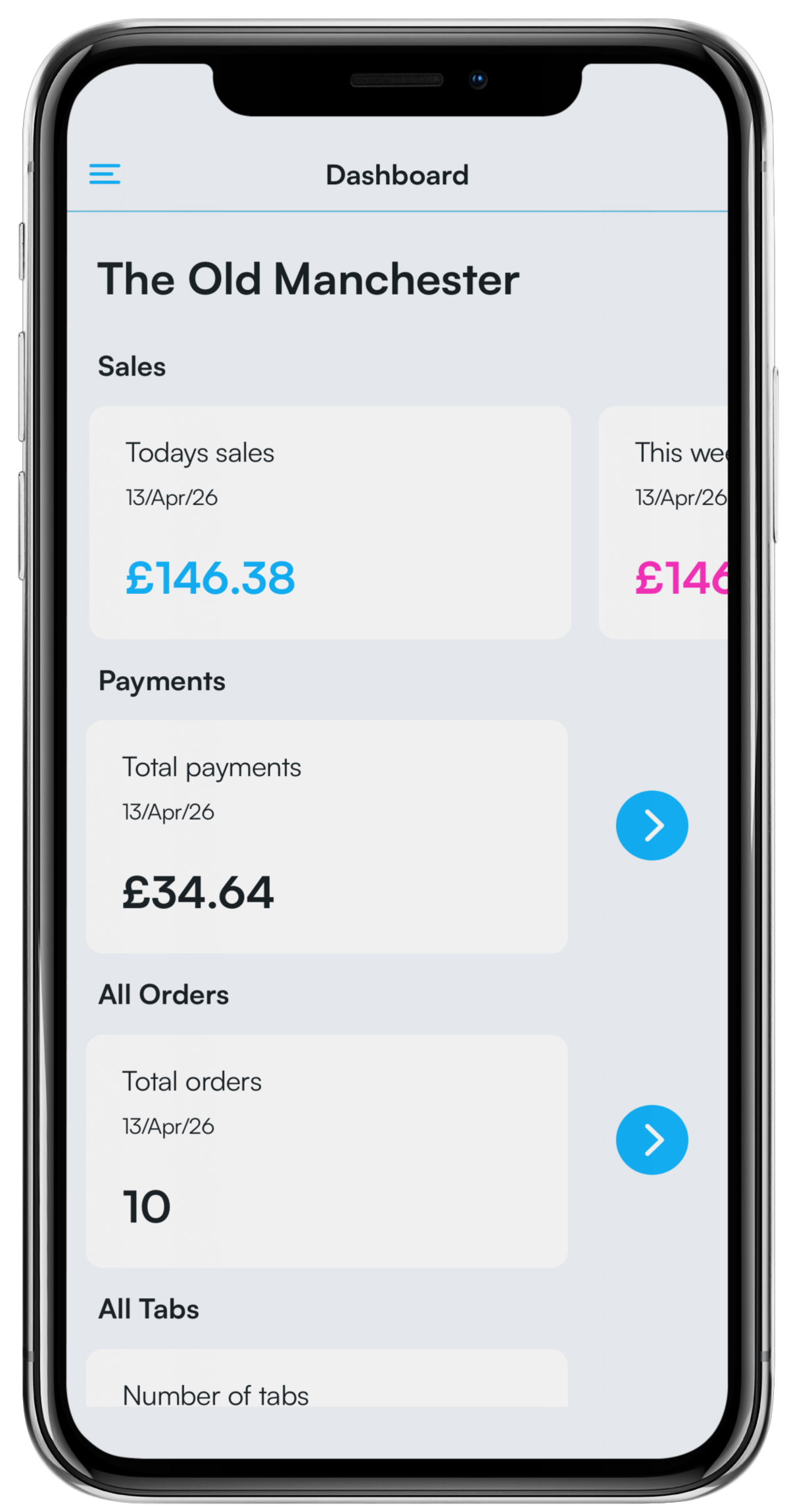
Go back to the dashboard and drag the screen down to refresh the sales information.
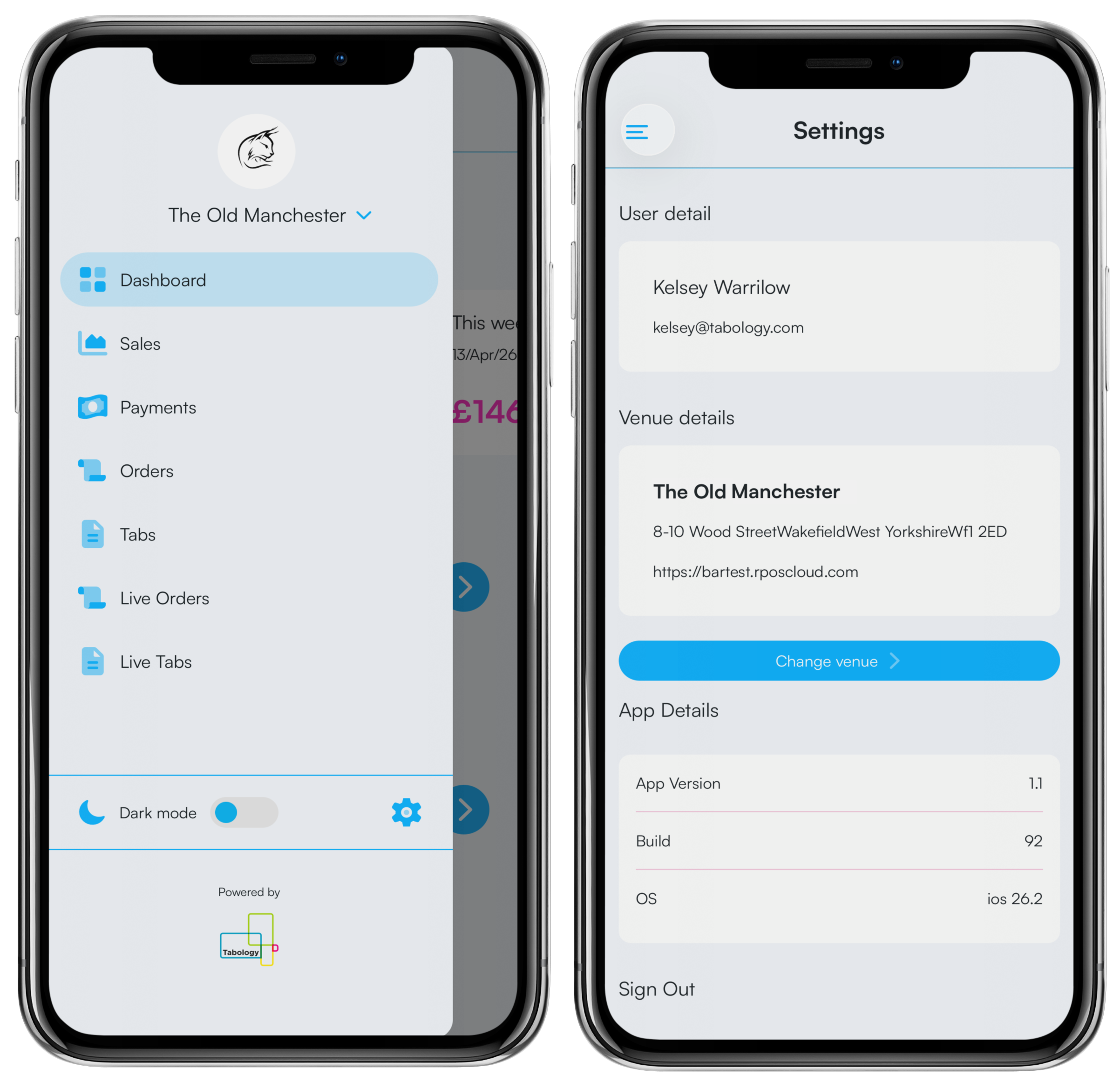
Alternatively, you can switch between a venue by clicking the blue Menu icon in the top left, followed by the Settings cog. Then click the blue Change venue button.
Any venues you are connected to will display in the list. The currently selected venue will be highlighted in Green with an Identifiable tick icon. Select the venue you want to switch to. The new venue will now be highlight in Green.
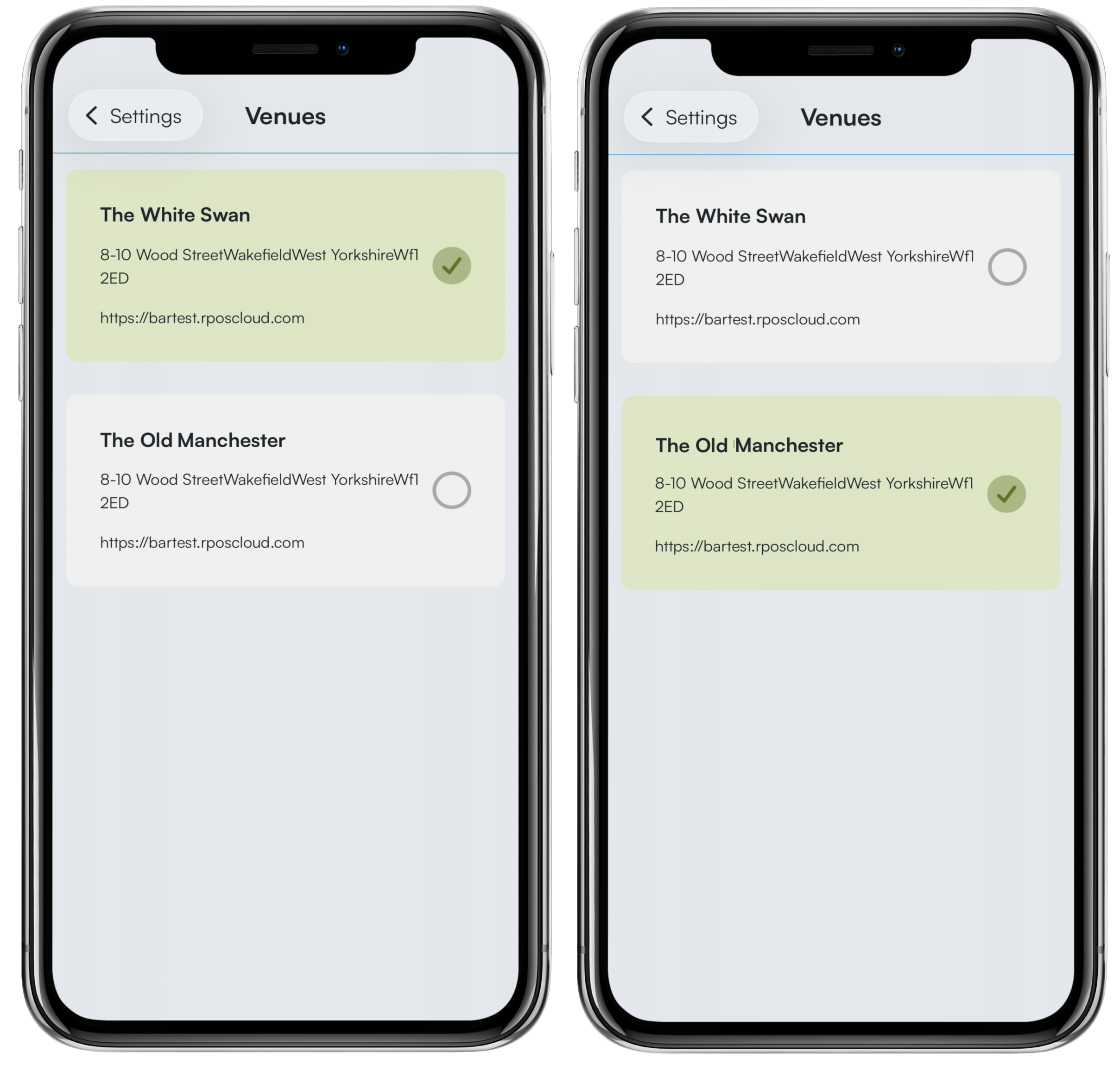
Go back into the Settings menu and return to the dashboard, and drag the screen down to refresh the sales information.
Was this article helpful?
That’s Great!
Thank you for your feedback
Sorry! We couldn't be helpful
Thank you for your feedback
Feedback sent
We appreciate your effort and will try to fix the article